
 EN
EN  ES
ES  IT
IT  FR
FR Resume Builder to create job-ready resumes with AI
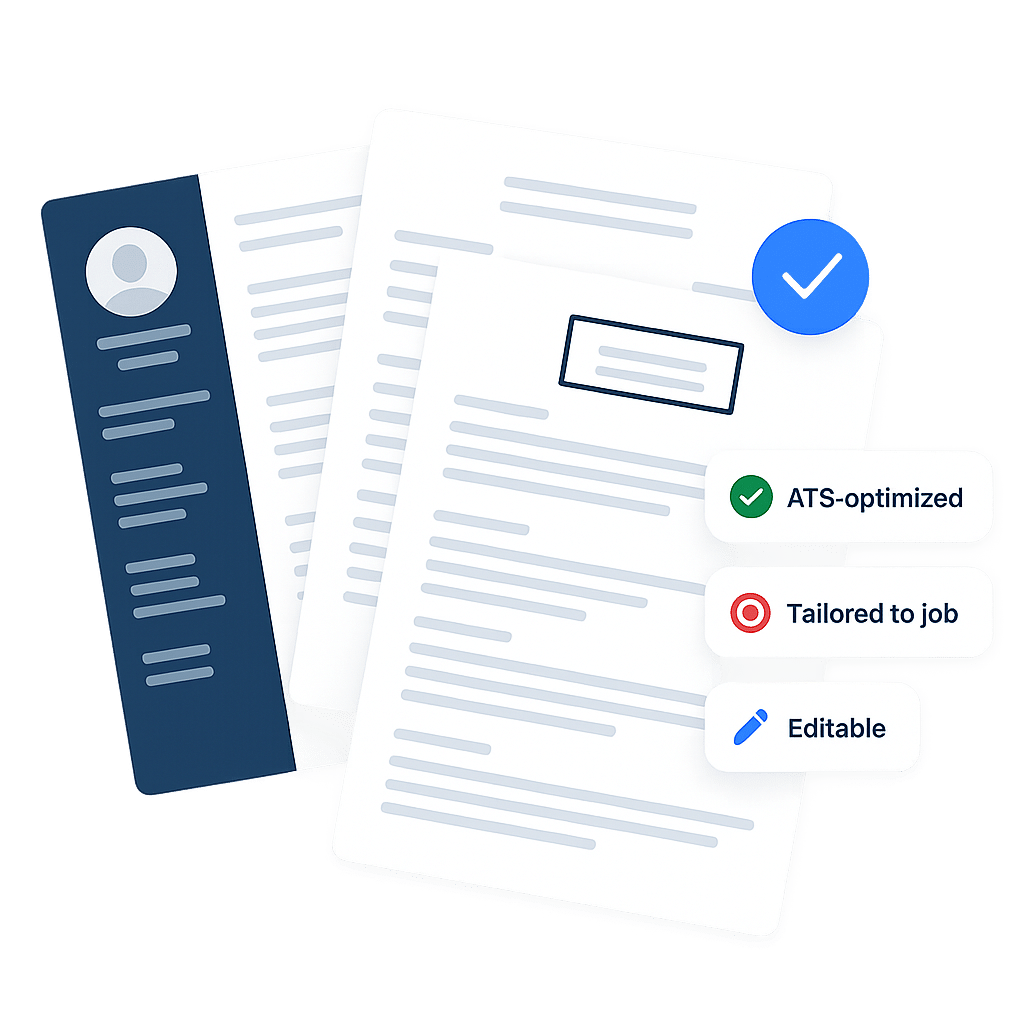
Using the same resume for every role hurts your chances. This AI resume builder creates a job-specific version for each application in just a few clicks.
Trusted by over 10,000 professionals








Build your resume in just 3 easy steps
Upload your current resume and paste the job description you’re targeting. Our AI instantly creates a tailored version of your resume optimized for that role.
Upload your Resume
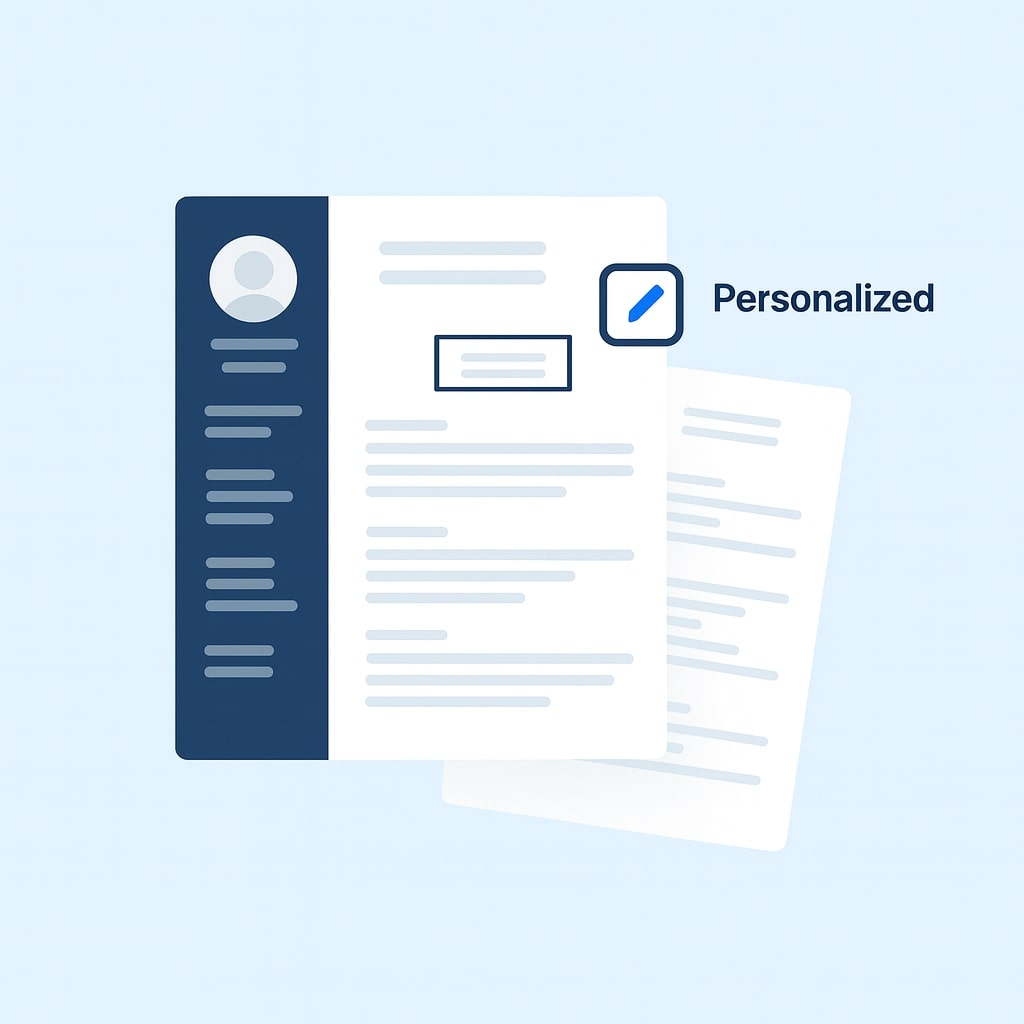
Upload your existing resume so our AI can understand your experience, structure, and strengths. Your original format is preserved and enhanced.
Paste your job description
Paste the job posting you’re applying for. Our AI analyzes keywords, skills, and requirements to understand exactly what recruiters are looking for.
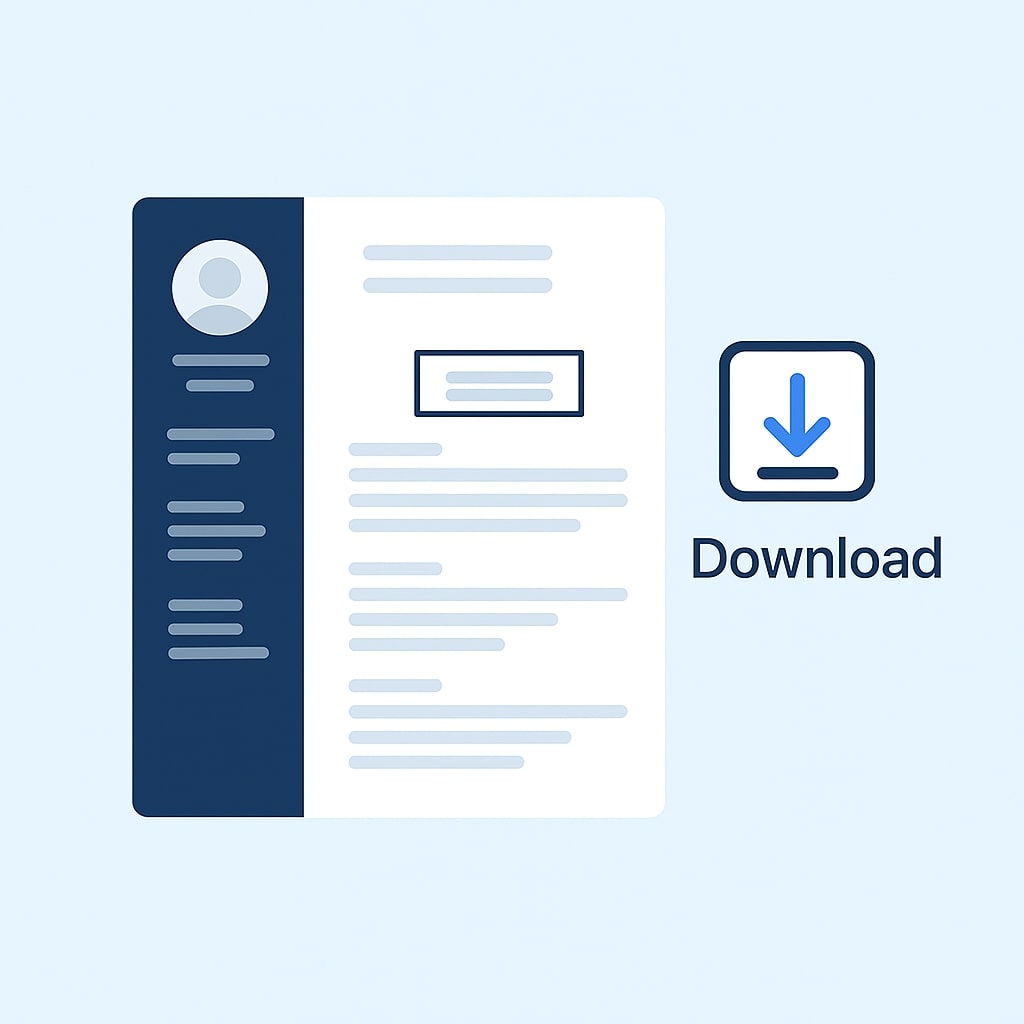
Build you Resume with our AI Resume Builder
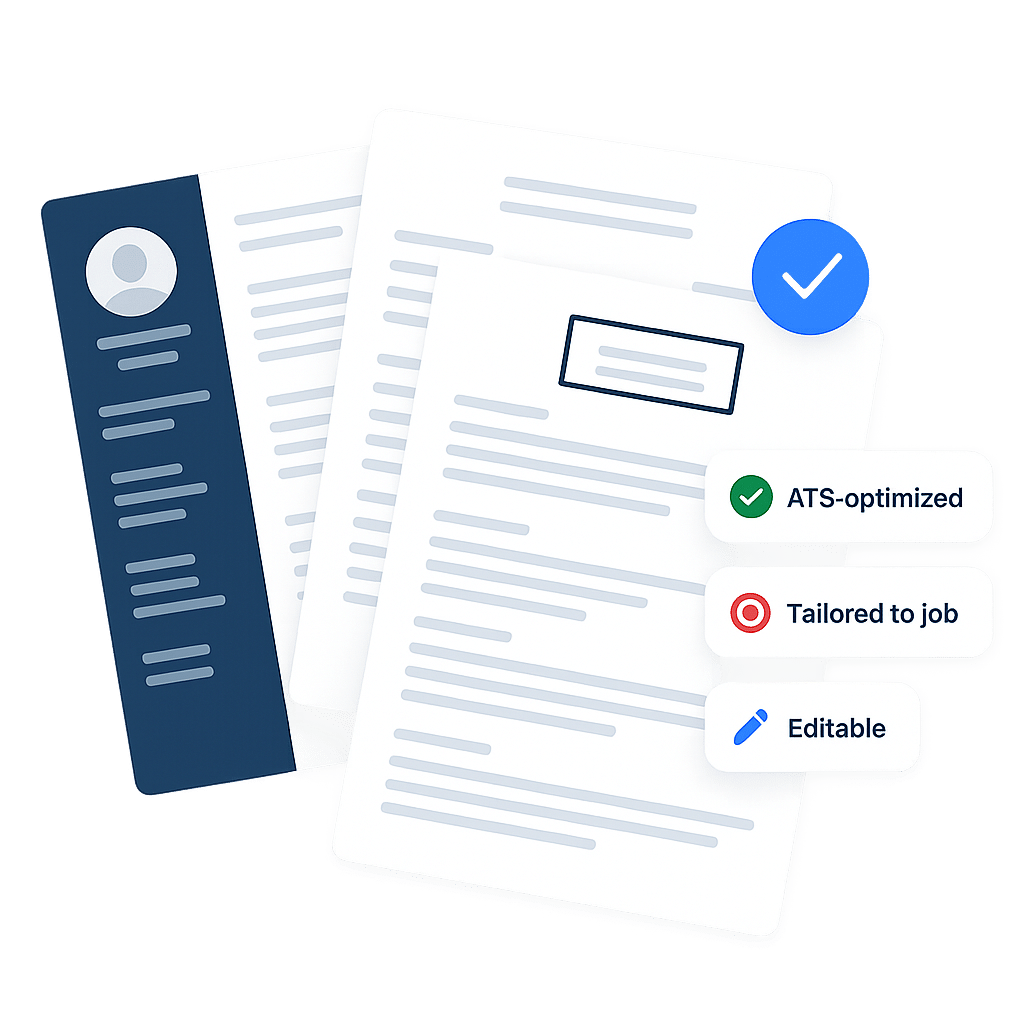
Receive a job-specific, ATS-optimized resume instantly. Make quick edits if needed, download it, and start applying right away.
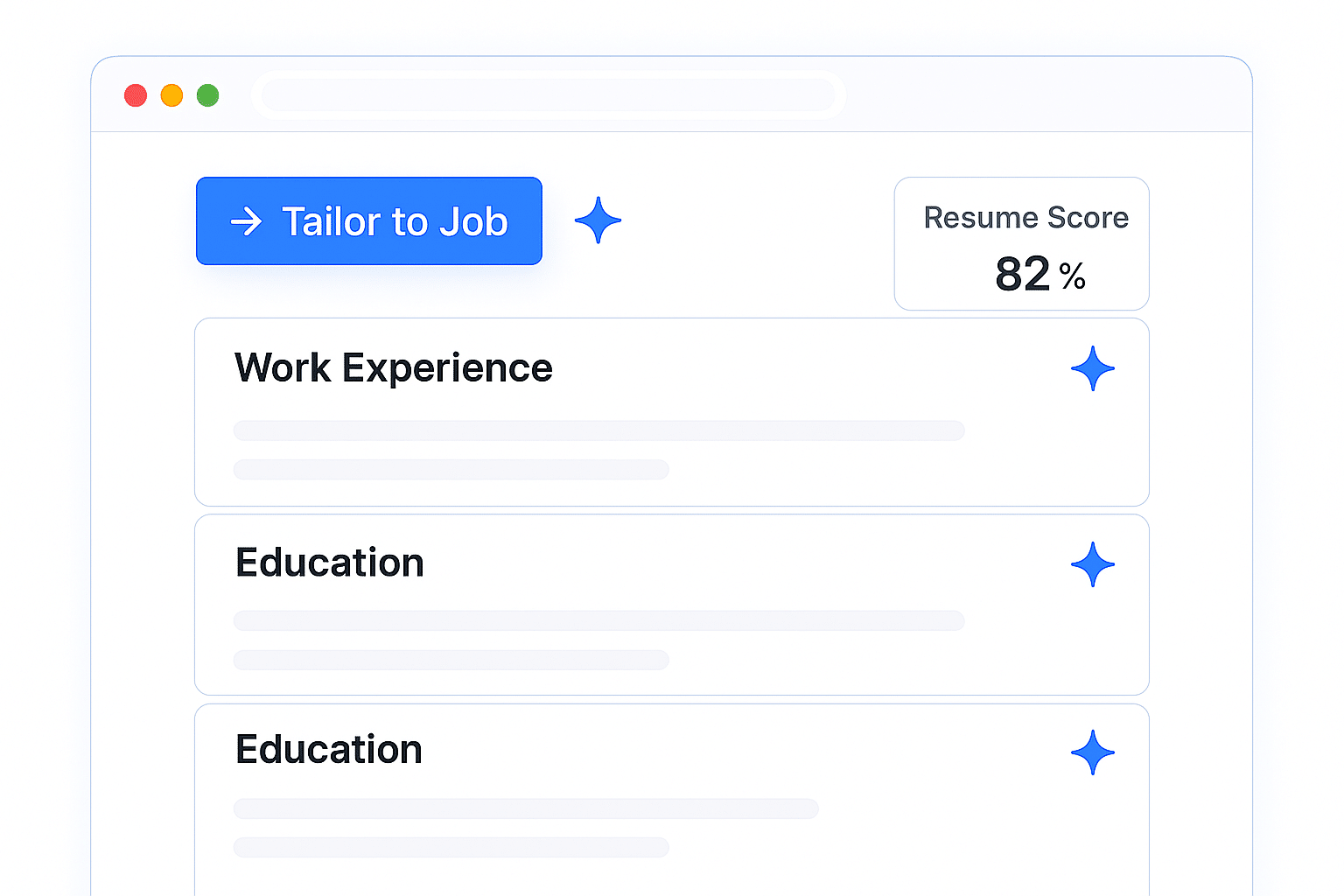
Tailor your Resume to every job posting in minutes
- Automatically structure your resume the right way
- Highlight the most relevant skills and experience and optimize keywords for ATS systems
- Adapt tone and content for different roles and industries
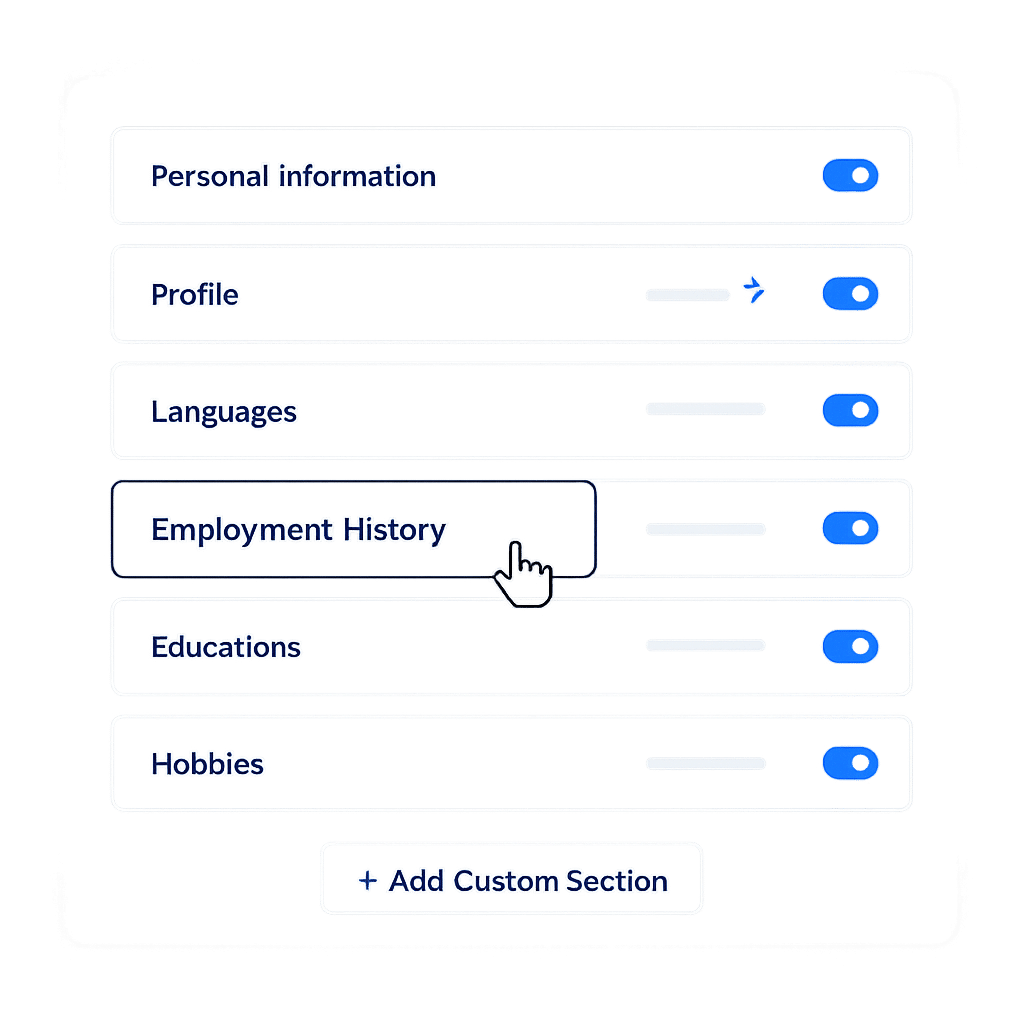
Get the flexibility you need in one resume builder
- ATS-friendly resume templates Simple editor with AI enhancement suggestions
- Templates that adapt to your needs for each job offer
- No formatting headaches or design skills required
Create resumes that match every job posting
- Build different resumes for different roles
- Instantly adapt sections for each application
- Emphasize the experience recruiters care about most
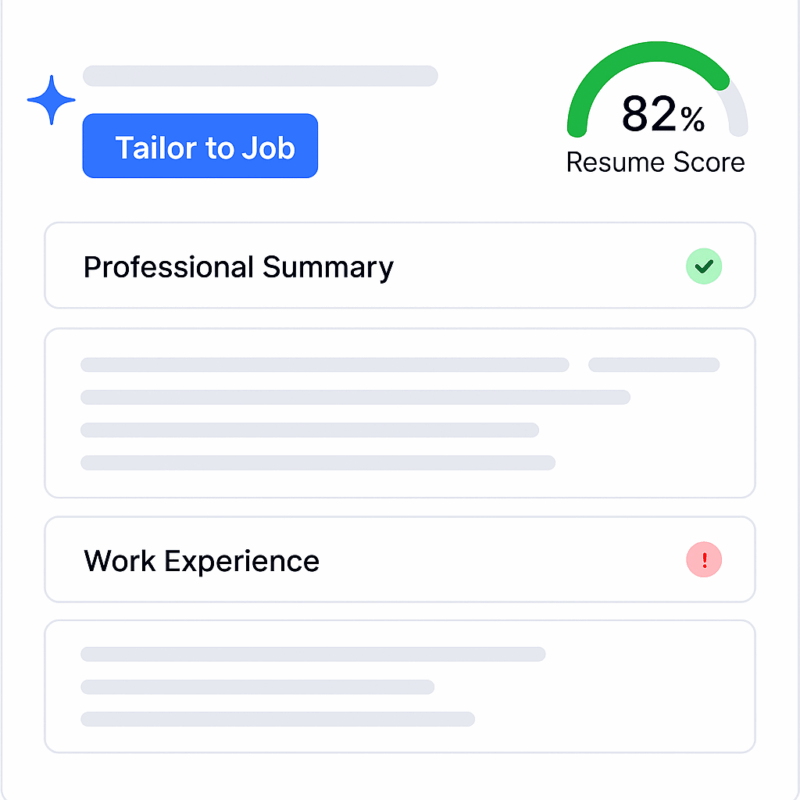
Create job-ready resumes with an AI-powered resume builder
Our AI resume builder helps professionals and students build strong resumes by improving structure, clarity, and relevance across every section.
AI Professional Summary Builder
Generate a compelling professional summary automatically. Our AI highlights your strengths, experience, and career focus based on the role you’re applying for.
ATS-Friendly Resume Templates
Choose from professionally designed, fully editable resume templates that work across industries and pass applicant tracking systems.
AI-Enhanced Experience Bullet Points
Turn basic job descriptions into impactful resume bullet points using proven frameworks that emphasize results and relevance.
Resume Examples That Land Interviews
Get inspired from expertly crafted resume examples and best practices
AI Resume Builder
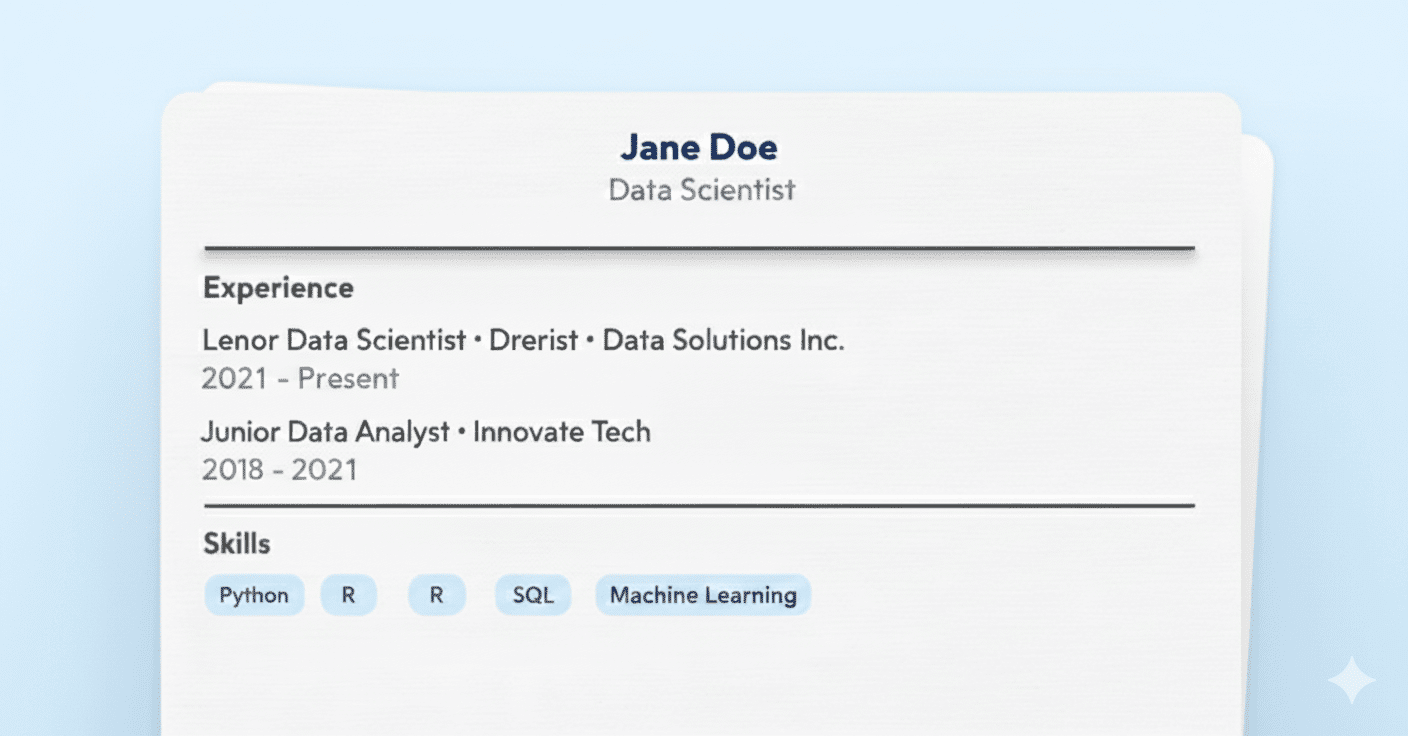
Data Scientist Resume Examples
See data scientist resume examples with best practices for showcasing projects, tools, measurable impact, and ATS-friendly formatting.
AI Resume Builder
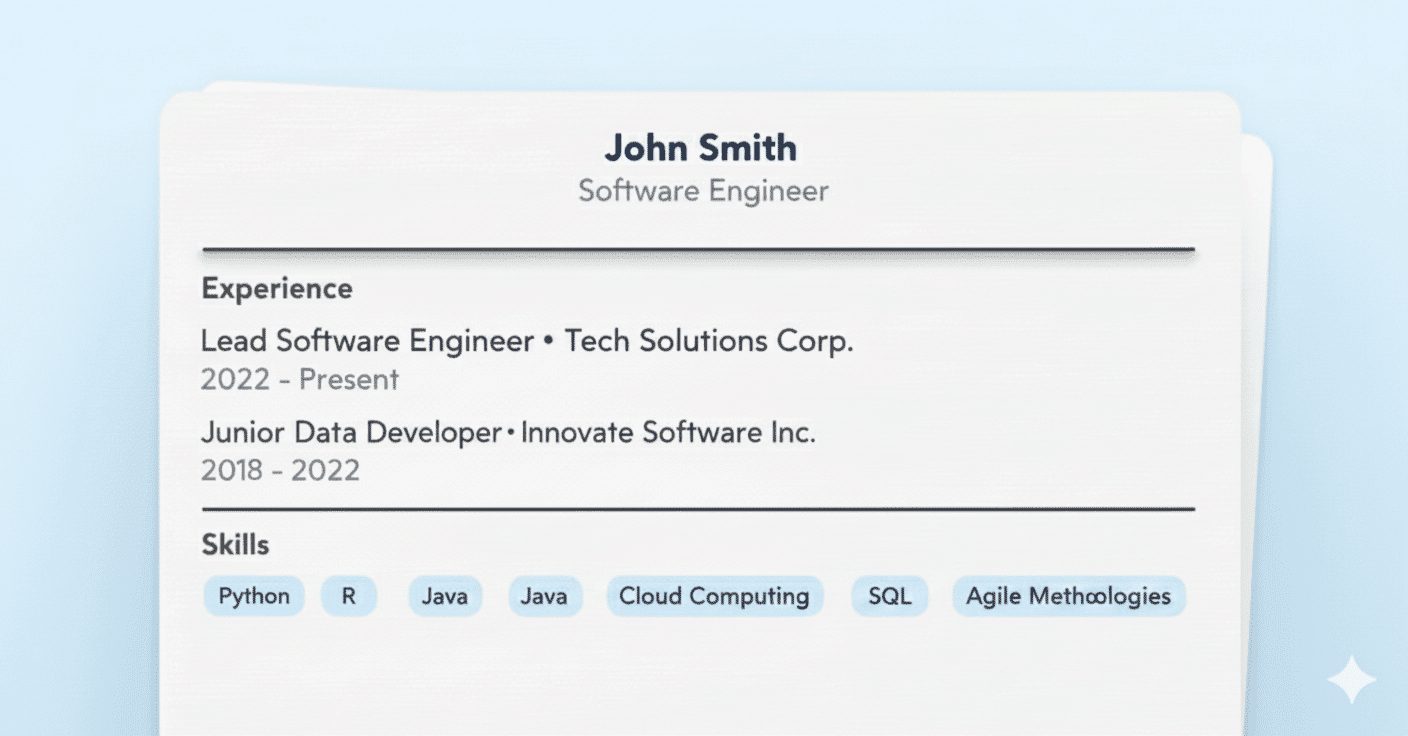
Software Engineer Resume Examples
Explore software engineer resume examples with best practices for presenting skills, experience, and technical achievements clearly.
AI Resume Builder
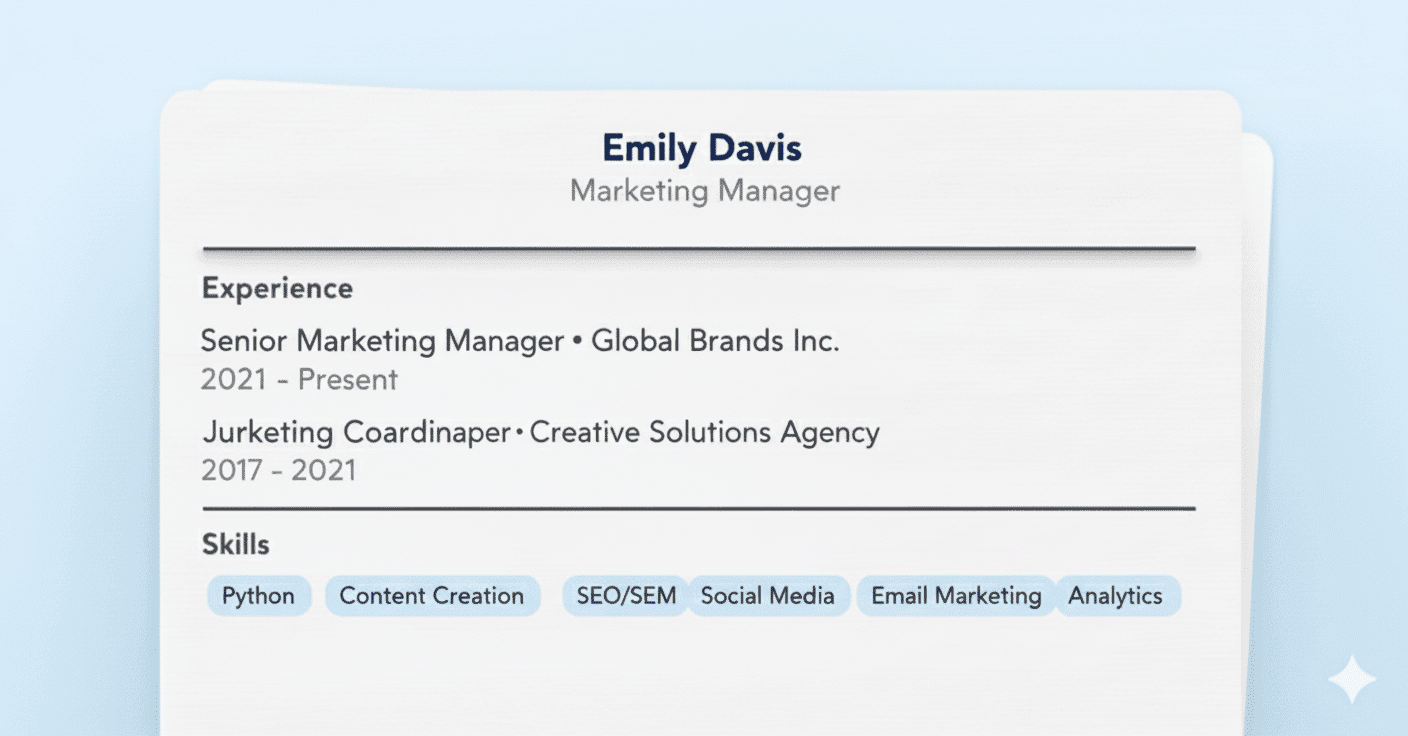
Marketing Manager Resume Examples
Discover marketing manager resume examples with best practices focused on strategy, growth metrics, and measurable results.
AI Resume Builder
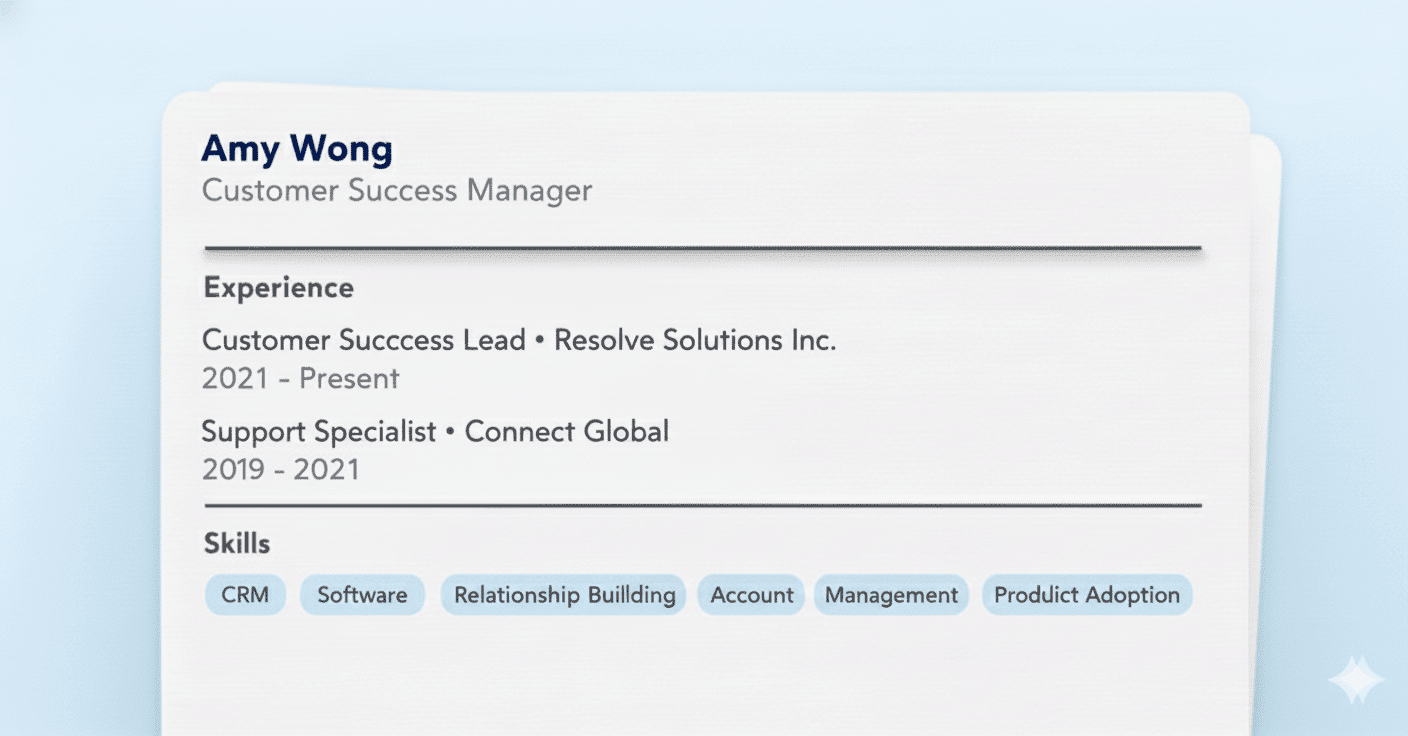
Customer Success Resume Examples
Review customer success resume examples with best practices for highlighting retention, expansion, customer impact, and KPIs.
AI Resume Builder
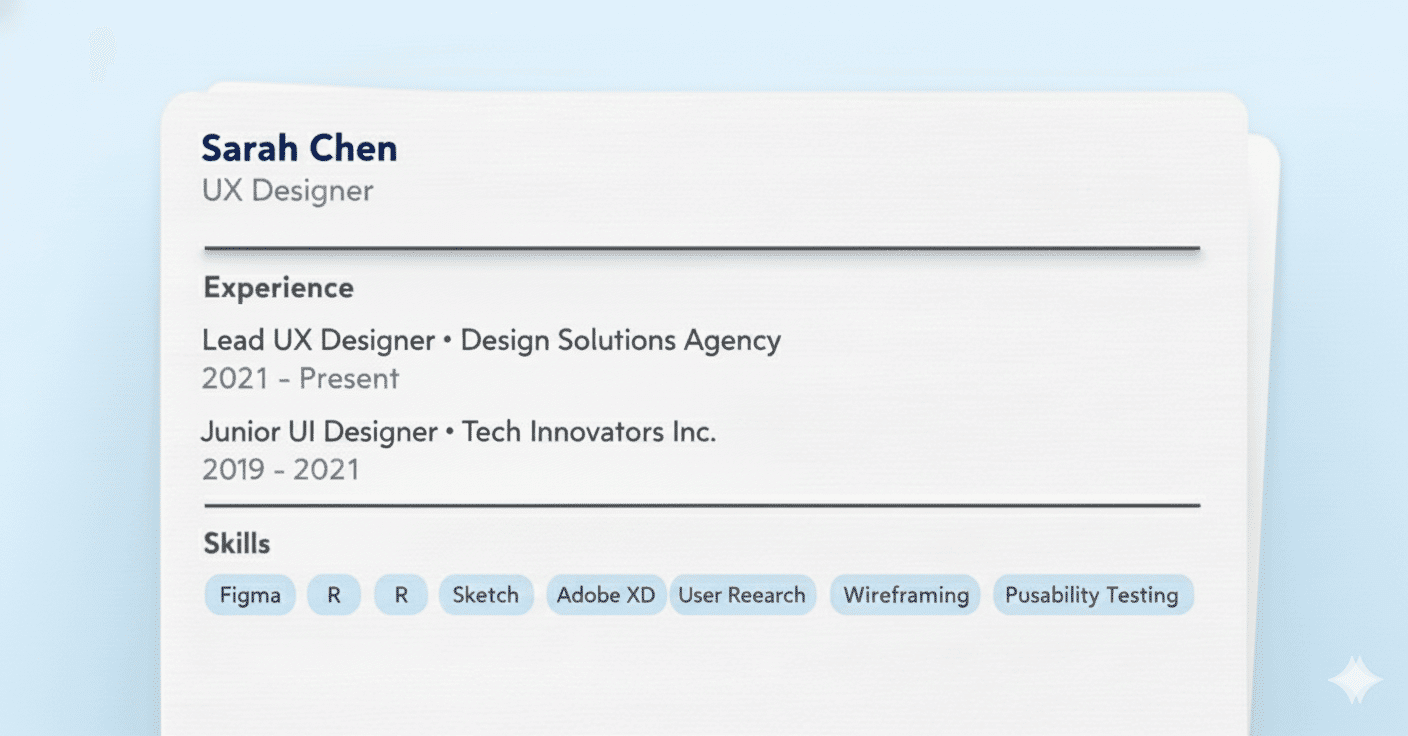
Browse UX designer resume examples with best practices covering design process, collaboration, research, and real-world impact.
AI Resume Builder
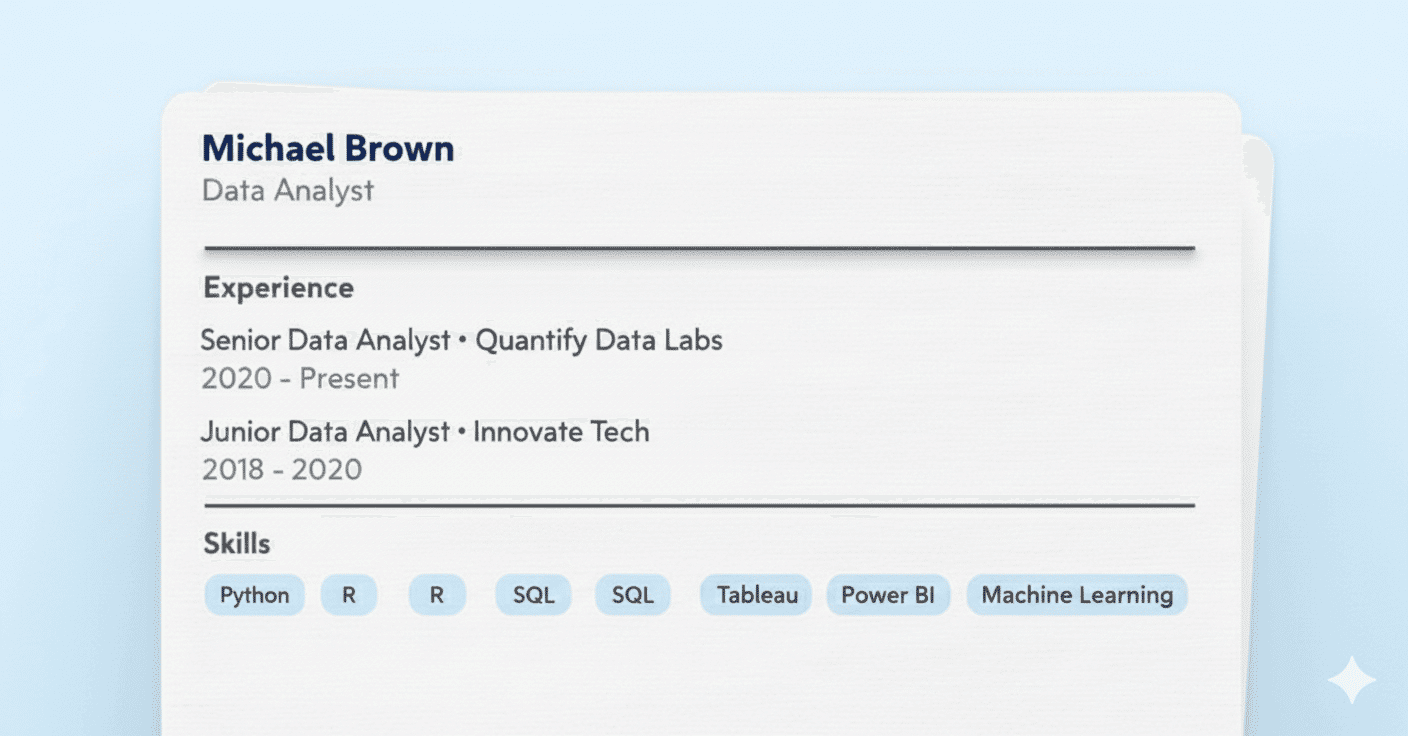
Explore data analyst resume examples with best practices for presenting insights, dashboards, tools, and business outcomes.
Tired of applying with no results? Choose your plan
FREE
No credit card required
- 1 Job Application Free
- AI Application kit
- Job-specific Resume
- Cover Letter Generator
- Skills Match Insights
- Skills Match Insights
- Interview Preparation
- Job Tracker
- No credit card required
WEEKLY
7
/week
50% off
- Up to 15 applications
- Job-specific Resumes
- AI Cover Letter Generator
- Skills Match Insights
- Linkedin Profile Review
- Interview Preparation
- AI Application kit
- Job Tracker
- 7-day money back guarantee
MONTHLY
19
/month
50% off
- Up to 100 applications
- Job-specific Resumes
- AI Cover Letter Generator
- Skills Match Insights
- Linkedin Profile Review
- Interview Preparation
- AI Application kit
- Job Tracker
- 7-day money back guarantee
QUARTERLY
49
/quarter
50% off
- Up to 500 applications
- Job-specific Resumes
- AI Cover Letter Generator
- Skills Match Insights
- Linkedin Profile Review
- Interview Preparation
- AI Application kit
- Job Tracker
- 7-day money back guarantee
Lifetime Access
/forever
50% off
- Up to 100 applications/month
- AI Application Kit
- Skills Match Insights
- AI Cover Letter generator
- AI-powered resume builder
- Interview questions and answers
- Job Tracker
- Lifetime access
- Priority support
- 7-day money back guarantee
Frequently Asked Questions
1. What does JobWinner’s AI Resume Builder do?
JobWinner is an AI resume builder that helps you create a stronger, more effective resume starting from your existing one. You upload your resume, and the AI rebuilds it with better structure, clearer wording, and improved sections while keeping your real experience intact.
2. Do I need to already have a resume to use JobWinner?
Yes. JobWinner works from an existing resume. You upload your current resume, and the AI uses it as the foundation to build an improved, professional version that’s ready to apply with.
3. How long does it take to build a resume with JobWinner?
4. Can I create different resume versions from the same resume?
Yes. You can generate multiple versions of your resume from the same original file. This allows you to reuse your experience while creating different resume versions for different roles, industries, or seniority levels.
5. What if I’m not sure how to improve my resume?
That’s exactly where JobWinner helps most. The AI identifies weak sections, unclear wording, and missing details, then improves your professional summary, experience bullet points, and skills using proven resume best practices.
6. Can I edit my resume after it’s rebuilt?
7. Are resumes built with JobWinner ATS-friendly?
Yes. JobWinner rebuilds resumes using clean structure and formatting designed to work well with applicant tracking systems, while still being easy for recruiters to read.
8. Can I try JobWinner before paying?
Yes. You can try JobWinner for free and rebuild your resume once without a credit card. This lets you see the AI resume builder in action before upgrading.
9. What file formats does the JobWinner Resume Builder support?
The Resume Builder accepts uploads and exports in PDF, DOCX, TXT, and additional common file formats. You can pick the format that fits the application you are submitting and re-export the same resume in a different format at any time without re-entering data. This lets you keep one master resume in JobWinner and ship it in whichever format the employer or job board asks for. You can run the ATS Resume Checker on any export to confirm it passes the rules used by major applicant tracking systems.
10. How many resume templates does JobWinner offer?
JobWinner offers 10 built-in resume templates with different layouts and designs, so you can pick the one that matches your style and the role you are applying to. The templates are general-purpose and work across all industries, from tech and finance to healthcare, education, marketing, and creative roles. You can switch between templates at any time without losing your content, and you can browse the broader resume templates library for additional inspiration before you build.
11. In which languages can I build my resume with JobWinner?
The JobWinner Resume Builder generates resumes natively in over ten languages, including English, Spanish, French, Italian, German, Portuguese, Arabic, Dutch, Polish, Turkish, and Swedish. You pick the target language at the start, and the entire resume, including section labels and AI-generated content, is produced in that language. For roles that require a different target language after the resume is already built, the AI Free Resume Translator translates it while preserving the structure.
12. Can I import my LinkedIn profile into the Resume Builder?
Yes, you can import your LinkedIn profile directly into the Resume Builder and the tool fills the resume with the data from your profile. From there you can edit any section, add information that is not on LinkedIn, and customise the structure to fit a specific role. This is the fastest way to get started if you already keep a complete LinkedIn profile. For a fuller LinkedIn-to-resume conversion with more control over the output, use the dedicated LinkedIn-to-Resume Converter, and for a profile audit before importing, run the LinkedIn Profile Reviewer first.
Create tailored resumes, cover letters and much more with our AI tools
Join the ranks of successful job seekers hired thanks to JobWinner AI tools