EN
EN  ES
ES  IT
IT  FR
FR 
Confused about using tables in your resume? Uncover how tables affect ATS parsing, why clean layouts boost your job prospects, and the formatting tricks that make sure your skills get noticed—not lost in the system.
Key Takeaways
- Tables in resumes often cause ATS parsing errors, leading to vital details being skipped or misread by employers.
- Simple, linear formatting—using tabs, bullet points, and clear section headings—ensures maximum ATS compatibility without sacrificing style.
- Save visually-rich, table-based resumes for direct email or portfolio sharing, but always have a plain, ATS-friendly version ready for online applications.
- Test your resume by copying it into a text editor: if it appears disorganized, the ATS might struggle to interpret your content.
- Tools like JobWinner.ai can instantly assess and auto-correct your resume’s formatting, helping increase your chances of getting noticed.
- Consistent, uncluttered structure helps both recruiters and AI quickly identify your qualifications and achievements.
How Tables Affect ATS Resume Parsing
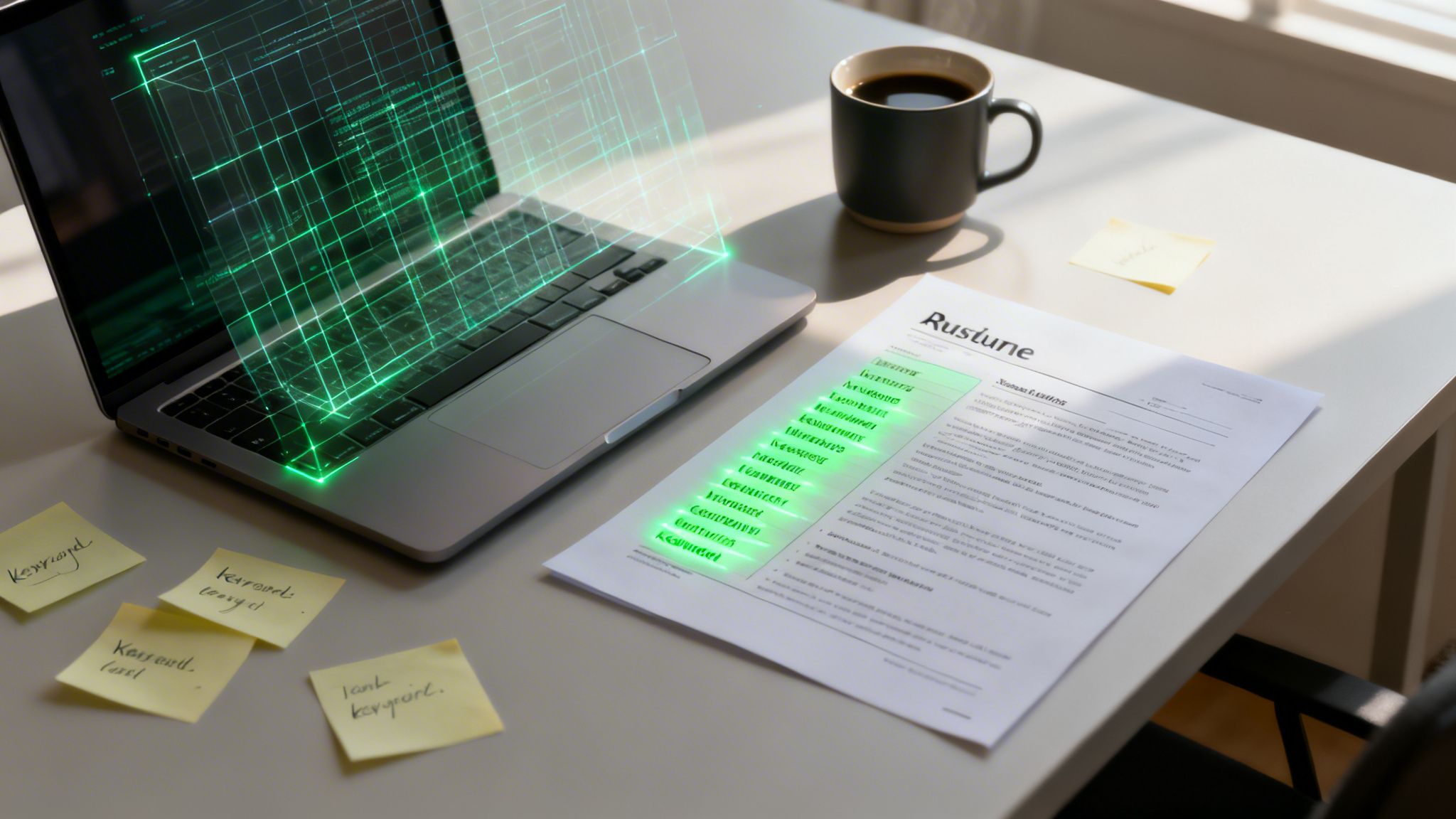
Applicant Tracking Systems (ATS) are essential tools for many employers, but their reliance on plain text extraction can cause issues for job seekers. A major culprit behind resume parsing errors is the use of tables. When you build a resume with tables—especially in formats like Word or PDF—the ATS can misinterpret or skip content, putting your application at risk.
Nearly three-quarters of all ATS parsing errors come from non-linear elements such as tables, charts, and graphics.
Understanding why tables are problematic starts with recognizing how ATS software reads resumes. It scans documents in a straight line, so anything divided into columns or merged cells can confuse the system. For example, if your skills and dates are in separate columns, the ATS might mix them up or ignore them altogether, leading to important details being lost in translation.
| Table Use Case | Potential ATS Error |
|---|---|
| Side-by-side skills | Skills may not be read, or content is merged |
| Date/company columns | Employment dates appear in the wrong fields |
| Section headers in rows | Entire sections may be skipped |
“Those crisp, side-by-side skill lists you spent hours on might not even be seen by recruiters.”
As you can see, even well-established ATS platforms like iCIMS or Taleo are not immune to these issues. The impact is clear: if your resume relies on tables for layout, key information could be hidden from employers. To ensure your resume makes it through the ATS intact, avoid tables and stick to simple, linear formatting. For a deeper dive into how to beat ATS systems, check out this comprehensive guide.
Resume Formatting Without Tables: Clean & ATS-Friendly
Modern resume writing demands both visual clarity and compatibility with applicant tracking systems (ATS). Many job seekers are tempted to use tables for a neat, two-column layout, but tables often confuse ATS software—risking that vital information is missed. Instead, you can achieve a polished look using alternative strategies that keep your resume both stylish and easily scanned by digital systems.
One practical approach is to use tabs or careful spacing to simulate columns. For example, you might right-align your dates while left-aligning job titles, providing structure without the technical barriers of tables. Key formatting tips include:
- Use tabs for alignment rather than embedded tables.
- Stack bullet points under bolded section headers (like Technical Skills or Certifications).
- Employ subtle visual cues such as bold or italics for emphasis, rather than gridlines or shaded cells.
These methods ensure your resume remains organized and visually appealing while maximizing ATS compatibility.
To make grouped content—like skills or languages—stand out, list items vertically with bullet points under clear labels. For instance:
Technical Skills
- Python
- Excel
- Data Analysis
If you need to separate information on a single line, try minimal styling such as vertical bars (|) between elements, but avoid overuse to prevent clutter. Also, consider leveraging dedicated resume tools like JobWinner.ai, which are designed to automatically format documents in an ATS-friendly way.
“Formatting is not just about aesthetics—it’s your first test in attention to detail and professionalism,” notes a leading recruiter.
The core idea: Simple layouts and strategic formatting protect your resume from technology pitfalls while highlighting your strengths. If you’re curious how AI-driven tools can further help you tailor your resume to the job description, explore this article.
When to Use Tables in Your Resume Design
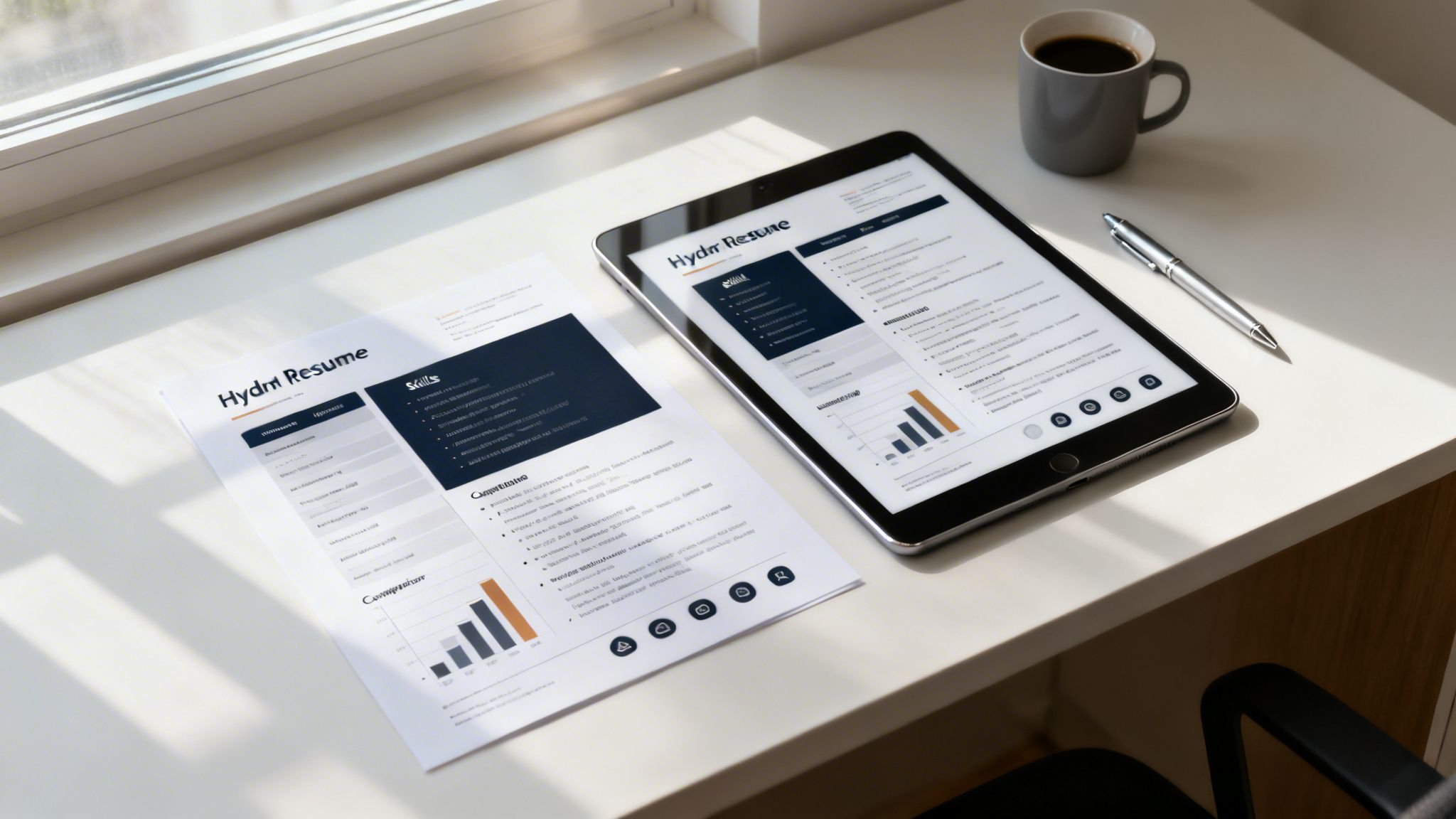
Tables can be a double-edged sword in resume formatting. When applying directly to a hiring manager’s email or sharing your resume through a personal website or portfolio, tables can help organize details and create a clean, modern layout. However, this visual advantage comes with some caveats.
Always check how your resume displays on different devices before sending. A table that looks great on your laptop might not render well on mobile or other screens.
Let’s simplify the best scenarios for table use:
- Direct email submissions to a real person
- Uploads on personal websites or online portfolios
- Applications to small companies unlikely to use applicant tracking systems (ATS)
In these cases, simple tables—no merged cells, images, or fancy formatting—can enhance readability and leave a professional impression.
On the flip side, most large employers use ATS software that often struggles with tables. If your resume is formatted with complex tables, machines might misread or skip key information, hurting your chances of moving to the next stage. That’s why experts recommend saving two versions: one visually engaging and one plain, ATS-friendly file.
“Use a stylish table-based resume for humans, but always keep a stripped-down version ready for the machines.”
Imagine you’re applying to a creative agency: sending a visually tailored resume with a table for your projects can wow the hiring manager—while a plain text version ensures you’re also ATS-compliant in case they use software later in the process.
The key insight: Match your resume style to how—and to whom—you’re applying, and always prepare a backup that’s easy for both humans and technology to process. For inspiration, browse some resume examples that balance design with ATS-friendliness.
How to Ensure Your Resume Is ATS-Compatible
If you want your resume to pass through Applicant Tracking Systems (ATS), the first step is a simple DIY test. Open your resume with a basic text editor like Notepad and paste your content. If the text appears jumbled, out of order, or sections blend together, that’s a red flag: the ATS may not interpret your information properly. This quick check helps you spot formatting issues such as tables, columns, or graphics that might confuse the software.
To make this clearer, here’s a concise breakdown of what to look for:
- Headings and sections should remain distinct.
- Bullet points should display as actual bullets or dashes.
- Contact info must land in the right place, not buried mid-document.
If your resume passes this plain-text test, it’s more likely to be ATS-friendly. However, manual checks only catch obvious errors, so further steps are recommended before submitting your application.
For a deeper assessment, consider using advanced resume scanning tools. Platforms like Jobscan, Resumeworded, and JobHero analyze your document for ATS compatibility, pointing out potential issues and suggesting fixes.
“The best way to optimize your resume is to see it the way an ATS does,” notes a career tech specialist at JobWinner.ai.
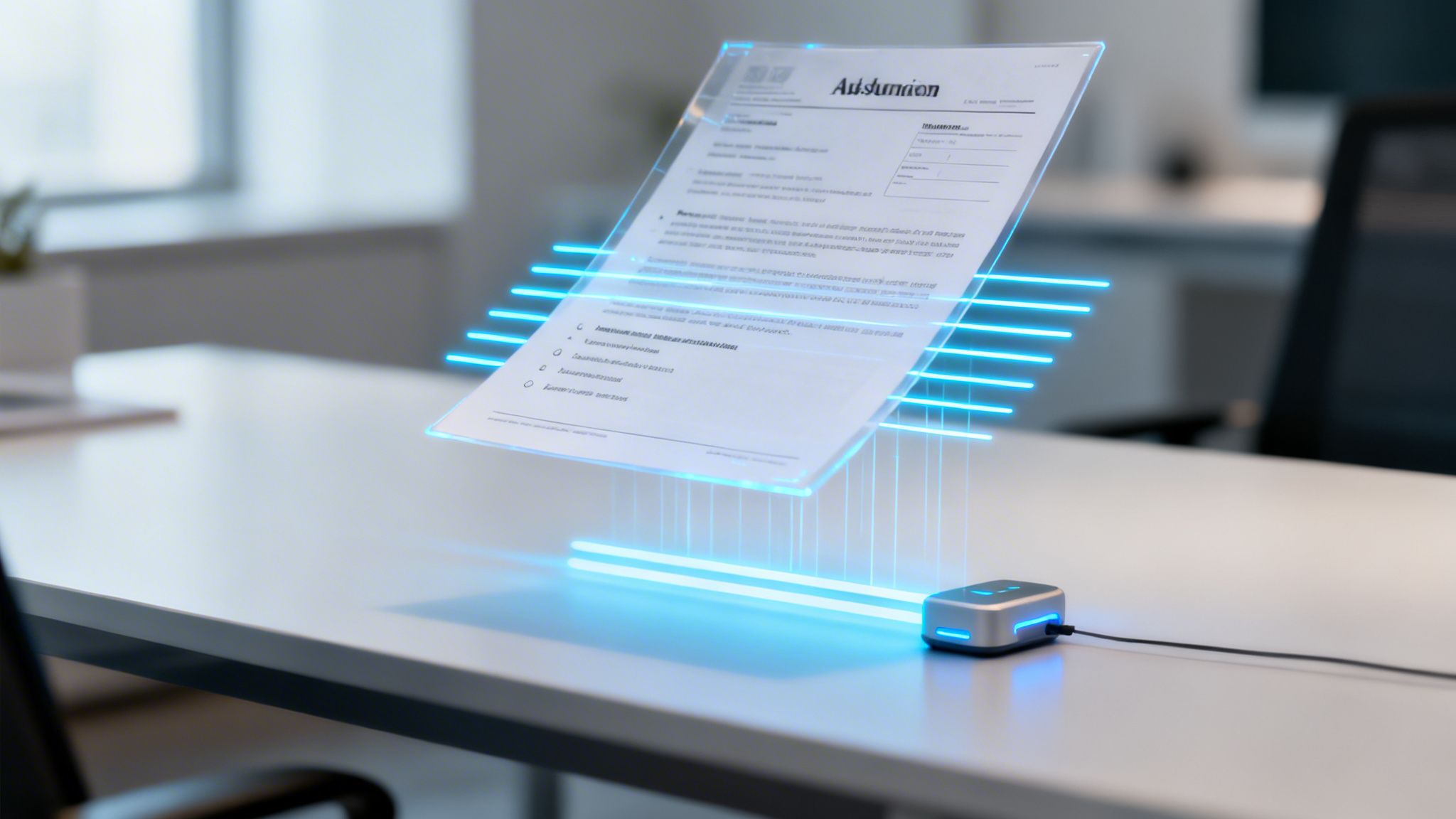
Even better, with JobWinner.ai, you get a real-time preview of how tracking systems will read your resume. The platform also highlights and auto-corrects risky formatting, so your resume is ready to impress both bots and humans.
The key insight: Taking these extra steps ensures your application lands in the right hands—without getting stuck in the system. If you want to learn more about passing ATS filters with AI, check out this detailed article.
Crafting Standout Resumes Without Overusing Tables
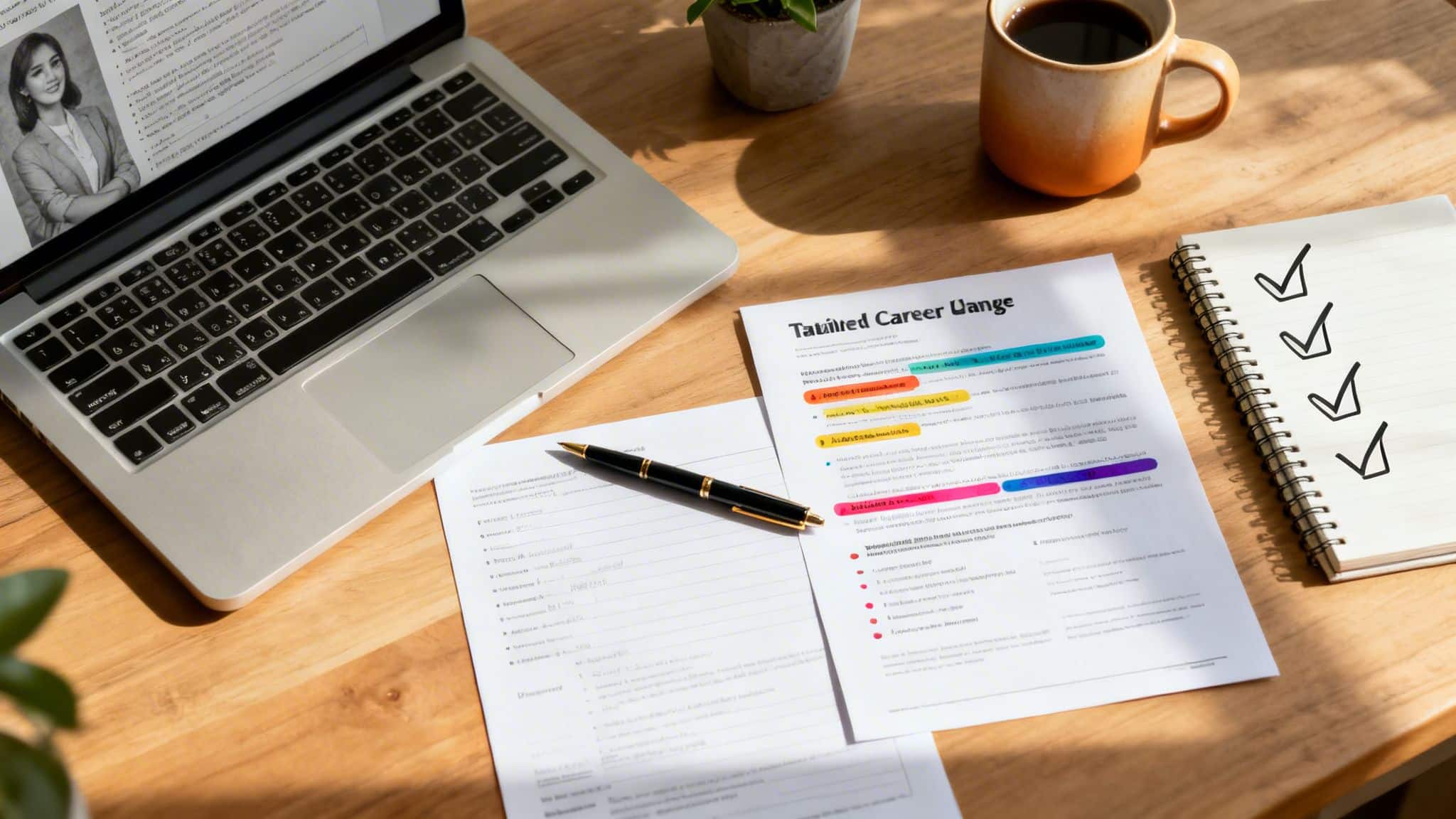
Many job seekers still believe that tables are the best way to organize resume content. However, relying on tables can sometimes confuse Applicant Tracking Systems (ATS), making your credentials harder to read. Instead, prioritize a clean, logical structure that allows your skills and experience to shine without clutter or formatting issues.
Here’s how you can achieve this:
- Use consistent section headings (like ‘Experience’, ‘Education’, ‘Skills’) for easy scanning.
- Employ bullet points to break up information and highlight achievements clearly.
- Align text blocks and keep spacing uniform to maintain aesthetic appeal and readability.
“Less is often more when it comes to resume formatting—you want hiring managers and algorithms to find your qualifications, not fight your layout.”
Before you hit ‘submit’ on any application, always save your resume as a .docx or PDF file, depending on the employer’s requirements. This prevents formatting errors and ensures your document appears professional on any device. Next, run your resume through an ATS-friendly checker to catch any hidden issues that could cause your information to be misread or overlooked. For those aiming to streamline the process, tools like JobWinner.ai instantly create resumes optimized for both design and ATS compatibility.
Tip: Investing a few extra minutes to check your resume’s format can make the difference between getting noticed and getting passed over.
By focusing on structure and readability—rather than complicated tables—you increase your chances of landing interviews. The main point: Modern resumes work best when they’re clear, consistent, and easy for both humans and AI to process. This sets you up for success as you move to your next application.
Conclusion
Tables may make your resume look visually clean, but they often trip up the very systems responsible for getting your application in front of recruiters. By sticking to simple, linear formatting, using clear headings and bullet points, and testing for ATS compatibility, you’ll ensure your resume isn’t just beautiful—it’s also effective. For those who want a competitive edge, leveraging tools like JobWinner.ai can automatically optimize your resume’s layout and increase your chances of moving forward in the hiring process. Remember: your goal is not only to impress humans but also to pass the bots—so keep your structure clean and your content accessible. Ready for your next step? Try tailoring your resume for each job and watch your interview requests increase!