
 EN
EN  ES
ES  IT
IT  FR
FR Free AI LinkedIn profile reviewer
Upload your LinkedIn profile to JobWinner. In seconds, get a clear and actionable review: what’s missing, what to fix, and how to stand out.
Trusted by over 10,000 professionals
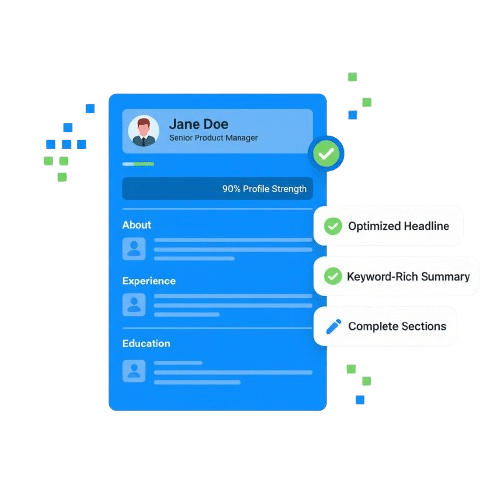









Get a free LinkedIn Review in 3 easy steps
Upload your current LinkedIn profile downloaded as PDF and our AI instantly scans and generate a full review of your profile
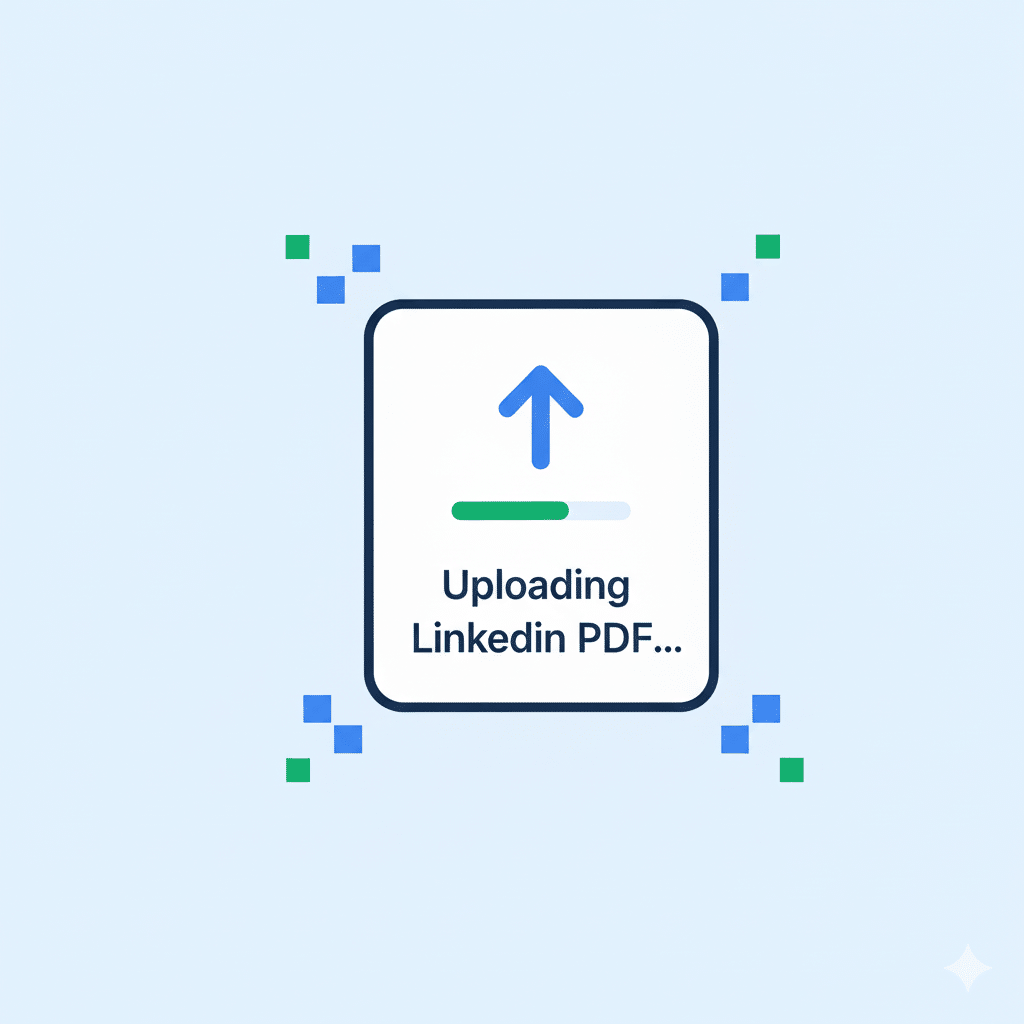
Upload your LinkedIn profile to JobWinner
Paste your LinkedIn URL or upload your LinkedIn PDF. We extract your experience, roles, and skills automatically.
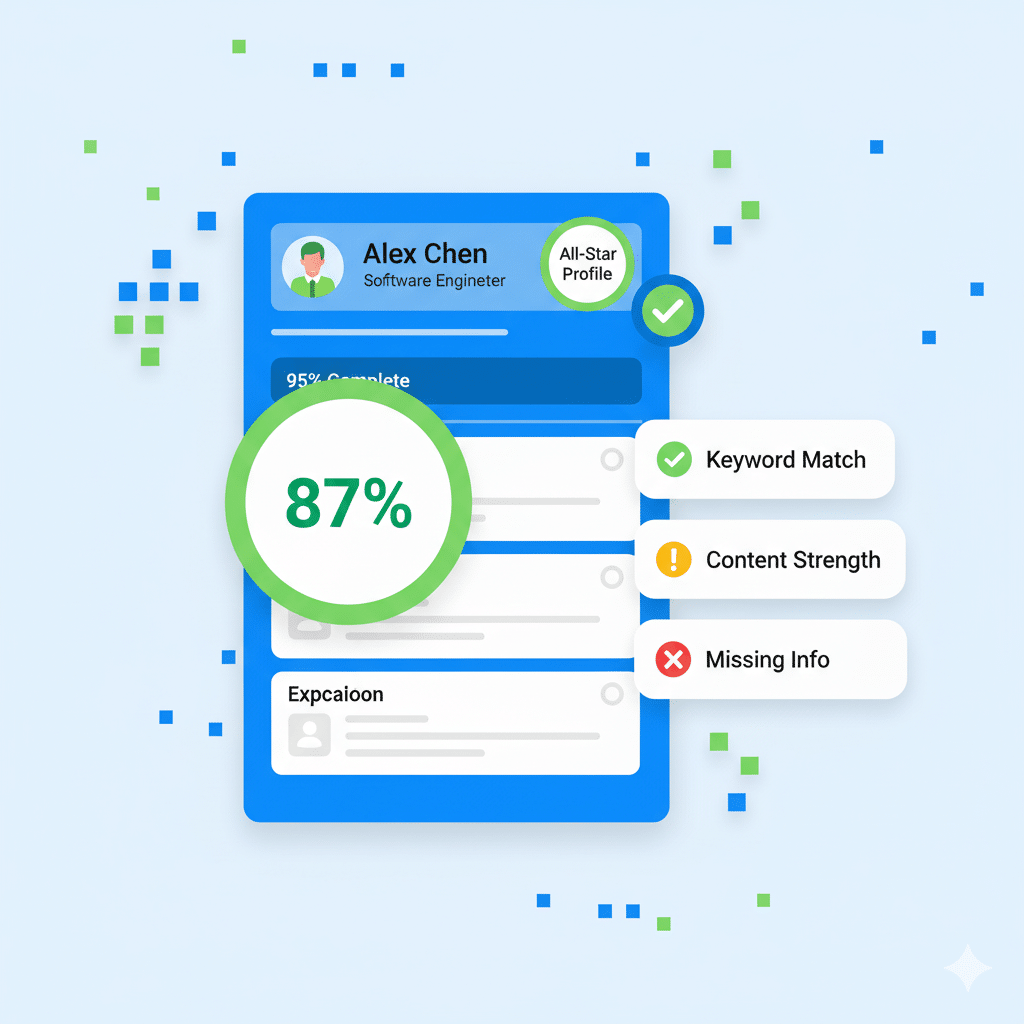
Get your resume draft
See your LinkedIn content rewritten into a clean resume structure with optimized bullet points and sections.
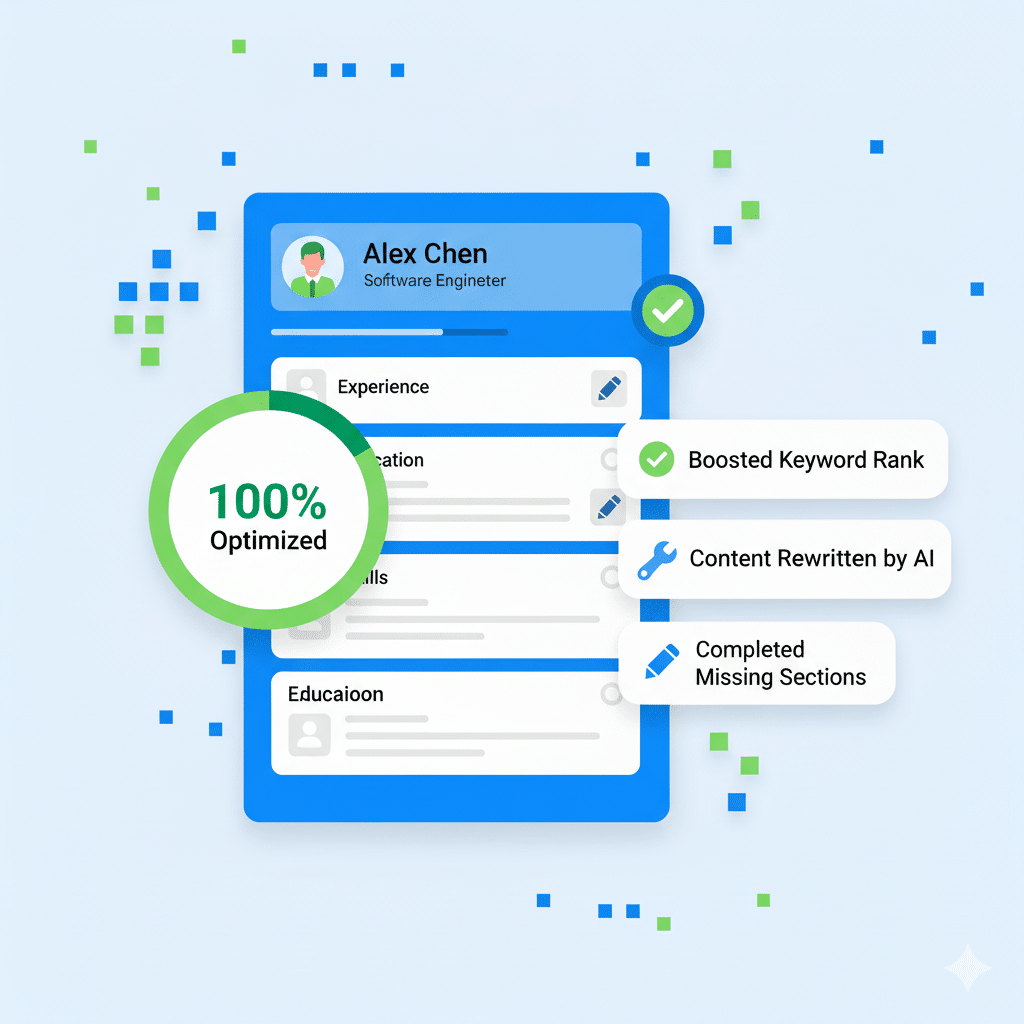
Apply edits or download
Fine-tune content, adjust wording, or download your resume ready to apply to jobs.
Use our AI tools to build a standout LinkedIn profile
Upload your LinkedIn profile to JobWinner. In seconds, get a clear and actionable review: what’s missing, what to fix, and how to stand out.
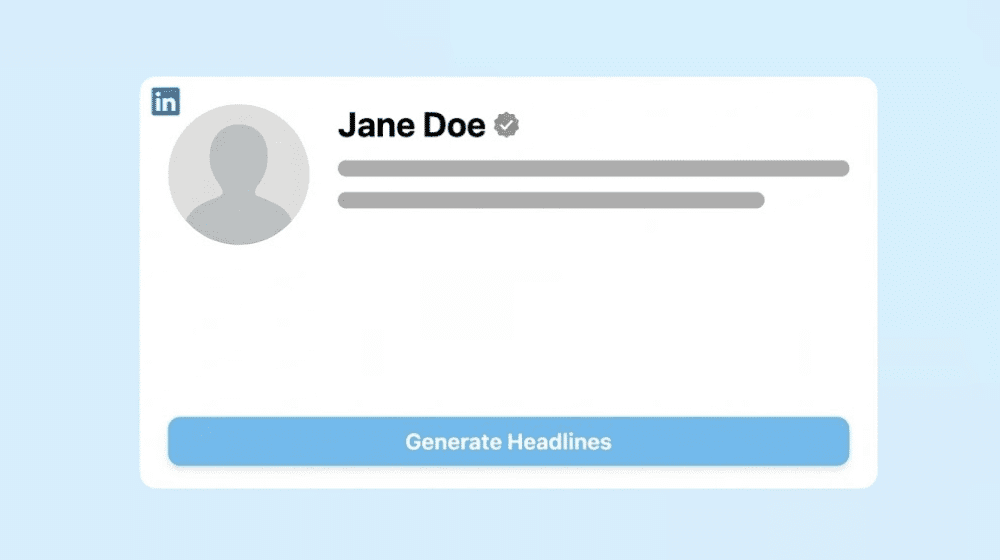
LinkedIn Headline Generator
Review your LinkedIn profile and get suggestions to improve clarity and positioning.
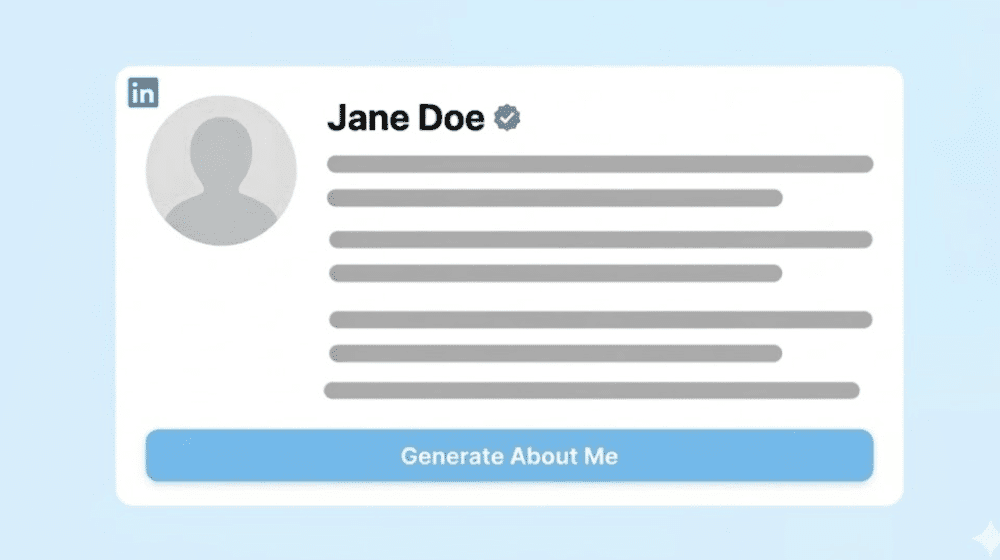
LinkedIn Summary Generator
Review your LinkedIn profile and get suggestions to improve clarity and positioning.
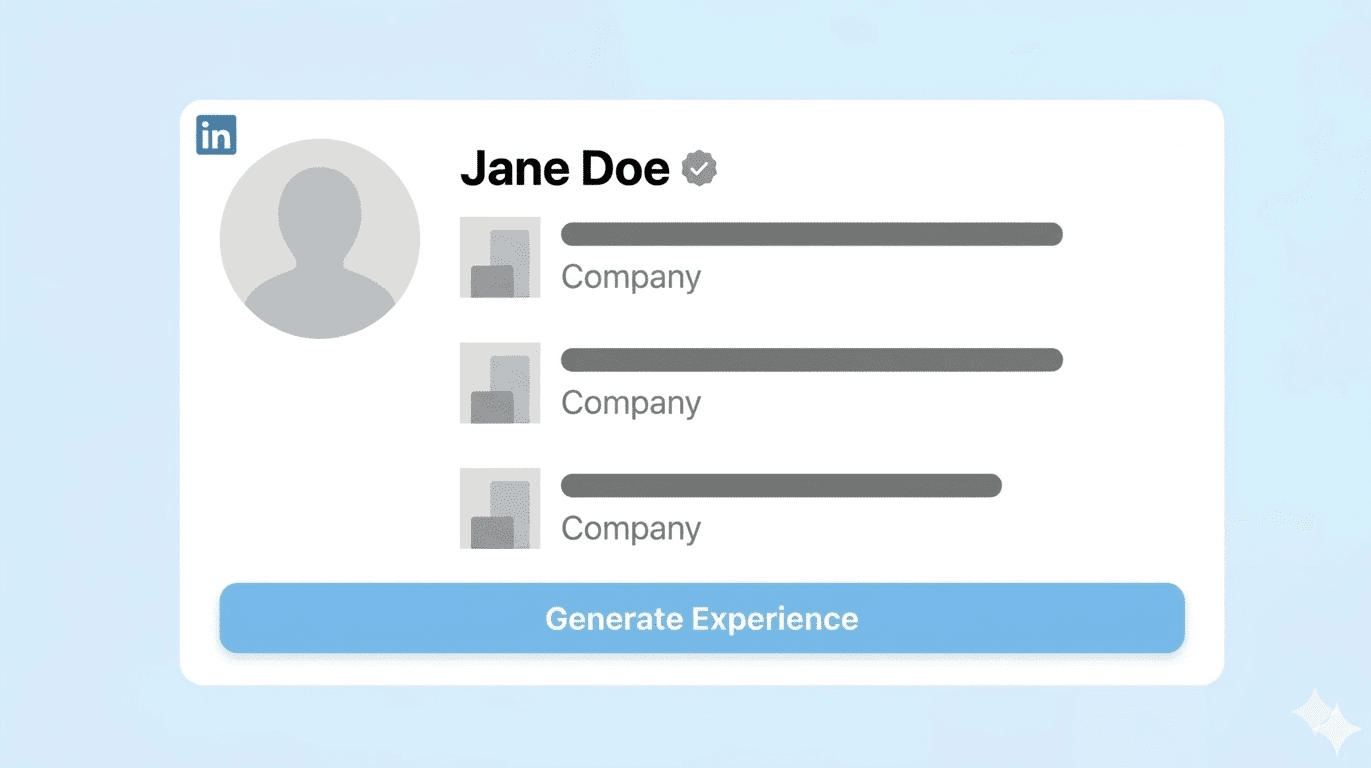
LinkedIn Experience Generator
Review your LinkedIn experience and get suggestions to enhance your experience bullet points adn description
Upload your LinkedIn profile to JobWinner
- Paste your LinkedIn URL or upload your LinkedIn PDF. We extract your experience, roles, and skills automatically.
- See your LinkedIn content rewritten into a clean resume structure with optimized bullet points and sections.
- Smart priorities so you know exactly what to fix first
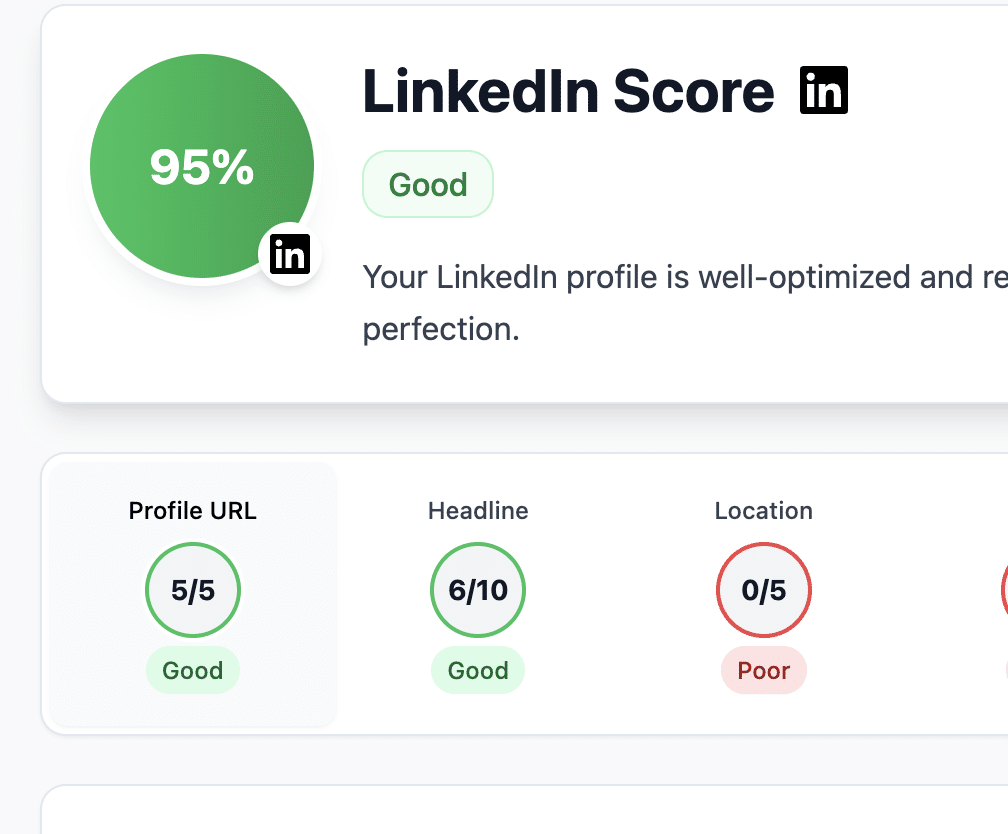
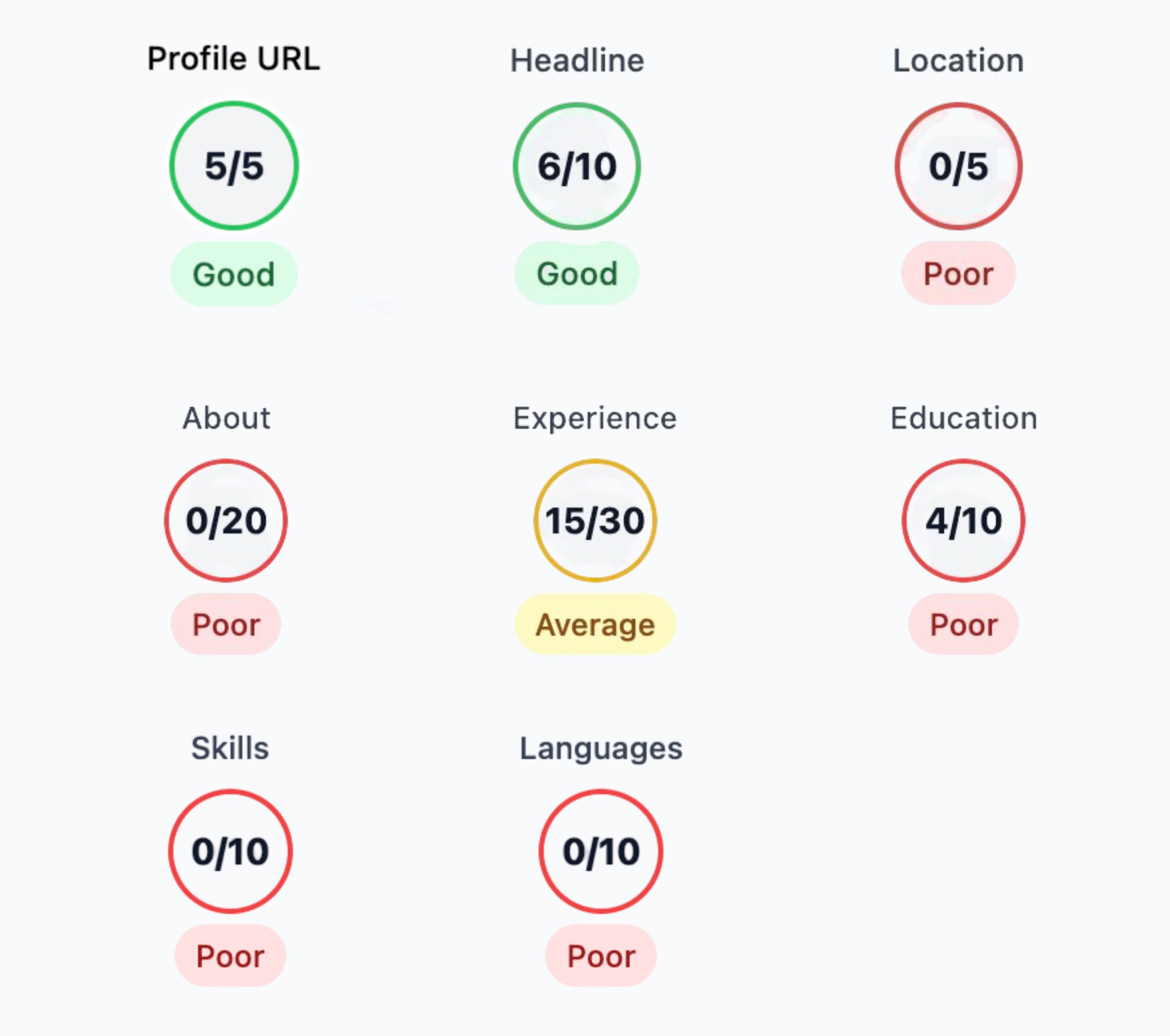
AI-Powered LinkedIn Profile Review That Gives You Answers
- “What you did right” and “What to improve” for every section, generated by AI
- Copy-ready examples and templates to update your LinkedIn profile fast
- Plain-English context on why each change boosts recruiter visibility
Frictionless LinkedIn Profile Review. Job-Ready Output.
- Upload a PDF or paste your URL for an instant AI review in one tab
- Clean, intuitive interface with zero hassle
- Turn your LinkedIn profile into a polished resume with one click
Tired of applying with no results? Choose your plan
FREE
No credit card required
- 1 Job Application Free
- AI Application kit
- Job-specific Resume
- Cover Letter Generator
- Skills Match Insights
- Skills Match Insights
- Interview Preparation
- Job Tracker
- No credit card required
WEEKLY
7
/week
50% off
- Up to 15 applications
- Job-specific Resumes
- AI Cover Letter Generator
- Skills Match Insights
- LinkedIn Profile Review
- Interview Preparation
- AI Application kit
- Job Tracker
- 7-day money back guarantee
MONTHLY
19
/month
50% off
- Up to 100 applications
- Job-specific Resumes
- AI Cover Letter Generator
- Skills Match Insights
- LinkedIn Profile Review
- Interview Preparation
- AI Application kit
- Job Tracker
- 7-day money back guarantee
QUARTERLY
49
/quarter
50% off
- Up to 500 applications
- Job-specific Resumes
- AI Cover Letter Generator
- Skills Match Insights
- LinkedIn Profile Review
- Interview Preparation
- AI Application kit
- Job Tracker
- 7-day money back guarantee
Lifetime Access
/forever
50% off
- Up to 100 applications/month
- AI Application Kit
- Skills Match Insights
- AI Cover Letter generator
- AI-powered resume builder
- Interview questions and answers
- Job Tracker
- Lifetime access
- Priority support
- 7-day money back guarantee
Frequently Asked Questions
1. What does the LinkedIn Profile Reviewer do?
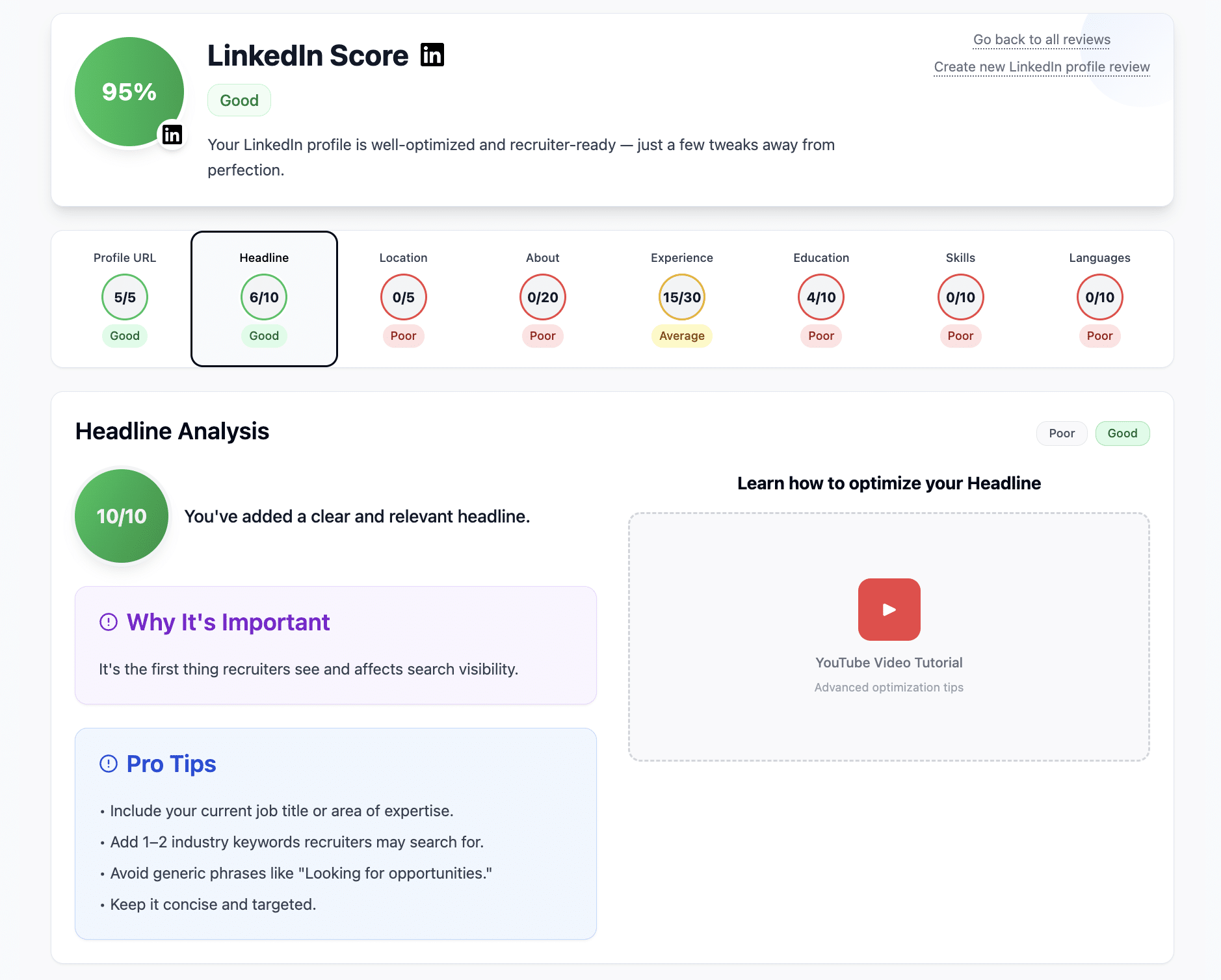
The JobWinner LinkedIn Profile Reviewer analyses your profile and gives you a complete score based on how well it is built. You receive a global rating out of 100 plus individual section scores for headline, about, experience, profile URL, location, education, skills, and languages. The tool explains what each section means, why it matters, and how to improve it following recruiter best practices, with a step-by-step guide and short educational videos for each section. It is part of the JobWinner toolkit, so you can act on the recommendations directly through the LinkedIn writing tools inside JobWinner.
2. How does the scoring system work?
The reviewer scores each section of your profile out of a defined maximum and adds them into a total of 100 points. Experience is the most heavily weighted section at 30 points, About is 20, and Headline, Education, Skills, and Languages each carry their own share. Profile URL and Location contribute 5 points each. The total is your overall profile score, and you also see the individual section scores so you know exactly where to invest your effort.
3. Do I need to connect my LinkedIn account?
No, you do not need to connect your LinkedIn account. You can either download your profile as a PDF and upload it, or paste the URL of your LinkedIn profile and JobWinner will analyse it from there. Both options work without any LinkedIn login or permissions, and the data is stored securely.
4. What kind of feedback will I receive?
You receive a detailed breakdown of your profile by section, showing what is well done, what is missing, and how to improve it. Each section includes a clear explanation of why it matters, practical suggestions, and links to short videos that show you how to apply the changes. This makes the reviewer both an evaluation tool and an educational tool for building a stronger LinkedIn presence.
5. How easy is it to use?
Very easy. You upload your LinkedIn PDF or paste your profile URL, and within seconds you receive your full report. The tool is designed to work for anyone, regardless of career level or experience with LinkedIn.
6. Is the LinkedIn Profile Reviewer free?
Yes, your first profile review is free with no credit card required. Additional reviews are available on JobWinner paid plans, which also unlock the full toolkit and the deeper integration with the LinkedIn writing tools. You can use the free first review to see exactly which sections need work before deciding to upgrade.
7. What makes JobWinner’s LinkedIn Reviewer different?
JobWinner combines personalised scoring, detailed explanations, and educational content in one report. You see your score and you understand what is behind it, with concrete steps for each section. The integration with the LinkedIn-to-Resume Converter and the LinkedIn writing tools lets you act on the review immediately and turn the score into specific improvements.
8. In which languages does the LinkedIn Profile Reviewer work?
The Reviewer works in over ten languages, including English, Spanish, French, Italian, German, Portuguese, Arabic, Dutch, Polish, Turkish, and Swedish. The review is generated in whichever interface language you set in JobWinner, so a profile uploaded in Spanish gets a review in Spanish. The same language list is supported across the toolkit, including the AI Free Resume Translator for cross-language CV needs.
9. What sections of my LinkedIn profile does the reviewer evaluate?
The Reviewer evaluates the eight sections that recruiters and the LinkedIn algorithm pay attention to: Headline, About, Experience, Profile URL, Location, Education, Skills, and Languages. Each section gets a score and a list of specific improvements, and you can rewrite the headline with the LinkedIn Headline Generator, the about section with the Summary Generator, and your experience descriptions with the Experience Generator. Profile URL, Location, Education, and Skills are evaluated for completeness and recruiter-friendliness rather than for tone.
10. How does the reviewer connect with the LinkedIn writing tools?
After the review, every section that needs work has a direct link to the matching JobWinner writing tool, so you can rewrite the weak sections without re-pasting your data. The tools open with the context from your review already loaded, which means you start from your current text and refine it. From there you can also push the improved profile into the LinkedIn-to-Resume Converter or tailor your resume for a specific job.
11. What happens to my LinkedIn data after the review?
The PDF you upload and the data extracted from your profile are stored securely inside JobWinner. The data is used only to generate your review and to power the integration with the LinkedIn writing tools. You can delete it at any time after the review, and your file is not shared with third parties.
Improve your LinkedIn profile and attract more opportunities with JobWinner AI job application tools
Join the ranks of successful job seekers hired thanks to JobWinner AI tools