
 FR
FR  EN
EN  ES
ES  IT
IT 
You have 15 tabs open. One has a job posting, another has your half-finished cover letter, and a third has your resume, but you’re not even sure it’s the right version. You remember applying to a similar role last week, yet the confirmation email is nowhere to be found. Meanwhile, a recruiter asks whether you’re still interested, and you need five minutes just to remember which company they represent.
That’s what a messy job search looks like in real life. It isn’t just annoying. It makes you slower, less consistent, and more likely to send the wrong resume to the wrong role.
The fix isn’t “work harder.” It’s building a system.
The best job application tools help, but many applicants use them backward. They sign up for an AI tool before they’ve decided how they’ll track roles, store documents, name resume versions, or review customized content before sending it. Then they wonder why their applications still feel rushed and generic.
A better approach is simple. First, create a repeatable workflow. Keep one place for saved jobs, one naming system for resume versions, one tracker for deadlines, and one review step before you hit submit. Then add tools that remove the repetitive parts without turning your application into spam.
This is significant because AI-assisted applying is now mainstream. In a January 2026 Statista+ survey, 70% of U.S. adults and 64% of UK adults said they’d used AI tools for job applications in the last 24 months, according to Statista’s chart on popular AI tools for job applications.
Use that trend the smart way. Let software handle formatting, keyword checks, and tracking. Keep your judgment for positioning, story, and final edits.
This guide does both. It gives you a practical playbook for running your search like a pipeline, then shows the best job application tools for making that pipeline faster, cleaner, and easier to manage.
1. JobWinner
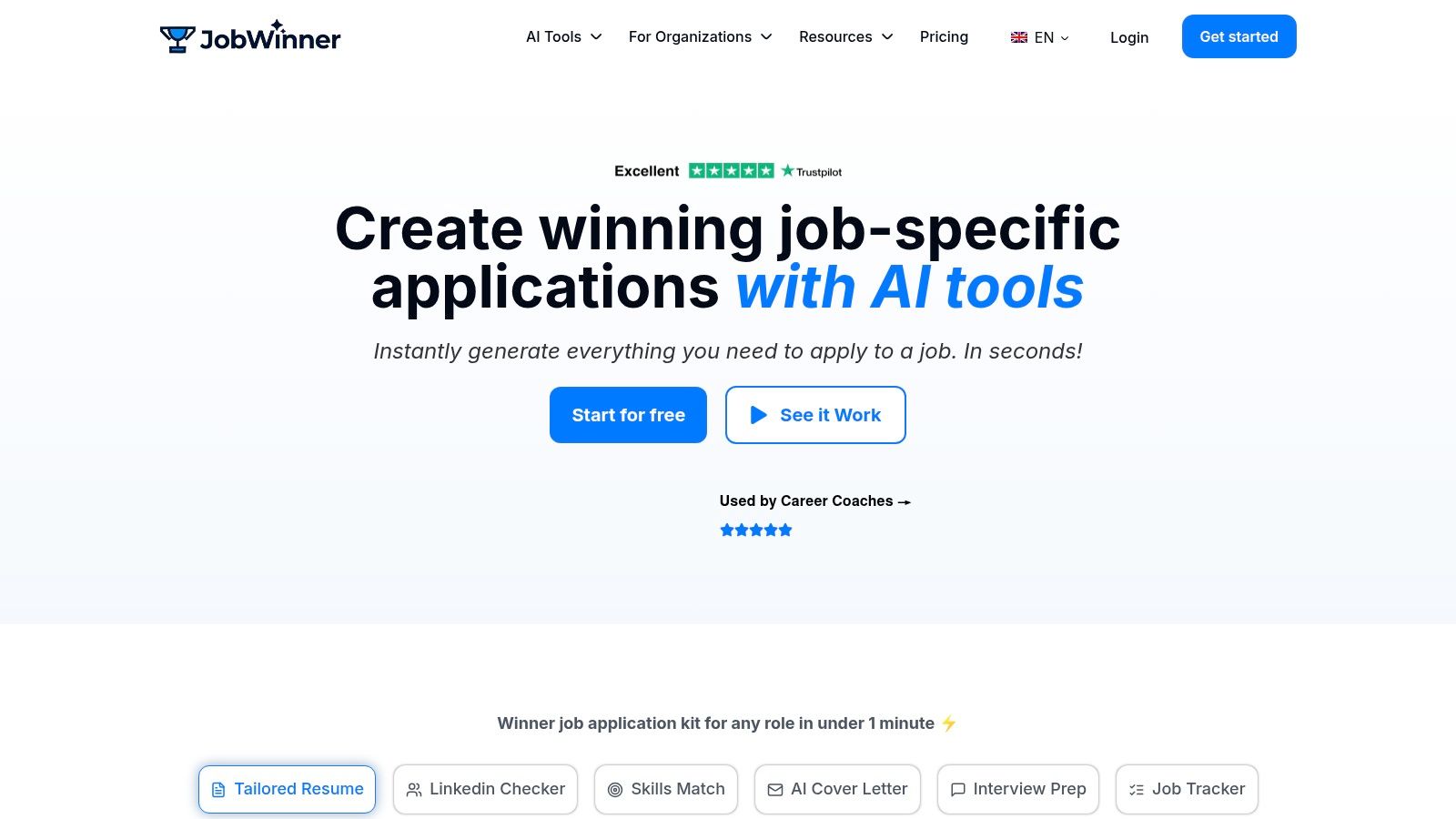
If you want one tool to run most of your application workflow, JobWinner is the one I’d put at the top of the list.
A lot of tools do one thing well. They optimize a resume, track applications, or generate a cover letter. JobWinner bundles the parts that usually get scattered across three or four products. You paste in your resume and a job description, and it builds a job-specific application kit around that role.
That kit includes a customized resume, a personalized cover letter, job match analysis, interview questions, suggested answers, elevator pitch material, follow-up emails, and a built-in tracker. The big advantage is continuity. You’re not rebuilding context every time you switch tasks.
Why it works in real searches
The strongest part of JobWinner is that it doesn’t feel like a black box. Suggestions are tied to your resume and the job description you provide, so you can review and edit with intent instead of guessing what the AI changed.
That makes it useful for people who need speed but can’t afford sloppiness.
Règle pratique : If a tool saves time but makes you trust it blindly, it becomes risky. The good tools speed up your judgment. They don’t replace it.
JobWinner is especially strong for:
- Career changers: It helps reposition transferable skills into the language employers use.
- Students and recent grads: It gives structure when you don’t yet have a polished application process.
- Busy professionals: It cuts repetitive customization work without forcing a mass-apply approach.
The platform also includes multi-language support, ATS-friendly templates, easy export to PDF or Word, a LinkedIn reviewer, and an ATS resume checker. If you want a side-by-side perspective, this JobWinner vs ResumAI comparison is useful context.
Best use case and trade-offs
JobWinner is best when you want quality and speed together. I wouldn’t use it as a “fire off endless applications” machine. I’d use it as a role-by-role workflow tool that helps you apply consistently without losing customization.
Avantages :
- All-in-one workflow: Resume customization, cover letters, interview prep, and tracking live in one place.
- ATS-aware outputs: Helpful if you want clean formatting and keyword alignment without constant manual rebuilding.
- Transparent editing flow: You can learn from the suggestions instead of just accepting them.
Inconvénients :
- You still need to review the output: No serious applicant should paste AI text straight into an application.
- Plan limits matter: Heavy users should check how many application kits fit their pace before subscribing.
Pricing is straightforward. There’s a free starter plan, then paid options including weekly, monthly, quarterly, and lifetime access. There’s also a student discount and a refund policy window.
For most job seekers, that’s a strong balance of flexibility and practicality. If your search feels fragmented, JobWinner is one of the few tools that turns it into a system.
Site web: jobwinner.ai
2. Jobscan
You find a strong role, send a resume that looks solid, and hear nothing. Then you compare your resume to the posting line by line and realize the mismatch. The job description says "stakeholder management." Your resume says "cross-functional collaboration." Close to a human. Not always close enough to a screening system.
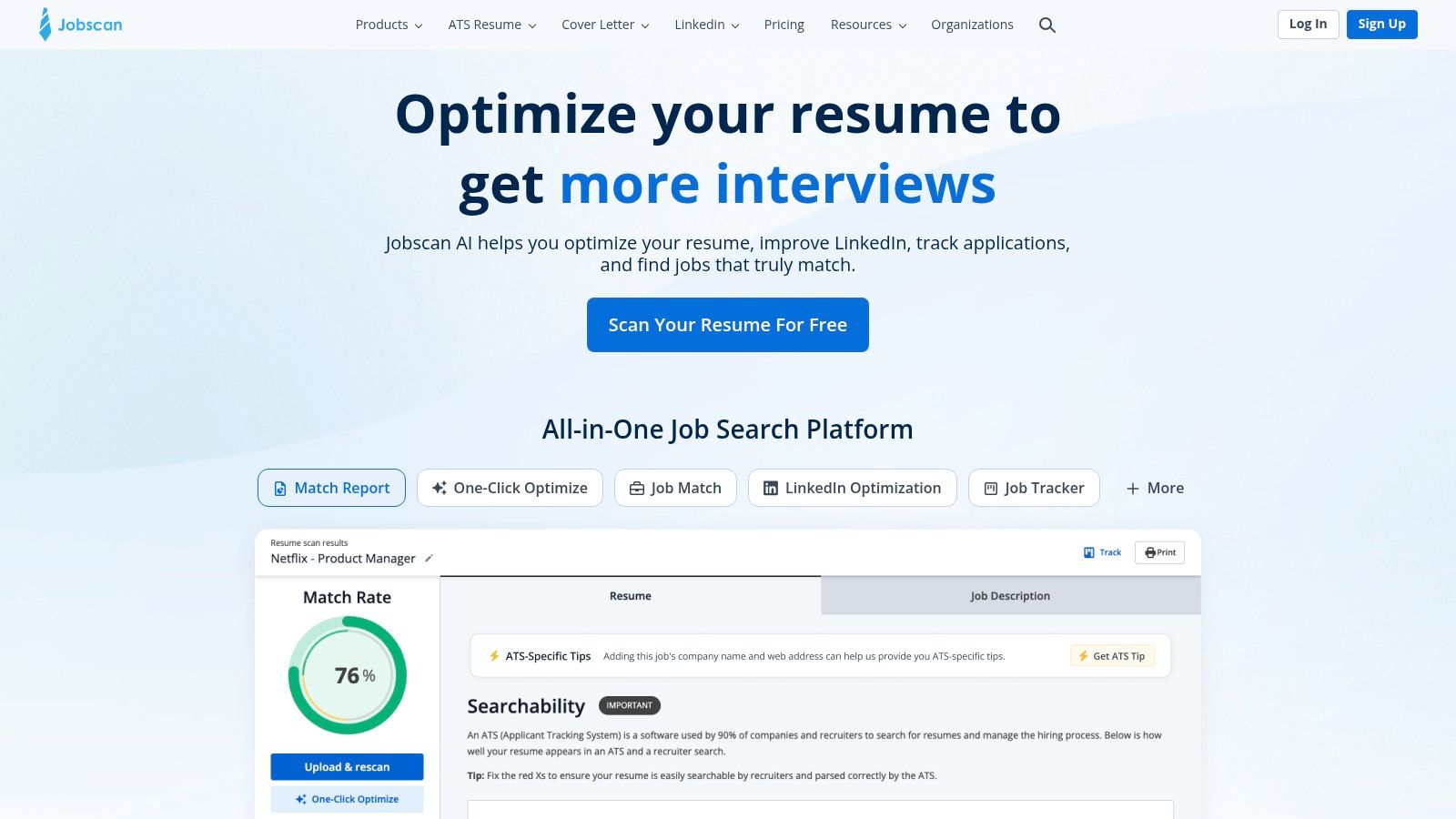
Jobscan is built for that exact problem. It helps you compare one resume against one job description and tighten the match before you apply. That makes it a strong tool for targeted applications, especially when you're going after larger companies with formal ATS screening.
Where Jobscan earns its place
Jobscan's main value is focus. Paste in your resume and the job posting, and it highlights missing keywords, skills, and phrasing gaps that may be keeping you out of the first review round. It also includes a resume builder, cover letter features, LinkedIn optimization, and basic tracking, but resume-to-job matching is the reason to use it.
If you want a stronger foundation before you start matching resumes manually, this guide to AI resume tailoring tools for role-specific customization is a useful companion.
I usually recommend Jobscan after a job seeker already has a basic system in place. Keep a master resume, build a few role-family versions, track every application, then use Jobscan on the roles you prioritize. The tool works best when it plugs into a process instead of replacing one.
Best use case and trade-offs
Jobscan fits applicants who are applying with intent, not volume.
Use it when you want to improve a small batch of strong applications each week. Skip it if your real problem is follow-up discipline, messy notes, or losing track of which version went where. In that case, a tracker-first tool will help more.
A few practical realities matter here:
- Best for high-stakes applications: Helpful when each application needs a tighter match.
- Works best with a repeatable workflow: Save the job description, scan your resume, make edits, export the final version, then log it in your tracker.
- Less useful for spray-and-pray applying: The value comes from careful revision, and that takes time.
A higher match score is only useful if you pair it with judgment. Keep the keywords that reflect real experience. Cut the ones you can't defend in an interview.
Avantages :
- Clear ATS alignment feedback: Easy to spot what the posting emphasizes.
- Good revision support: You usually know what to change next.
- Helpful add-ons: LinkedIn and cover letter tools make the platform more usable.
Inconvénients :
- Role-by-role work: You need to edit intentionally to get value.
- Pricing can feel steep for occasional use: It makes more sense during an active, focused search.
Site web: jobscan.co
3. Teal
Teal is for people who think in pipelines.
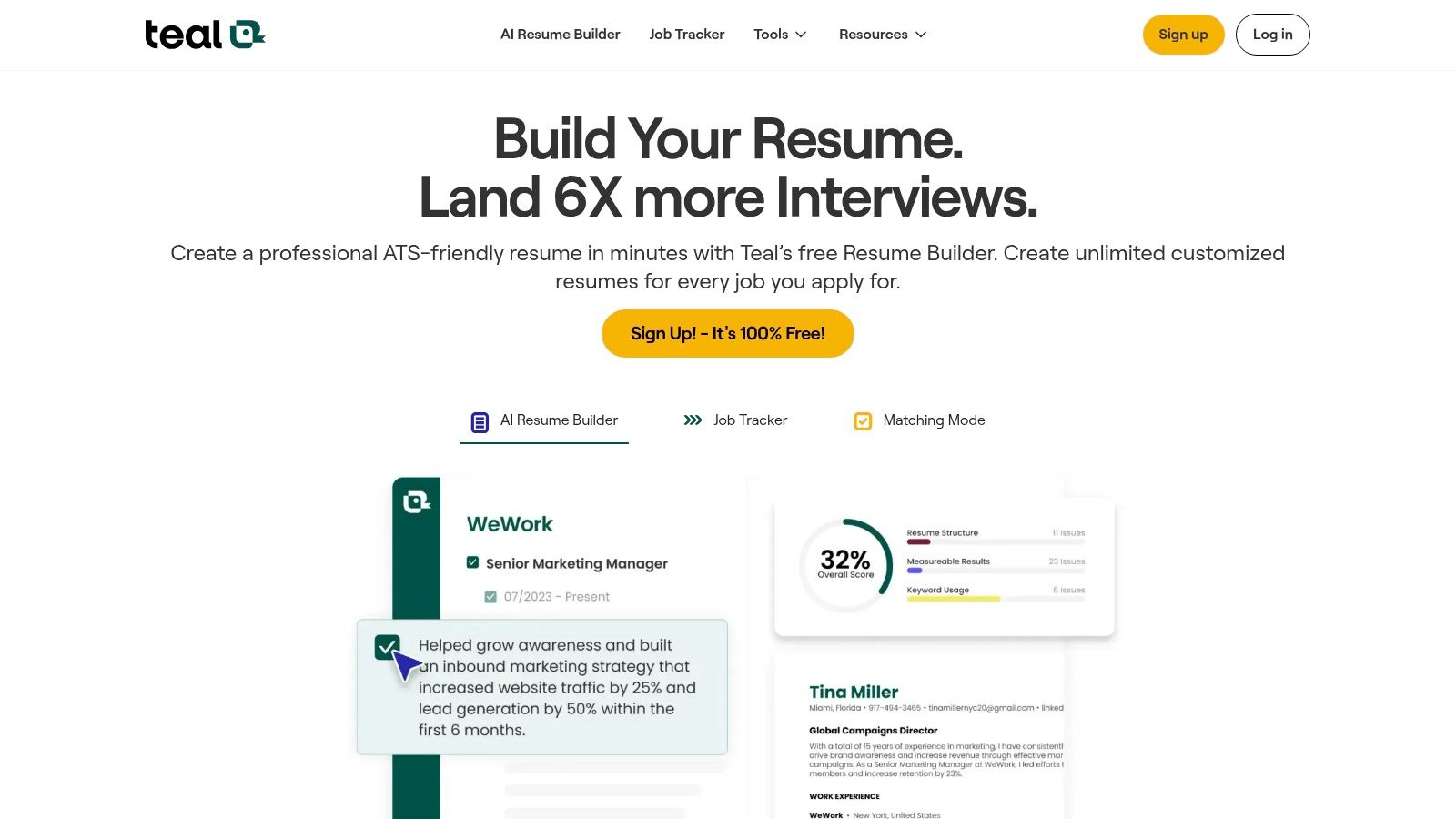
Some job seekers need motivation. Others need structure. Teal is for the second group. It treats your search like a workspace, with tracking, notes, reminders, resume versions, and AI assistance all built around movement from saved role to interview.
Best for organized job hunters
Teal combines a job tracker, resume builder, keyword matching, interview practice, and autofill support. That makes it useful for people managing many active leads at once, especially if networking, follow-ups, and recruiter conversations are happening in parallel.
If you’re comparing different resume-customization options before choosing a workflow, this roundup of meilleurs outils de personnalisation de CV par IA is a helpful complement.
Teal’s biggest strength is visibility. You can see where roles are stuck, where follow-ups are overdue, and which applications still need customization. That alone can reduce a lot of search anxiety.
What it feels like to use
Teal isn’t the simplest tool on this list, and that’s part of the trade-off. If you only need a nice resume builder, it may feel like more software than you want. But if you’re juggling interviews, networking conversations, saved jobs, and resume variants, the extra structure pays off.
Features that stand out:
- Pipeline-style tracker: Good for people who lose opportunities in the follow-up stage.
- Contact and note storage: Helpful if you’re networking actively.
- Autofill and matching tools: Useful for reducing repetitive admin.
Avantages :
- Strong organizational design: One of the better systems for serious, active searches.
- Good mix of tracking and application support: Not just a builder.
- Flexible for ongoing searches: Works well over a longer job hunt.
Inconvénients :
- Some advanced features sit behind paid access.
- There’s a learning curve if you want something lightweight.
I usually recommend Teal to people who are applying steadily over time, not casually browsing. It works best when you commit to using it as your operating system, not just a one-off tool.
Site web: tealhq.com
4. Huntr
You save eight roles on Monday, tweak one resume on Tuesday, get a recruiter reply on Thursday, and by Friday you cannot remember which version you sent where. Huntr is built for that exact mess.
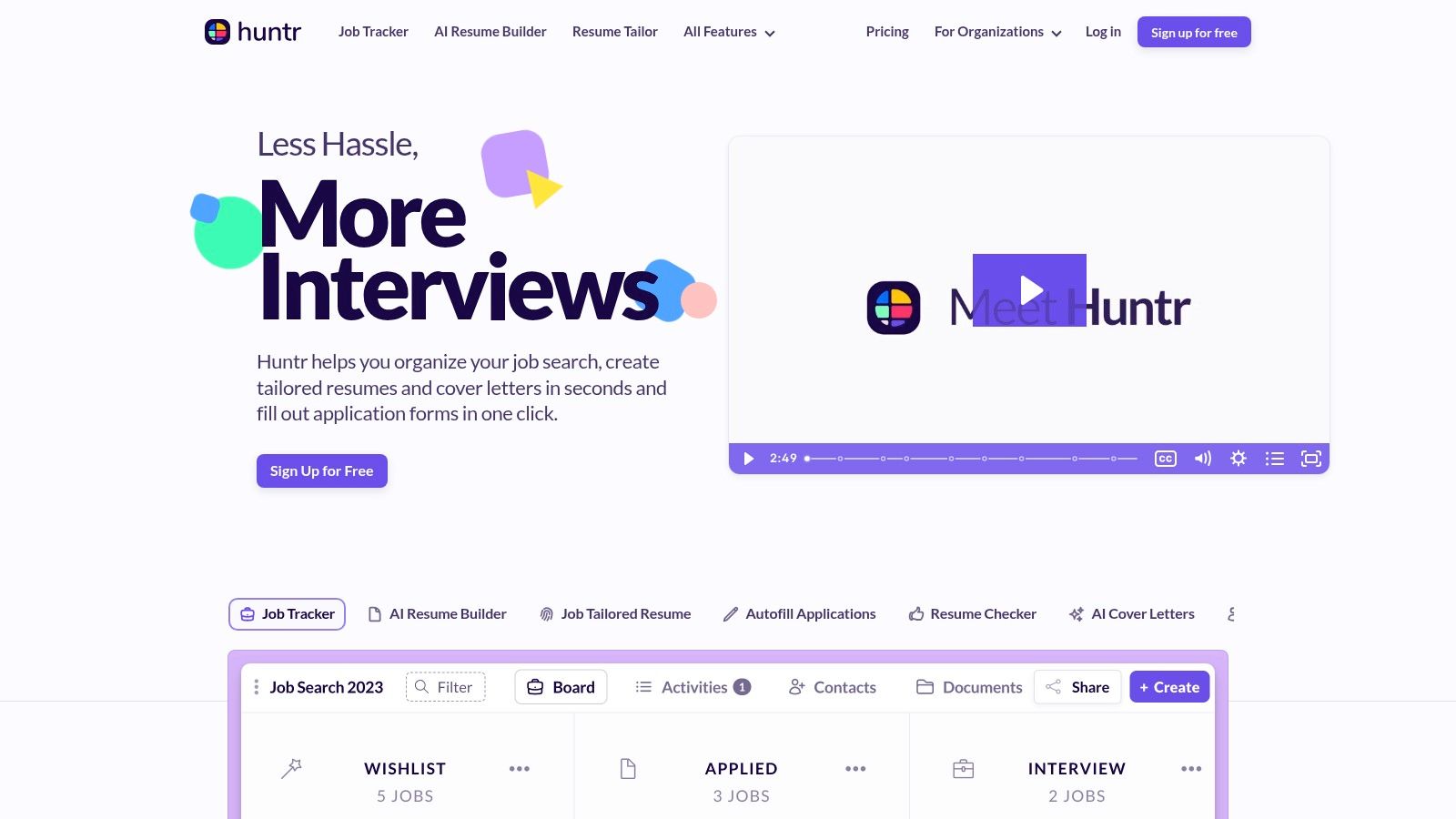
Its core value is control. Huntr started as a tracker, and that tracker DNA still shapes the product in a useful way. The AI features are there, but the bigger win is having one place to store roles, documents, notes, contacts, deadlines, and follow-ups without relying on scattered spreadsheets and browser tabs.
Where Huntr fits in a real job search system
Huntr works best for applicants who are building a repeatable process, not just firing off a few applications. Save the role, review it later, attach the customized resume, track the stage, log the contact, and set the next action. That is the kind of system that keeps good opportunities from slipping through.
If you need the resume side of that system first, start with this practical guide on comment adapter son CV à chaque candidature. Huntr becomes more useful once each application has a clear strategy behind it.
Best for batch applicants and detail keepers
Huntr suits a specific kind of search behavior. Some applicants decide on the spot and apply immediately. Others collect roles, compare them, then work through applications in focused batches. Huntr is stronger for the second group because it gives each job a record, not just a bookmark.
Features that stand out:
- Tracker-first workspace: Clear status tracking from saved job to interview to offer.
- Document storage by role: Resume versions, cover letters, and notes stay attached to the right application.
- Chrome extension and autofill tools: Helpful for capturing openings quickly and cutting repetitive admin.
- Built-in AI support: Useful for drafting and editing inside the same workflow.
Avantages :
- Organizes the full application trail: Jobs, contacts, documents, and notes stay connected.
- Good fit for high-volume or long searches: Especially helpful if you are managing multiple opportunities at once.
- Practical daily workflow: Save first, process later, follow up on time.
Inconvénients :
- Paid plan needed for some stronger features.
- The interface can feel busy during the first few sessions.
I recommend Huntr to people who lose momentum in the middle of the search, not at the beginning. They find roles just fine. The problem is keeping each application organized enough to follow through well. Huntr solves that problem better than tools that treat tracking as an extra feature.
Site web: huntr.co
5. Simplify
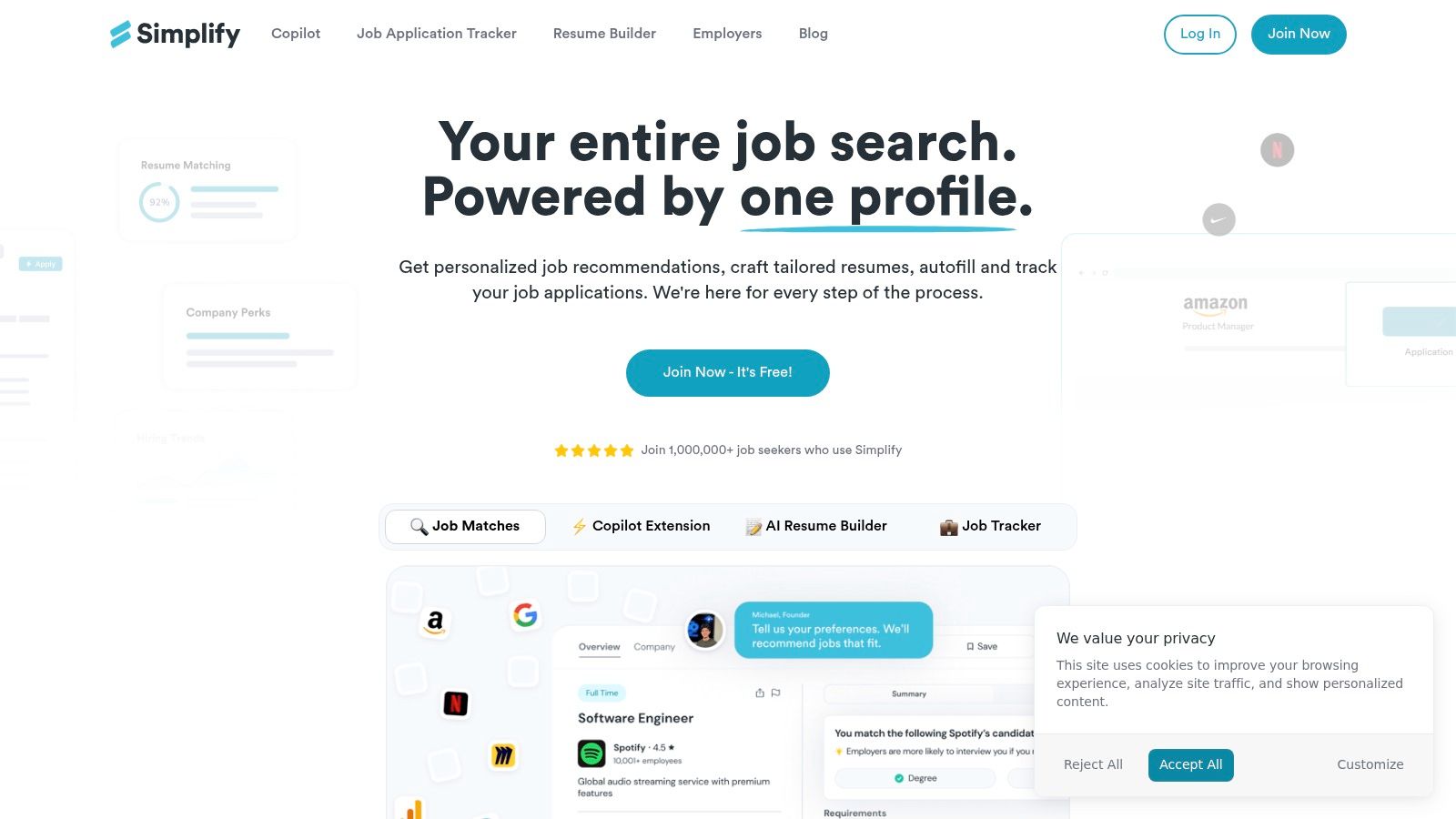
You find a solid role, click Apply, and hit the same wall again. Work history. Dates. Location. Education. Basic questions you have already answered twenty times this week.
Simplify is built for that exact bottleneck. Its browser extension speeds up repetitive application forms, which makes it useful when your process is already sound and the admin is what slows you down.
The distinction matters. Faster applications help only if the underlying application is targeted. A generic resume submitted in half the time is still a generic resume. Before you ramp up with autofill, use a repeatable tailoring process. This guide sur la façon d'adapter votre CV à chaque candidature lays out the workflow I recommend.
Best for reducing portal friction
Simplify includes more than autofill. There is job tracking, bookmarking, a job board, and resume-related support. Still, the extension is the reason to use it.
I usually recommend it to applicants dealing with large company portals, especially those using similar form structures across multiple applications. In that situation, saving a few minutes per application adds up fast and preserves energy for the parts that affect outcomes, like resume edits, screening answers, and follow-up notes.
Here is the practical way to use it well:
Let Simplify handle repeated fields. You handle the judgment calls, including job title alignment, keyword matching, and whether this role deserves a custom resume.
Avantages :
- Cuts repetitive form entry: Strong fit for candidates tired of entering the same background details repeatedly.
- Helpful in structured portal-heavy searches: Works best when the search includes a lot of standard online applications.
- Easy to test quickly: The extension is straightforward and does not require rebuilding your whole workflow.
Inconvénients :
- It does not replace review: You still need to check every field before submitting.
- Its value depends on your process: If your resume strategy is weak, Simplify just helps you move faster in the wrong direction.
I like Simplify as an efficiency layer, not as the system itself. Build the system first. Then use tools like this to remove friction from the parts of the search that do not deserve your best thinking.
Site web: simplify.jobs
6. Resume Worded
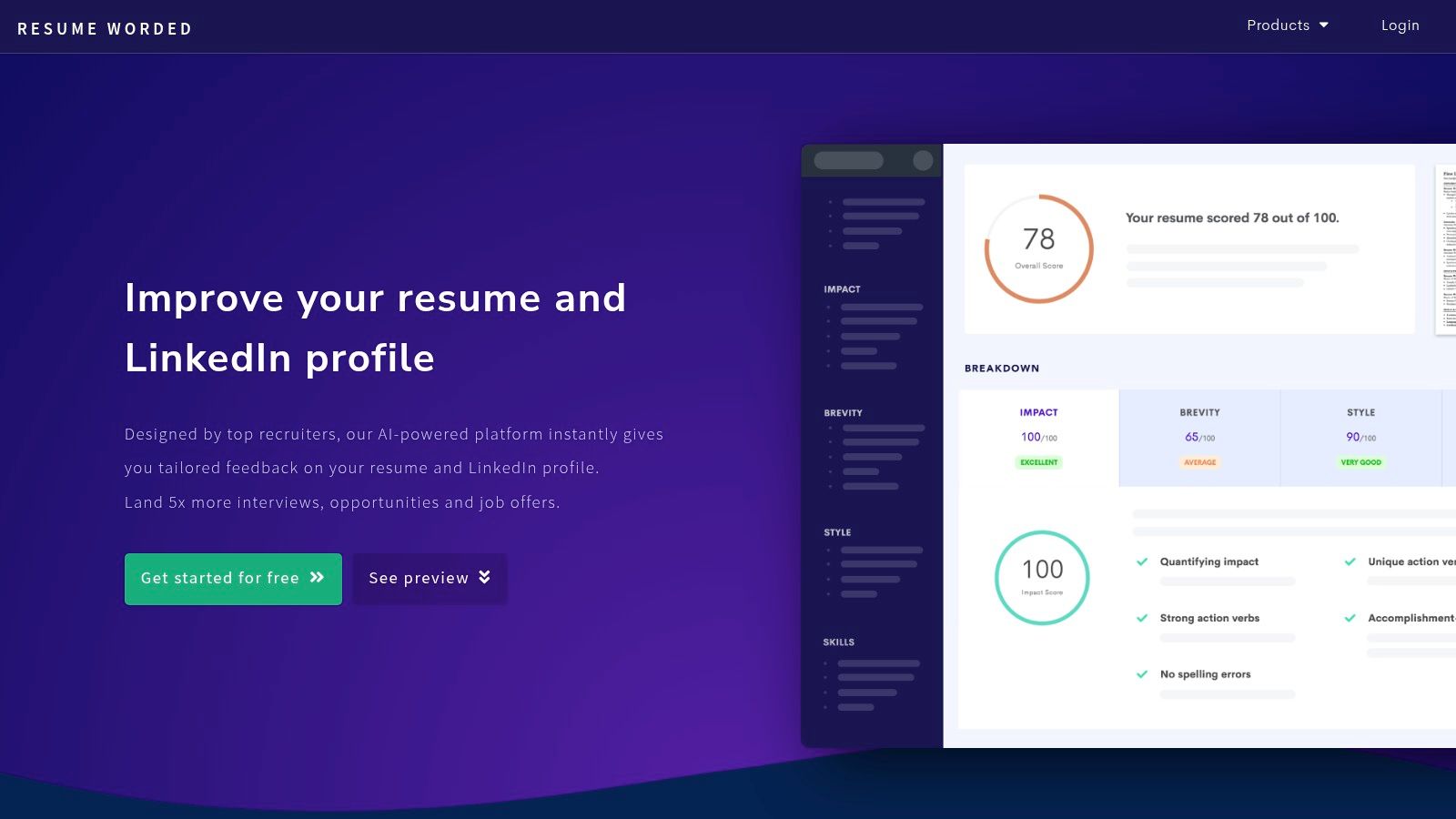
Resume Worded is the tool I’d use when the resume exists, but it isn’t pulling its weight.
It gives feedback in a way that feels close to a tough, efficient reviewer. Not a full career strategy. Not a tracker. Just direct input on whether your resume and LinkedIn profile are saying the right things clearly enough.
Best for sharpening the message
Its strongest tools are Score My Resume, Targeted Resume, LinkedIn review, rewrite suggestions, and templates in the paid version. The value isn’t flashy automation. The value is diagnosing weak spots in positioning.
That makes it useful if:
- Your resume sounds generic: The tool can help tighten weak bullets.
- Your LinkedIn lags behind your resume: It reviews both.
- You need concise feedback: It’s more direct than many builders.
A lot of applicants benefit from this kind of feedback because they’ve been too close to their own material for too long. They know what they meant. The recruiter doesn’t.
Trade-offs to know upfront
Resume Worded doesn’t try to be a complete application workflow. There’s no native autofill engine, and it’s not where I’d manage a large pipeline.
It’s a content improvement tool first.
Avantages :
- Clear feedback on resume and LinkedIn quality.
- Useful for iterative improvement: Especially when testing different summaries or bullet phrasing.
- Less overwhelming than all-in-one platforms.
Inconvénients :
- No full job search operating system: You’ll likely pair it with another tool.
- Best results still require role-specific customization.
If your issue is “I need stronger content,” Resume Worded is a smart pick. If your issue is “I keep losing track of applications,” choose something else first.
Site web: resumeworded.com
7. Rezi
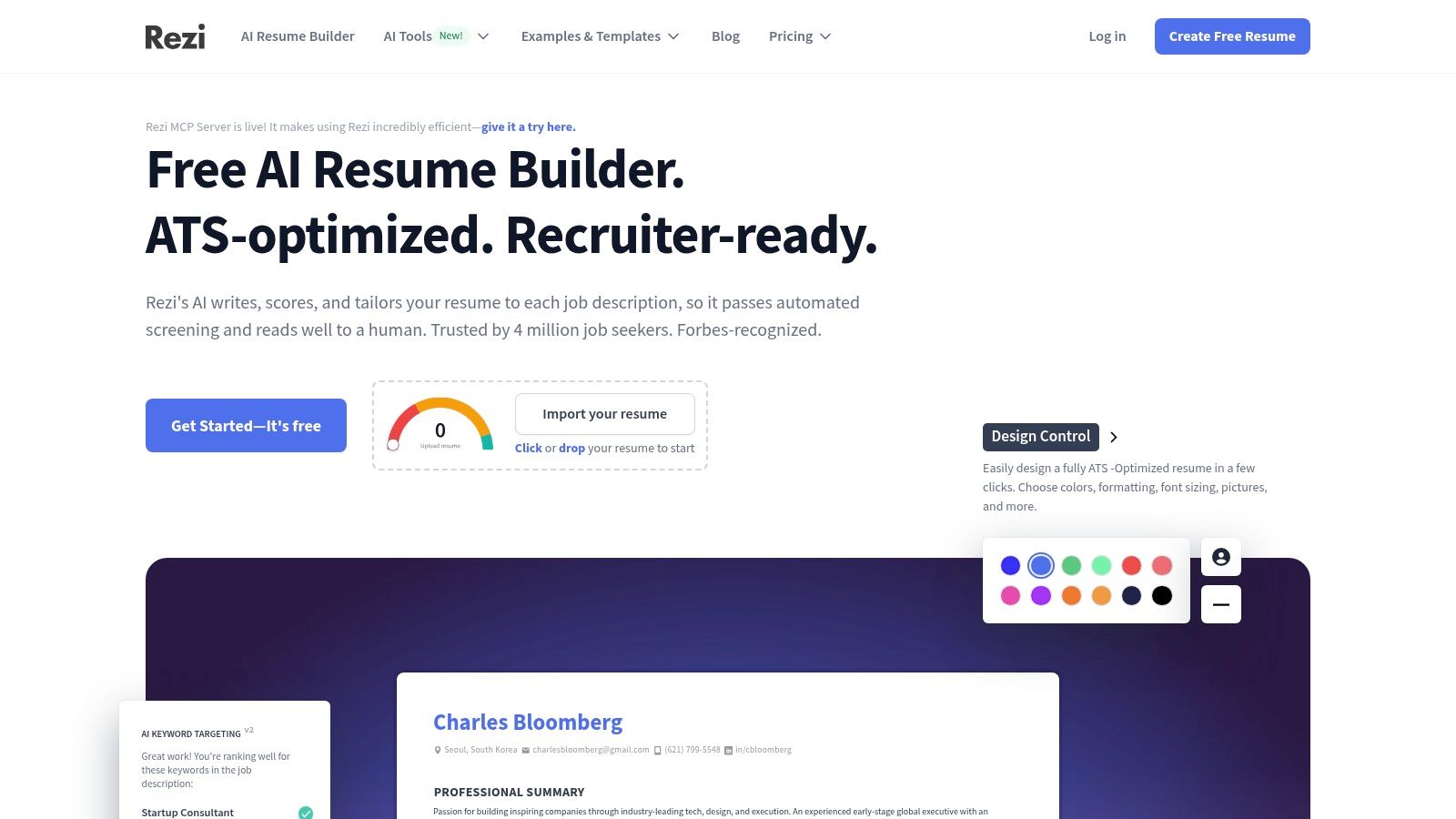
Rezi has a narrower mission than some of the bigger platforms, and that’s why people like it. It’s focused on building ATS-friendly resumes and cover letters without burying you in unrelated features.
If your first priority is getting the document itself into better shape, Rezi is easy to take seriously.
Clean, ATS-aware document building
Rezi emphasizes resume structure, customizable sections, AI writing help, job-specific customization, and multiple export formats. It’s not trying to become your networking CRM or full search dashboard.
That can be a strength.
A lot of job seekers don’t need another platform to manage every stage. They need a resume builder that produces clean, readable, ATS-conscious output and doesn’t encourage design choices that break parsing.
That’s where Rezi fits.
Where it falls short
Rezi doesn’t include a native tracker or application autofill workflow, so most active job seekers end up pairing it with another tool. If you’re applying across many roles, that matters. You can build excellent documents and still run a messy process.
Use Rezi when your biggest concern is document quality and format consistency.
Skip it if you want one product to handle tracking, notes, follow-ups, and interview prep.
Avantages :
- Concentration forte : Resume and cover letter creation without extra clutter.
- ATS-safe orientation: Helpful for applicants targeting larger employers.
- Straightforward workflow: Good for people who don’t want a steep learning curve.
Inconvénients :
- No built-in tracker: You’ll likely need another system.
- Value depends on how much you use the AI writing features.
Rezi is one of the better “do one thing well” options in this space. Not everyone needs an all-in-one platform. Sometimes a disciplined document tool is enough.
Site web: rezi.ai
8. Kickresume
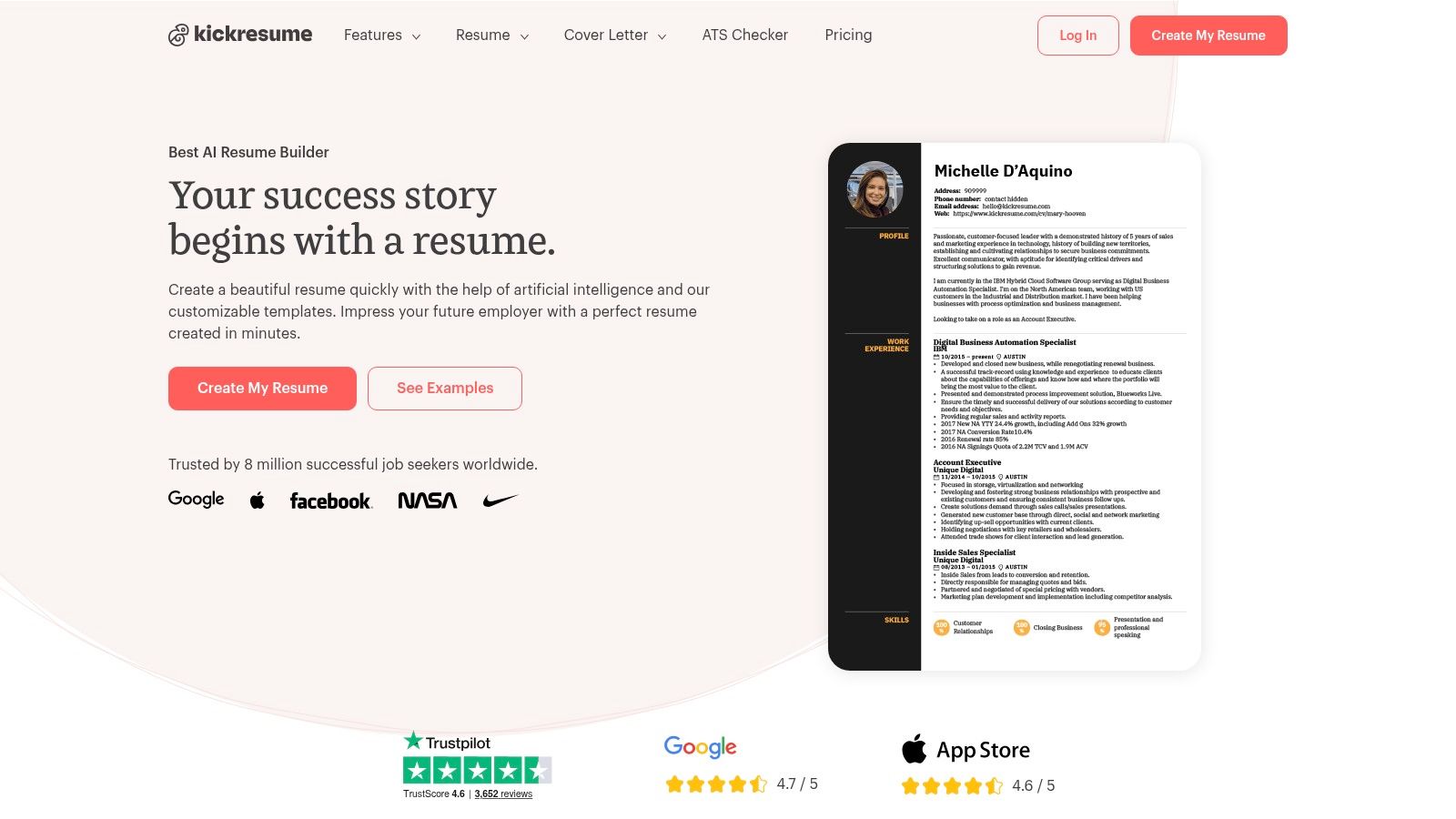
You sit down to apply, open a blank resume, and lose 40 minutes choosing fonts instead of writing results. Kickresume solves that specific problem well. It gets you from blank page to usable draft fast, which is a real advantage early in a search.
I’ve seen Kickresume work best for people who need momentum first and optimization second. Students, recent grads, and career changers usually benefit most. The builder is easy to pick up, the templates give you enough range to avoid staring at an empty page, and the cover letter and personal website options help you assemble a basic application package quickly.
That speed matters if you are still building your system. A polished draft gives you something to refine, test against job descriptions, and store in your application workflow. That is the bigger play here. Use Kickresume to create your base materials, then plug those materials into a more disciplined process for customizing, tracking, and follow-up.
You can also compare broader AI-assisted resume platforms through this Wonsulting AI Review, especially if you’re deciding between design-focused and optimization-focused tools.
Where Kickresume fits best
Kickresume is a creation tool first. It helps you produce resumes and cover letters without much friction. It is less useful if your main question is, “How closely does this resume match the posting?” or “How do I manage 40 active applications in one place?”
That trade-off is important. A fast builder can save hours. It can also give you a false sense of progress if you stop at “looks polished” and never build the rest of your application system.
Avantages :
- Fast start: Good for turning rough experience into a presentable draft quickly.
- Template variety: Helpful if you want a cleaner visual starting point.
- Extra creation features: Cover letters, mobile editing, and personal website options add flexibility.
Inconvénients :
- Light on analysis: Better for writing than for resume-to-job matching.
- Not a full process tool: You will likely need another product for tracking and follow-ups.
Kickresume is a practical pick for job seekers who need to get moving. I’d use it to build version one fast, then improve that draft inside a tighter application workflow.
Site web: kickresume.com
9. Enhancv
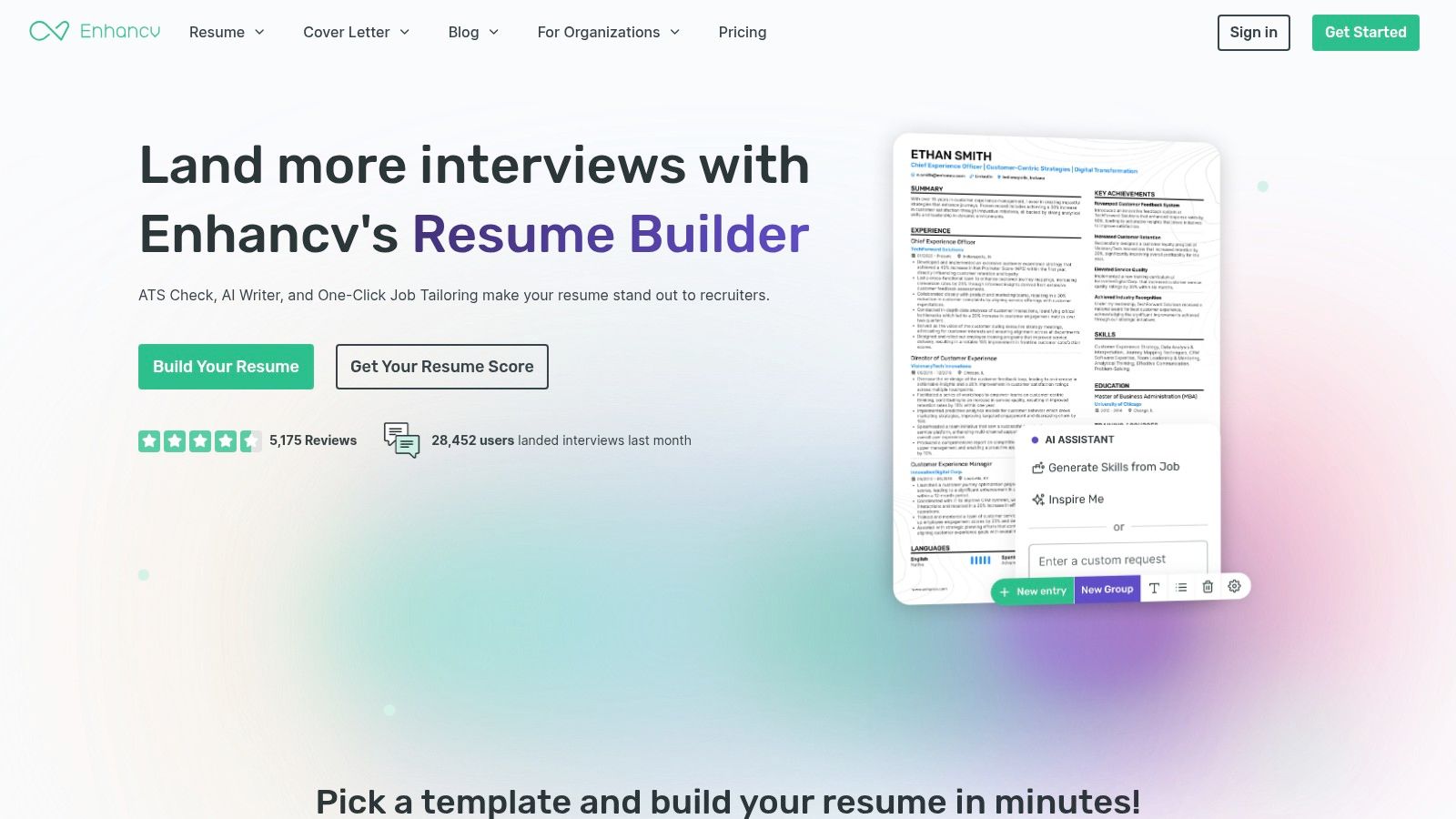
Enhancv sits in the middle ground between visual polish and practical ATS awareness. That’s not easy to pull off, which is why it stands out.
Some builders look great but introduce formatting choices that make applicants nervous. Others are ATS-safe but so plain they flatten your story. Enhancv tries to balance both.
Good for candidates who care about presentation
The platform offers modern templates, AI writing suggestions, ATS checks, and a workflow for customizing a resume to a specific job. It gives you more design personality than strict ATS-first builders, but still keeps one foot in practical hiring reality.
That’s especially useful for applicants in roles where communication, presentation, or brand sense matter, but the resume still has to survive screening software.
Where to be careful
Enhancv is still primarily a builder. It won’t replace a tracker or a serious application management system. If your search is active and broad, you’ll likely need another layer for organization.
Avantages :
- Visually strong templates with ATS awareness.
- Helpful customization workflow: Better than pure template tools.
- Good for candidates who want polish without going overboard.
Inconvénients :
- No native browser autofill workflow.
- Some advanced options require payment.
The sweet spot for Enhancv is someone who already has decent career clarity and wants a sharper presentation. It isn’t the most operational tool on the list, but it does help you present yourself in a cleaner, more modern way.
Site web: enhancv.com
10. VisualCV
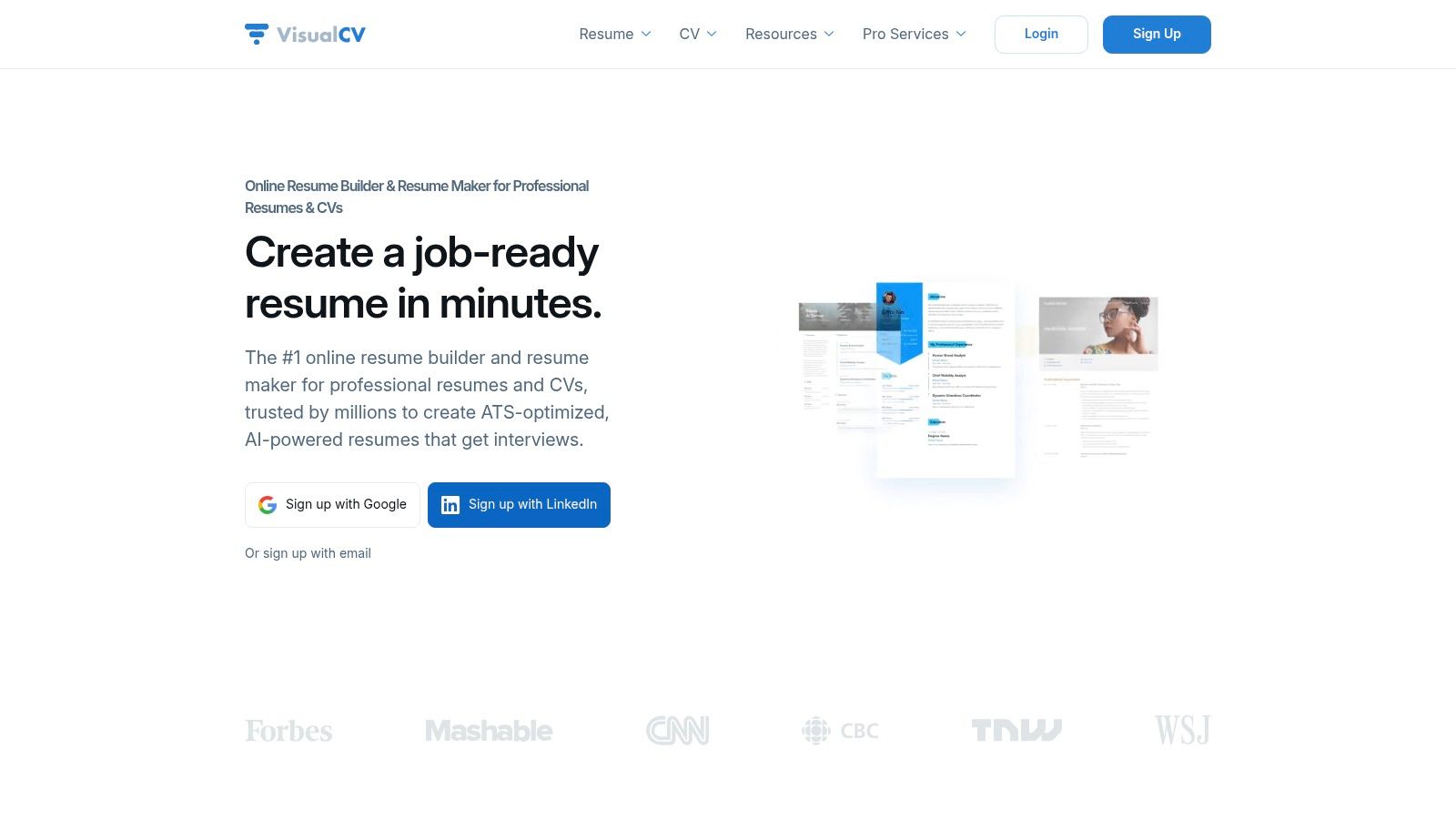
VisualCV is useful when you want both a conventional resume and a shareable web version without building a personal site from scratch.
That combination makes it more flexible than a basic PDF-only builder. You can send a standard resume through formal application channels, then use the hosted version when networking or sharing your profile directly.
Best for shareability
VisualCV includes templates, PDF downloads, web resume links, analytics, cover letter support, and optional professional writing services. The hosted resume pages are the distinctive feature.
That setup works well for:
- Networking-heavy searches: Easy to share a link with contacts.
- Consultants and creatives: Useful when a web presentation helps.
- Applicants managing multiple resume versions: The online format makes comparison easier.
What it doesn’t do as well
VisualCV isn’t as strong on AI customization as tools built specifically around ATS matching and job-description analysis. If your main challenge is keyword alignment or role-by-role customization, another tool will likely do more.
Avantages :
- Hosted resume links plus traditional downloads.
- Présentation claire : Good for direct sharing.
- Useful if you maintain multiple versions.
Inconvénients :
- Fewer customization features than ATS specialists.
- Many best features require Pro access.
VisualCV is a good fit for applicants who want flexibility in how they present themselves. It won’t run your whole search, but it can make your materials easier to share and maintain.
Site web: visualcv.com
Top 10 Job Application Tools – Feature & Pricing Comparison
| Produit | Fonctionnalités principales | Argument de vente unique | Public cible | Pricing / Value |
|---|---|---|---|---|
| JobWinner | Customized ATS-ready resumes, AI cover letters, job-match score, interview Q&A, application tracker | All-in-one AI application kit, transparent suggestions, EU-hosted data, trusted by coaches | Personnes en reconversion professionnelle, étudiants, professionnels actifs | Free starter (1 kit); weekly, monthly, quarterly, and lifetime options available, with different levels of kit allowances; €99 for lifetime access; 50% student discount, 7-day refund |
| Jobscan | Resume vs. JD match, keyword gap analysis, ATS checks, LinkedIn optimizer, tracker | Deep ATS optimization, One-Click Optimize for quick customization | Applicants focused on ATS pass rates | Free tier (monthly scans, rollover up to 5); premium is pricier |
| Sarcelle | Job CRM/tracker, AI resume builder, JD match scores, autofill, interview practice | Pipeline-focused workspace with autofill to speed forms | Active job-searchers scaling pipelines | Free tier; advanced AI features in Teal+ (paid) |
| Chasseur | Job tracker, AI resume & cover letters, resume checker, Chrome clipper, autofill | Extensive free tracking, integrated AI content, Pro offers unlimited AI credits | Users who want centralized tracking + content tools | Free (up to 100 jobs); Pro for unlimited tracking/AI |
| Simplify | Copilot autofill extension, job bookmarking, resume builder, tracker | Free browser extension that materially reduces form time | High-volume applicants using many portals | Free extension; Simplify+ paid upgrade for more AI/features |
| CV rédigé | Resume & LinkedIn scoring, targeted resume, AI rewrites, template library | Clear, actionable content feedback and objective scores | Candidates improving resume content and LinkedIn | Free basic; Pro annual plans for multi-month searches |
| Rezi | AI resume & cover letters, ATS-aware templates, multiple export formats | Strong ATS-safe formatting, money-back guarantee on paid plans | Job seekers prioritizing ATS formatting | Paid plans (refund window on eligible plans) |
| Kickresume | Large template library, resume & cover letter builder, personal website, mobile app | Easy start with polished templates and website option | Students, early-career or career changers seeking design | Free plan; premium provides access to advanced templates/features |
| Améliorer | Design-forward templates, AI suggestions, ATS check, tailor-to-job workflow | Balances visual polish with ATS readability | Users wanting modern, customized visual resumes | Paid plans for advanced templates and features |
| VisualCV | Resume builder, shareable web resumes, analytics, cover letters, pro services | Hosted resume pages + performance analytics, optional writing services | Professionals who want shareable web resumes & analytics | Free basic; Pro subscription for unlimited resumes, 30-day refund |
Your Next Move Take Action and Stay Organized
The biggest mistake job seekers make with software is expecting a tool to fix a broken process.
It won’t.
A strong tool can speed up customization, keep your applications organized, help you write faster, and reduce repetitive work. But it can’t decide which roles fit your goals. It can’t tell your story for you with the right nuance. And it definitely can’t build relationships on your behalf.
That part is still yours.
What works is a simple system you can repeat every week.
Start with the basics. Keep one tracker. Store every job in the same place. Save the exact version of the resume you sent. Add notes after networking calls and interviews. Mark follow-up dates while the conversation is still fresh. If you do only that, your search gets calmer almost immediately.
Then add one tool based on your bottleneck.
If you’re disorganized, choose a tracker-first platform like Teal or Huntr.
If your documents are weak, choose a resume-focused tool like Rezi, Resume Worded, Kickresume, Enhancv, or VisualCV.
If your main issue is ATS alignment, Jobscan is the obvious specialist.
If you want one guided workflow that handles customization, cover letters, prep, and tracking in one place, JobWinner is the strongest all-around option in this list.
There’s also a judgment call that matters more in 2026 than it did a few years ago. Not every form of automation helps. Some tools push speed so hard that applications start to feel generic, sloppy, or disconnected from the role. That’s where people get in trouble. Good automation removes drudgery. Bad automation removes care.
I’ve seen the difference many times. The applicants who get traction usually don’t have the fanciest setup. They have a consistent one. They know what they applied to, why they applied, what story they’re telling, and what needs to happen next. They use tools to support that process, not to avoid thinking.
A good weekly rhythm looks like this:
- Save roles deliberately: Don’t collect jobs you wouldn’t seriously consider.
- Customize in batches: Group similar roles so your edits stay sharper.
- Track every submission: Company, role, date, resume version, contact, next step.
- Review AI output before sending, especially summaries, achievements, and cover letter language.
- Leave space for real outreach: Networking still matters.
That last point is easy to forget. Software helps you apply. People help you get hired.
Use the time you save to message alumni, reconnect with old colleagues, ask smart questions, and prepare better for interviews. That’s where much of the advantage comes from. The best tools create time and clarity so you can do more of the work that humans notice.
If you’re a student, your search may benefit from the same kind of structured workflow people use for coursework and time management. Some of the habits overlap with these best student productivity apps, especially if you need a better system for planning, follow-ups, and focus.
Pick one tool from this list today. Not three. One.
Set it up properly. Use it for a week. Adjust your workflow based on what slows you down. That’s how you build a job search that feels controlled instead of chaotic.
The goal isn’t to apply faster just for the sake of speed. The goal is to apply well, stay organized, and keep enough energy left to show up strongly when the interview comes.
If you want a tool that handles the whole application cycle without turning your search into a mess, JobWinner is the one to try first. It helps you customize resumes, generate cover letters, prepare for interviews, and track every application in one place, which is exactly what most job seekers need when they’re tired of juggling tabs, files, and half-finished drafts.
