
 EN
EN  ES
ES  IT
IT  FR
FR Job Description Keyword Finder: see what the role really asks for
Paste any job description and AI extracts the exact keywords, skills and requirements recruiters and ATS filters scan for, so your resume speaks the language of the role.
Trusted by over 10,000 professionals
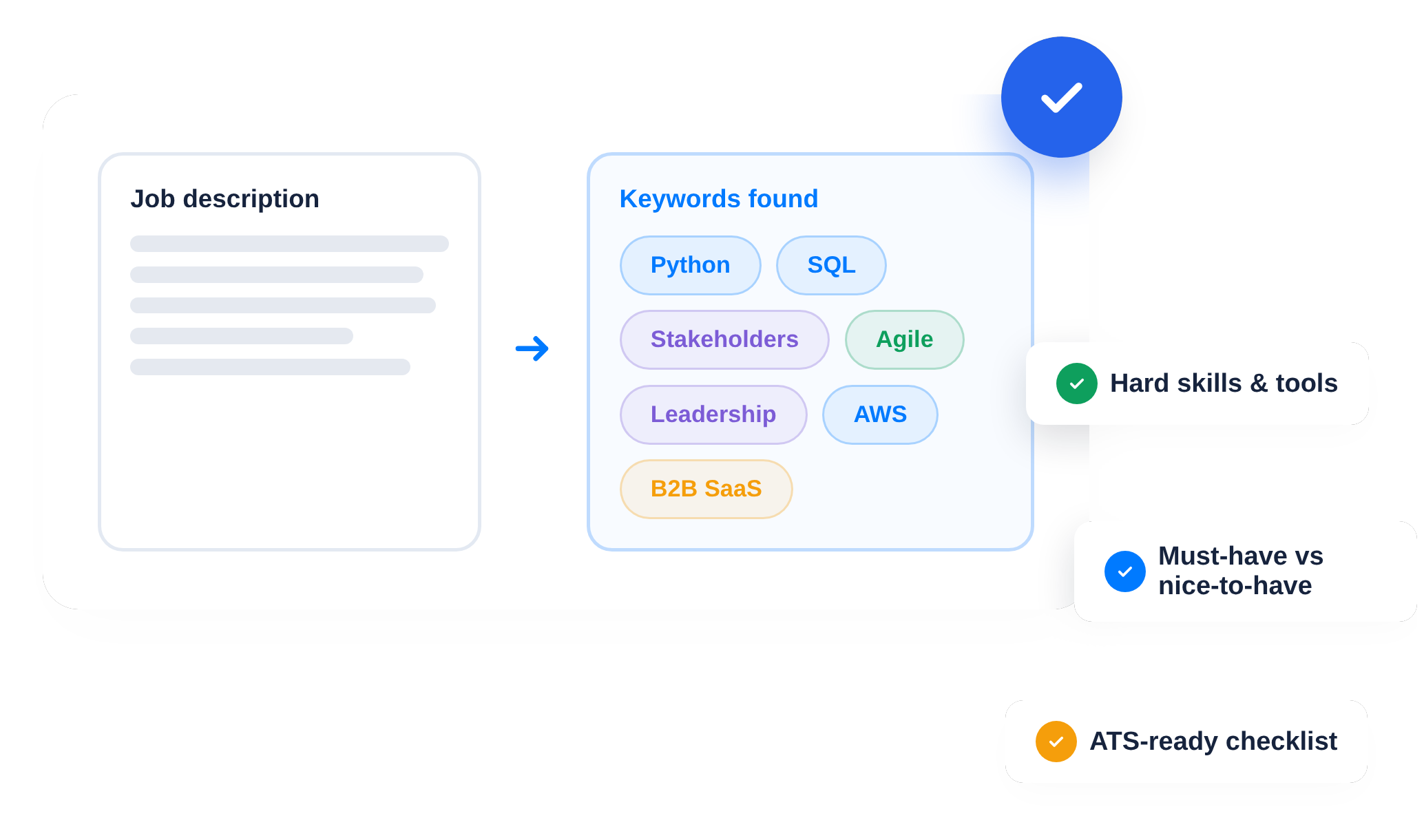









How the job description keyword finder works in 3 steps
From a raw job posting to a clear keyword checklist in under a minute.
1. Paste the job description
Copy the posting from any job board or careers page and paste it in. No formatting needed.
2. AI extracts what matters
The AI separates hard skills, soft skills, tools and qualifications, and flags which terms carry the most weight for the role.
3. Match your resume to it
Use the keyword list as a checklist, or send it straight into resume tailoring so the right terms appear where recruiters look.
Stop guessing, start matching
Two ways job seekers lose interviews: missing keywords in the ATS, and generic resumes that read like everyone else’s.
Beat the ATS filter
Most companies screen resumes automatically before a human reads them. If the posting’s key terms are missing, you are filtered out no matter how good you are.
- Extracts the hard skills, tools and certifications the ATS scans for
- Shows required versus nice-to-have terms at a glance
- Works with postings from any job board or careers page
- Copy the list or apply it directly to your resume
Speak the recruiter’s language
Beyond the ATS, recruiters skim for the vocabulary of the role. Mirroring it makes your experience instantly legible.
- Surfaces the soft skills and seniority signals hidden in the posting
- Highlights repeated terms that reveal what the team cares about
- Helps you mirror the wording in bullets, summary and cover letter
- One click to tailor your resume around the findings
What you get from every job description
One paste, a complete picture of what the role is screening for.
Hard skills & tools
The technical requirements, software and certifications the posting actually names.
Soft skills & traits
Communication, leadership, ownership: the human signals woven into the text.
Must-have vs nice-to-have
Which requirements are dealbreakers and which are flexible, so you know where you stand.
Ready-to-use checklist
A clean keyword list you can work through as you update your resume for the role.
Find the keywords hiding in any job posting
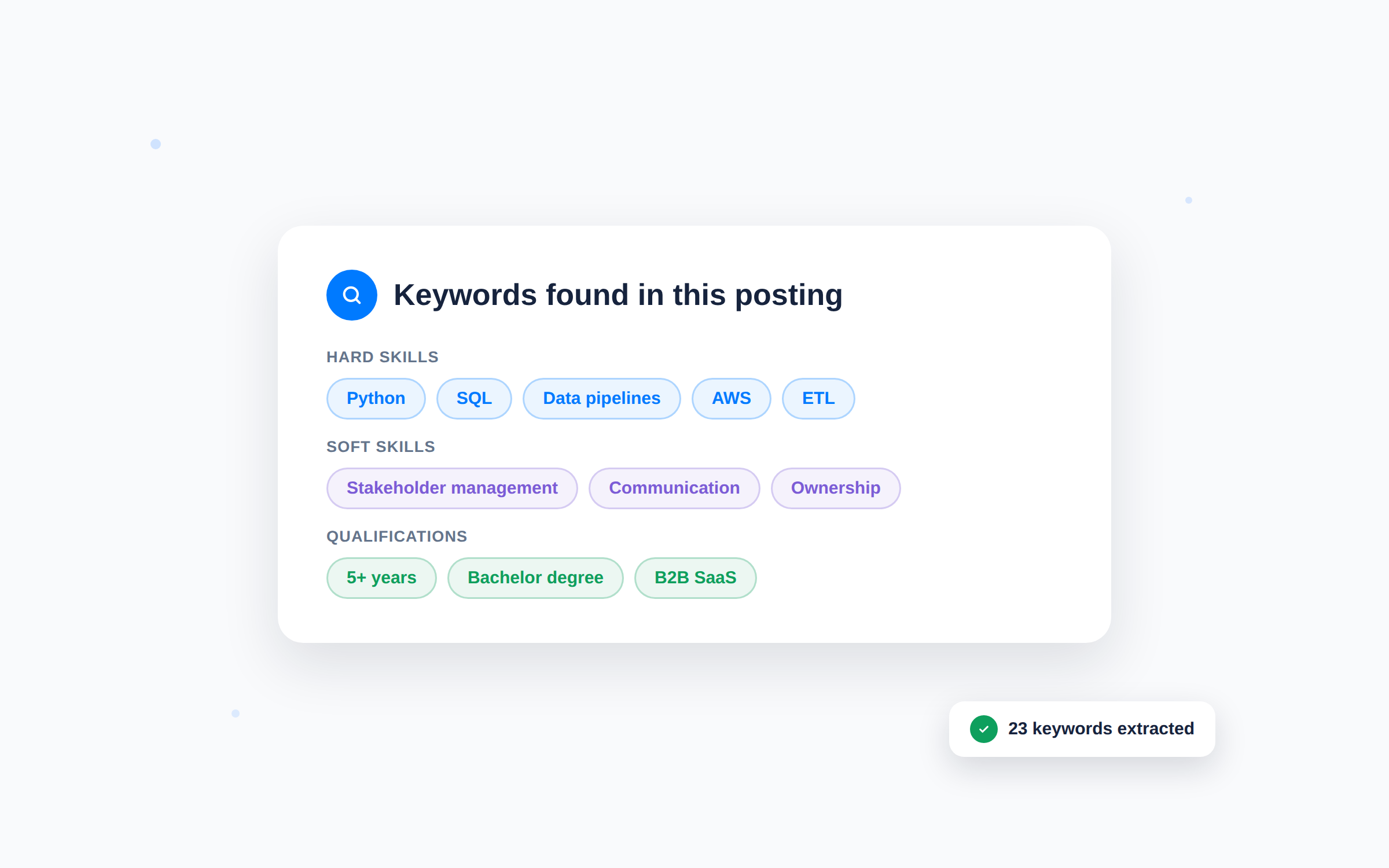
- Paste the full posting, the AI reads it like a recruiter would
- Keywords grouped by type: skills, tools, qualifications and traits
- Works for any industry, seniority and language of posting
Know what the ATS will scan for
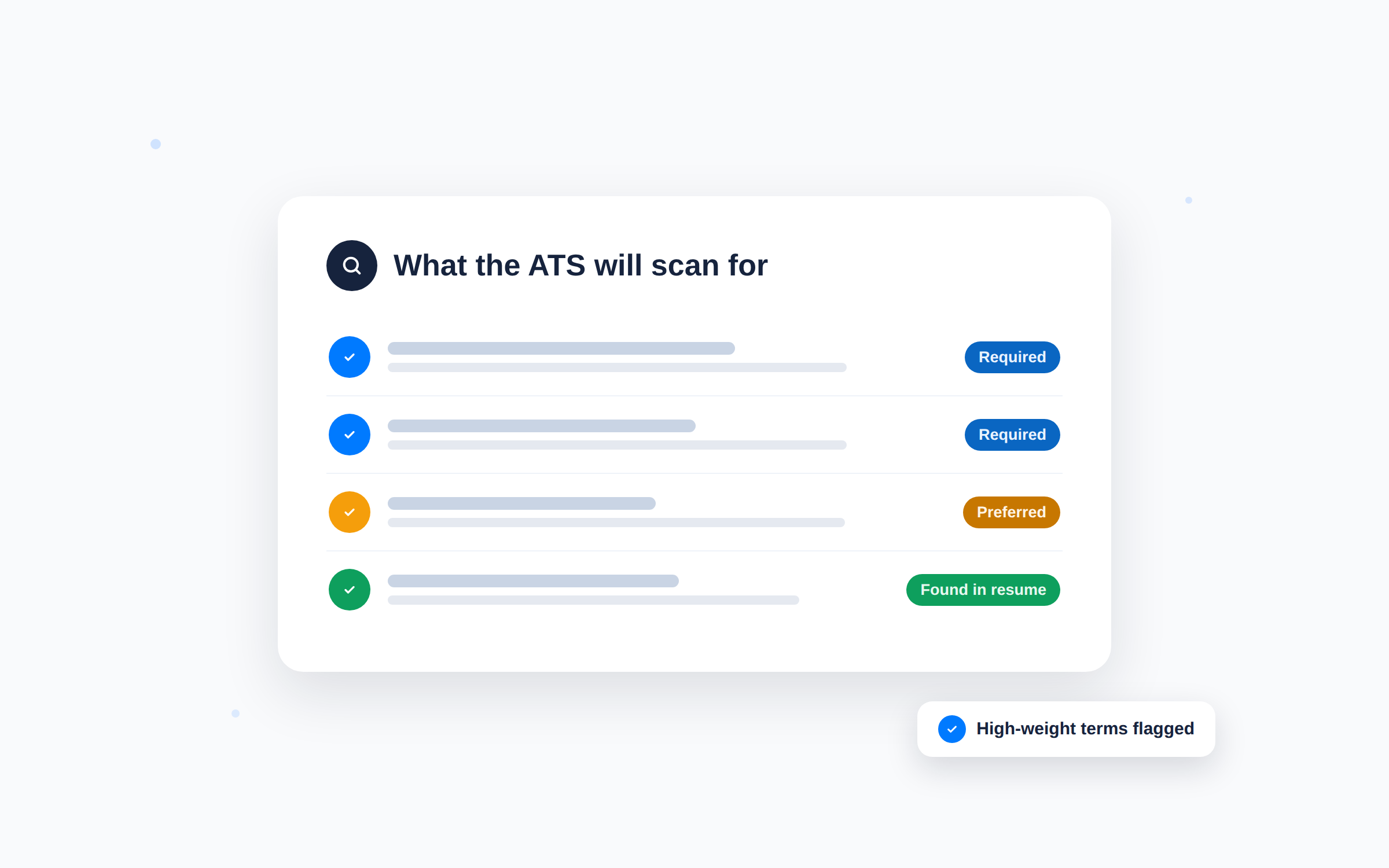
- The exact terms automated filters match against your resume
- Repeated and emphasised terms flagged as high priority
- Pair it with the ATS Resume Checker to see how your current resume scores
From keyword list to tailored resume in one click
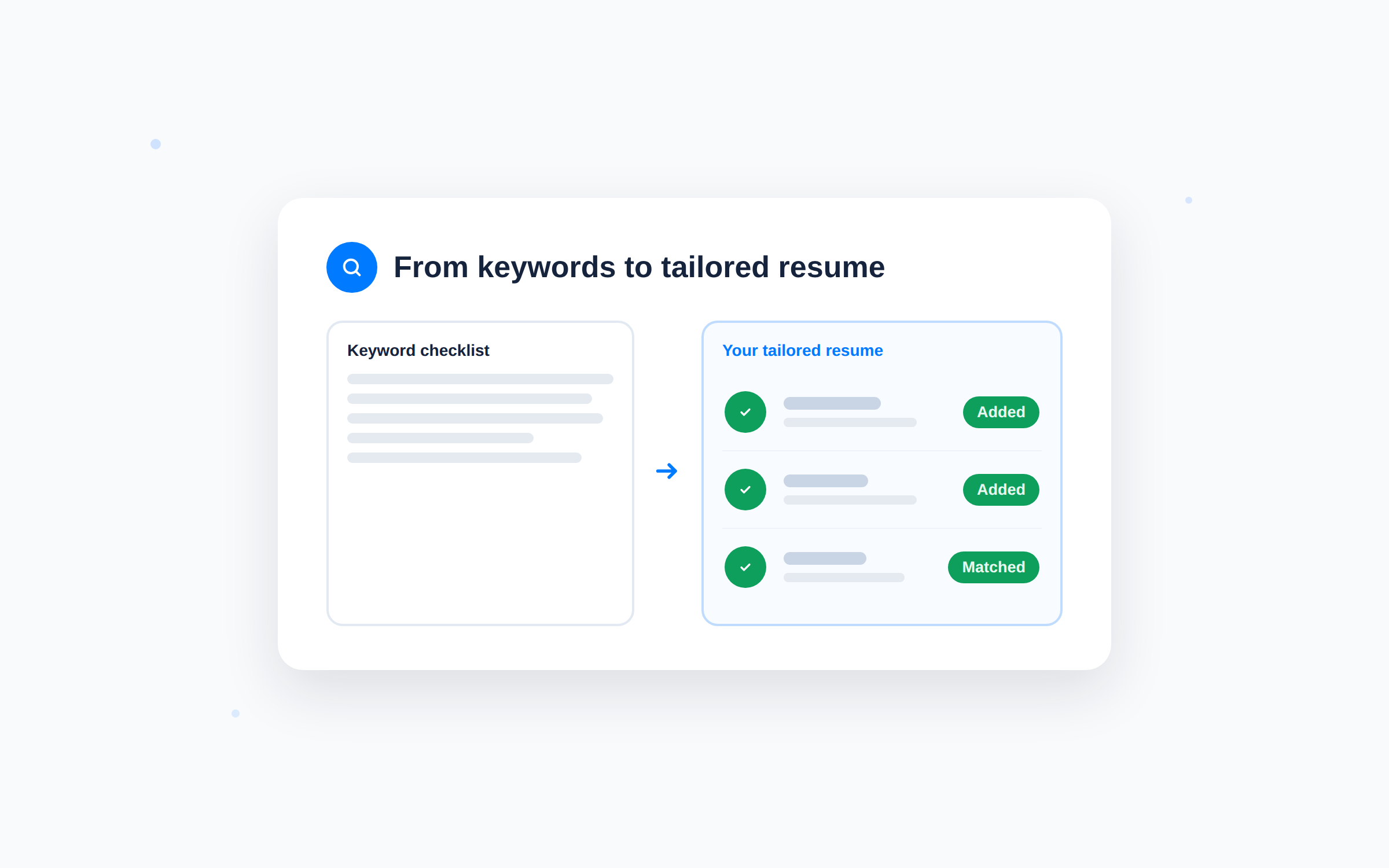
- Send the findings into AI resume tailoring and get a resume built around them
- The right terms placed naturally in bullets, summary and skills
- No keyword stuffing: readable sentences that still pass the filter
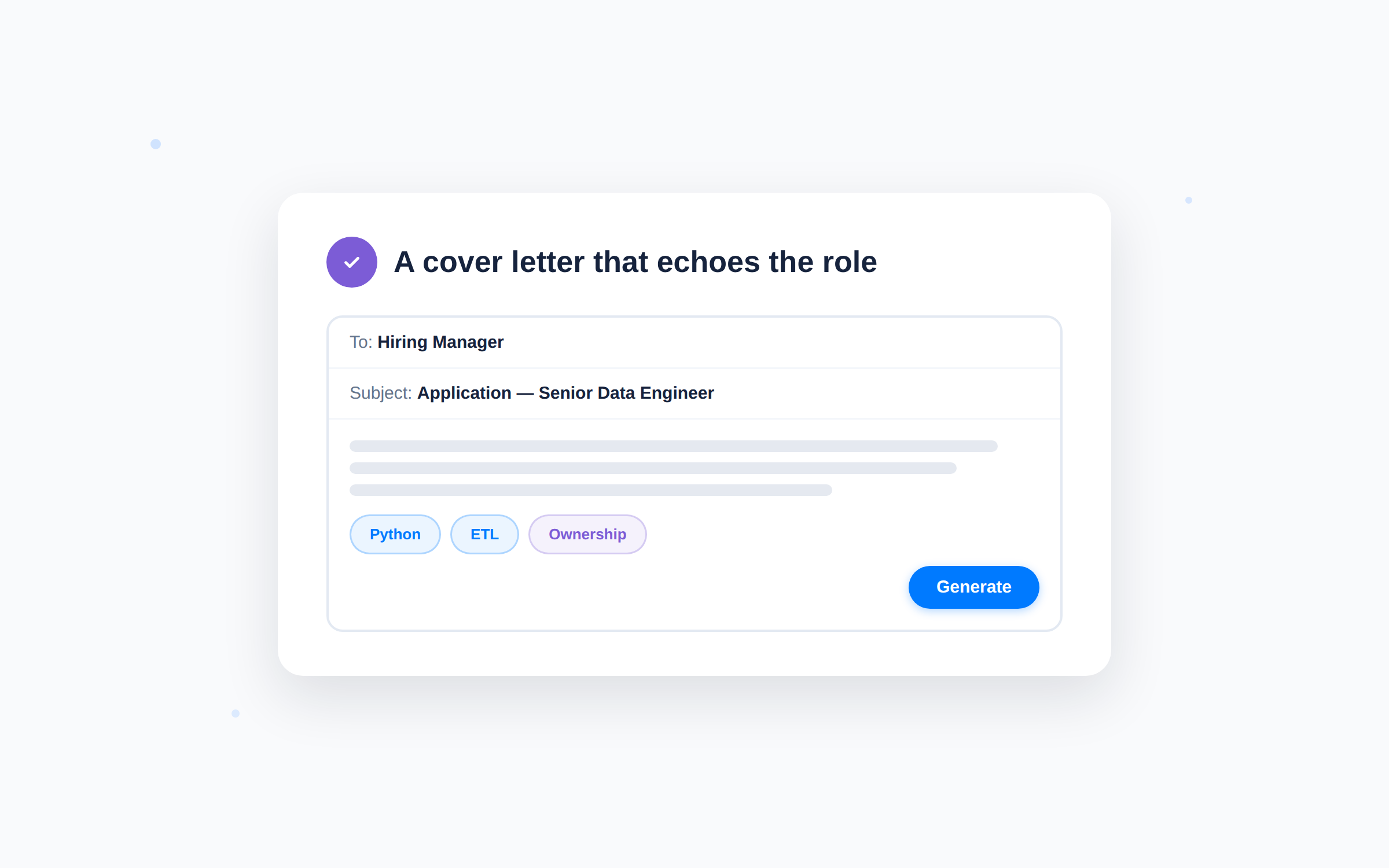
Write cover letters that echo the role
- Reuse the same keyword set in the Cover Letter Generator
- Consistent vocabulary across resume and letter reads as focus
- Every application sounds like it was written for that exact job
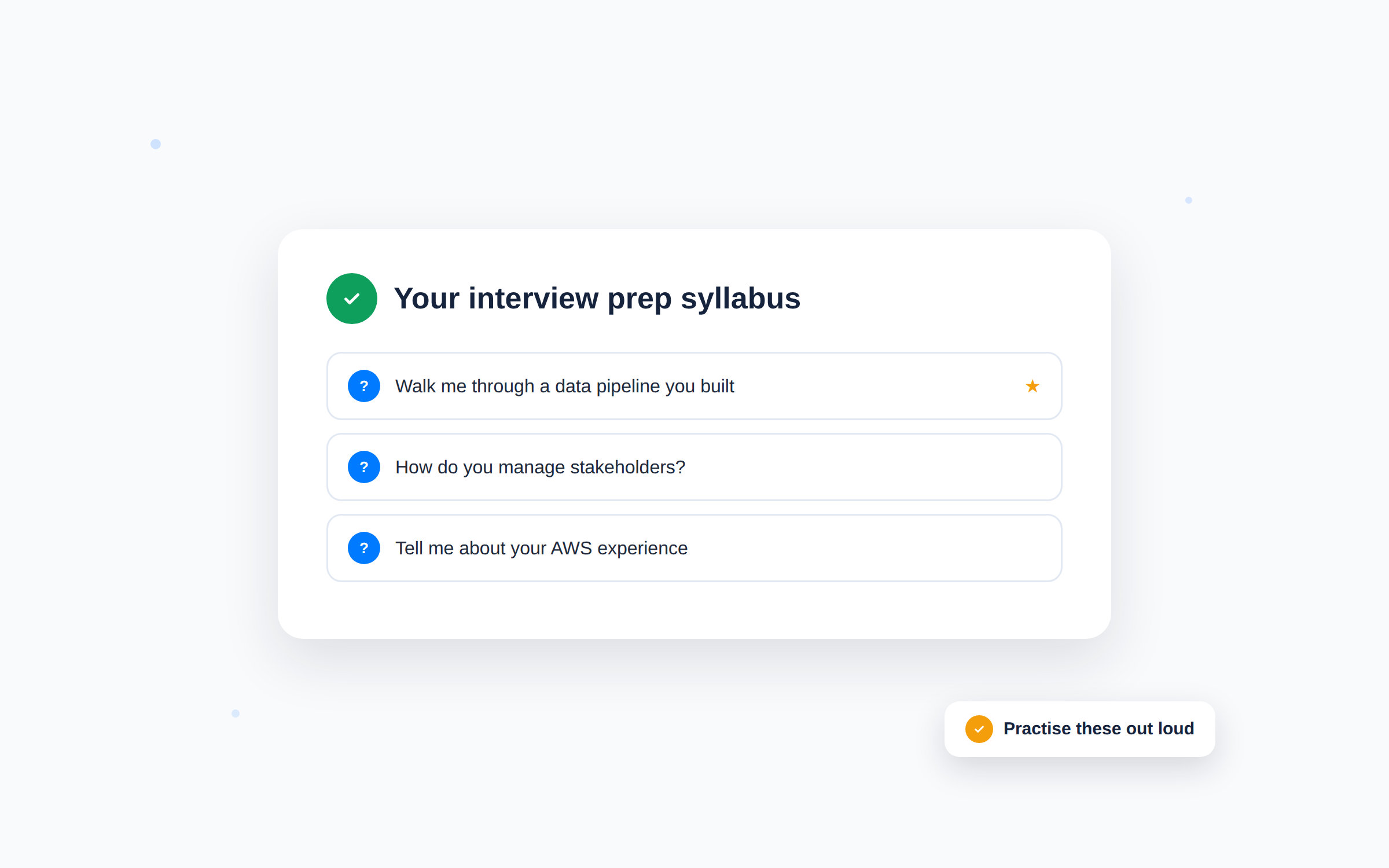
Prepare smarter for the interview
- The keyword list doubles as your interview prep syllabus
- Know which skills to bring stories and examples for
- Rehearse them out loud with the AI Mock Interview
Why use a job description keyword finder
Job postings tell you exactly how to get hired. You just need to read them the way the ATS does.
Get past the first filter
Most rejections happen before a human ever reads your resume. Matching keywords fixes the silent no.
Seconds, not evenings
What used to be highlighting printouts is now one paste and one click.
Apply with focus
Know exactly which of your skills to lead with for each specific role.
Built into your toolkit
Findings flow straight into resume tailoring, cover letters and interview prep.
Free to start
Analyse job descriptions free with a JobWinner account.
Works with any posting
Any job board, any careers page, any industry, any seniority level.
Tired of applying with no results? Choose your plan
Weekly
9
/week
Job Search
- AI Job Search
- Job Tracker
Apply
- AI-powered Resume Builder
- Unlimited Tailored Resumes
- Unlimited Cover Letters
- Skills Match Insights
Interview
- Unlimited Interview Prep Kits
- 10 AI Mock Interview Credits*
Monthly
29
/month
Job Search
- AI Job Search
- Job Tracker
Apply
- AI-powered Resume Builder
- Unlimited Tailored Resumes
- Unlimited Cover Letters
- Skills Match Insights
Interview
- Unlimited Interview Prep Kits
- 40 AI Mock Interview Credits*
Lifetime
145
/forever
Job Search
- AI Job Search
- Job Tracker
Apply
- AI-powered Resume Builder
- Unlimited Tailored Resumes
- Unlimited Cover Letters
- Skills Match Insights
Interview
- Unlimited Interview Prep Kits
- 100 AI Mock Interview Credits*
* 1 AI Mock Interview credit = 5 minutes of practice
Frequently Asked Questions
1. What is a job description keyword finder?
It is a tool that reads a job posting and extracts the keywords that matter: hard skills, tools, qualifications and soft skills. Those are the terms ATS filters and recruiters scan for when they screen resumes, so knowing them tells you exactly what your application needs to show.
2. How does JobWinner's keyword finder work?
Paste the full job description and the AI analyses it in seconds. You get the keywords grouped by type, with the highest-weight terms flagged, plus the option to send the findings straight into resume tailoring.
3. Is it free?
Yes. You can analyse job descriptions for free with a JobWinner account. Paid plans unlock unlimited resume tailoring, cover letters and the rest of the toolkit.
4. What are ATS keywords exactly?
Applicant Tracking Systems compare the text of your resume against the posting’s requirements. ATS keywords are the specific skills, tools, titles and certifications the system is configured to look for. If they are missing from your resume, it can be rejected automatically. The ATS Resume Checker shows how your current resume scores against those filters.
5. Should I just copy the keywords into my resume?
No, and you do not need to. Keyword stuffing is easy to spot and hurts you with human readers. The goal is to work the relevant terms naturally into real achievements, which is exactly what the resume tailoring integration does.
6. Does it work for any industry?
Yes. The AI reads the posting itself rather than relying on a fixed dictionary, so it works for tech, healthcare, finance, trades, education and everything in between.
7. Can it tell required skills from nice-to-have ones?
Yes. The analysis separates hard requirements from preferred qualifications, so you can see instantly whether a gap is a dealbreaker or just a talking point.
8. How is this different from reading the posting myself?
You can absolutely read it yourself. The finder just does in seconds what careful reading does in twenty minutes, and it does not miss terms buried in long paragraphs or repeated signals across sections.
9. Can I use the keywords for my cover letter too?
Yes. The same keyword set works for your cover letter, and the Cover Letter Generator can use the job description directly to write one that echoes the role’s language.
10. Does it help with interview preparation?
More than you would expect. The extracted skills are a preview of what you will be asked about, so the list works as an interview prep syllabus you can rehearse with the AI Mock Interview.
11. Do I need to upload my resume first?
No. You can analyse any job description without a resume. Adding your resume unlocks the next step: tailoring it to the keywords the finder surfaces.
12. What happens after I find the keywords?
Work through the list as a checklist, or let JobWinner’s AI tools do it: one click sends the posting into resume tailoring and your resume comes back aligned with the role, ready to submit.
Decode your next job posting and apply with confidence
Join the job seekers landing offers with JobWinner’s AI tools