
 EN
EN  ES
ES  IT
IT  FR
FR Convert your LinkedIn profile into a resume in under 1 minute
Paste your LinkedIn URL into JobWinner. In seconds, get a clean, ATS-ready resume built from your real experience, formatted and optimized for job applications.
Trusted by over 10,000 professionals
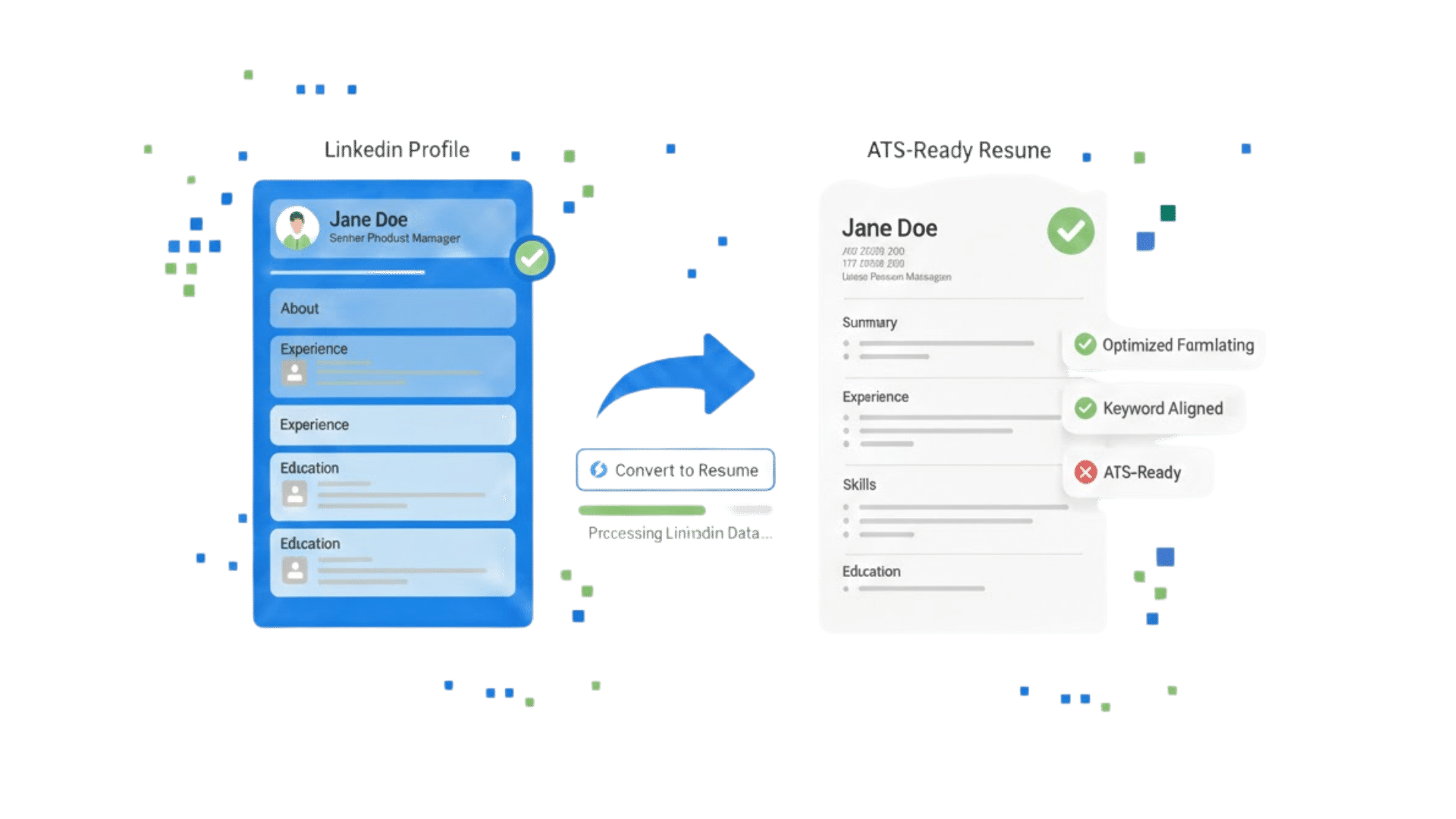









Convert your LinkedIn Profile to Resume in 3 easy steps
Upload your current LinkedIn profile URL or downloaded as PDF and our AI instantly scans and generate a full review of your profile
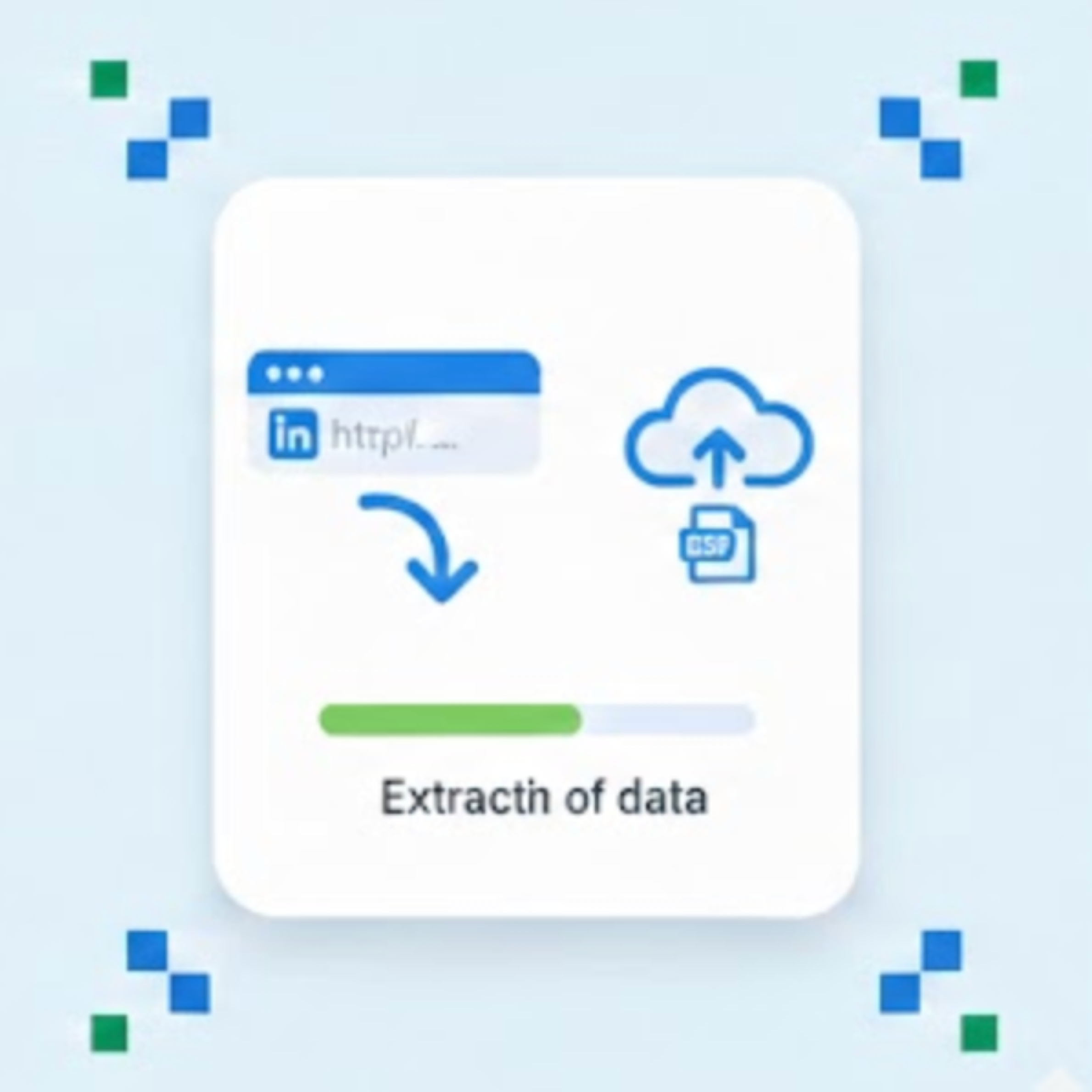
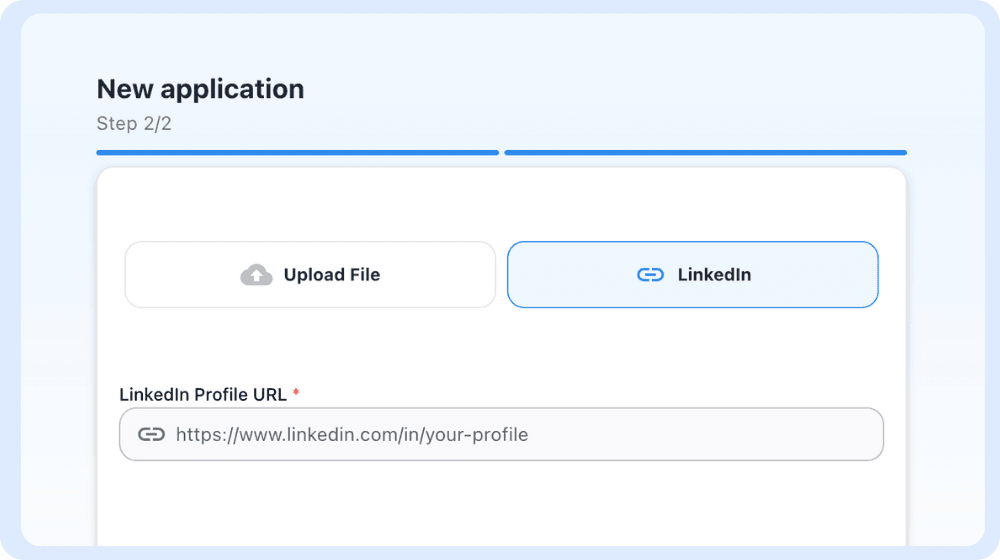
Upload your LinkedIn profile to JobWinner
Paste your LinkedIn URL or upload your LinkedIn PDF. We extract your experience, roles, and skills automatically
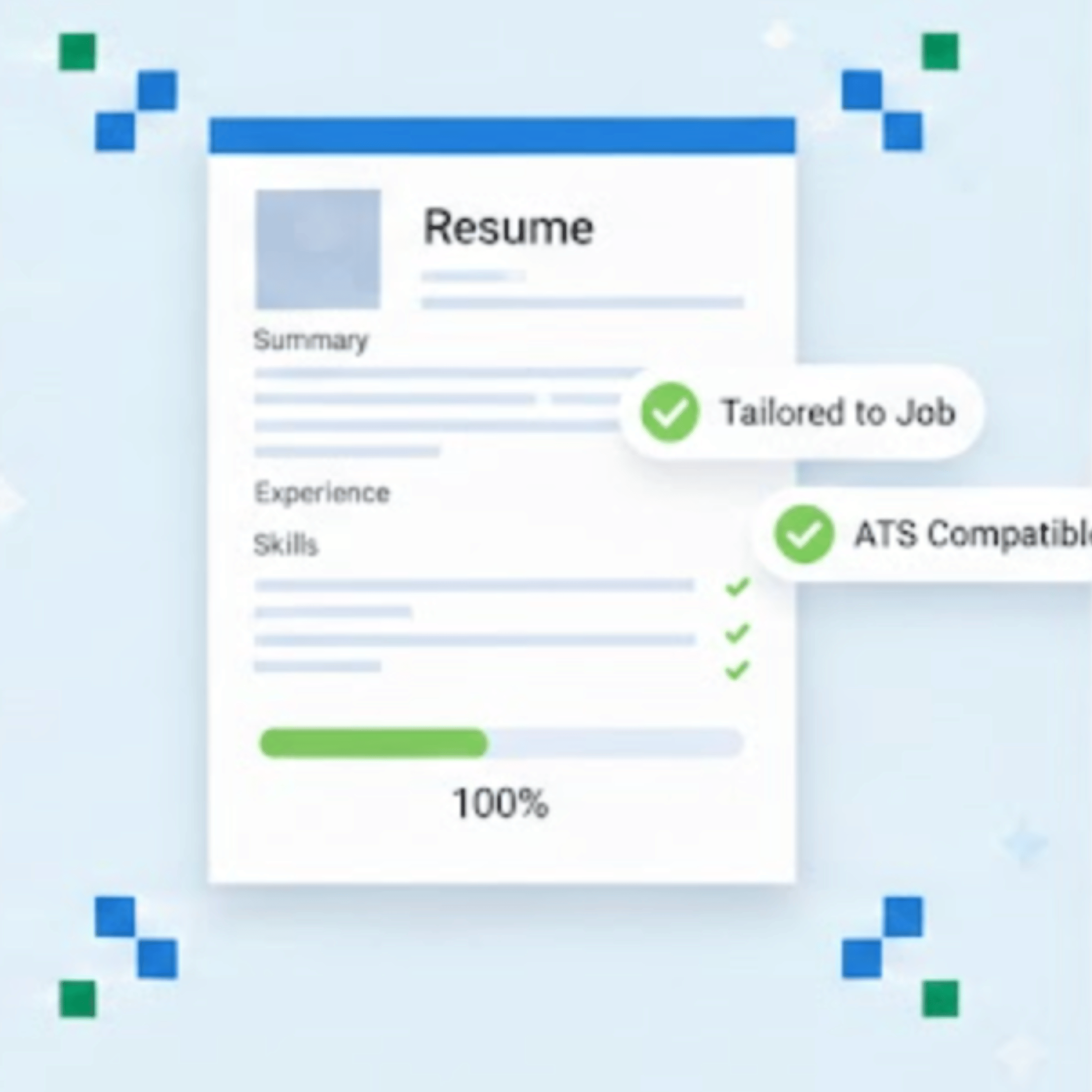
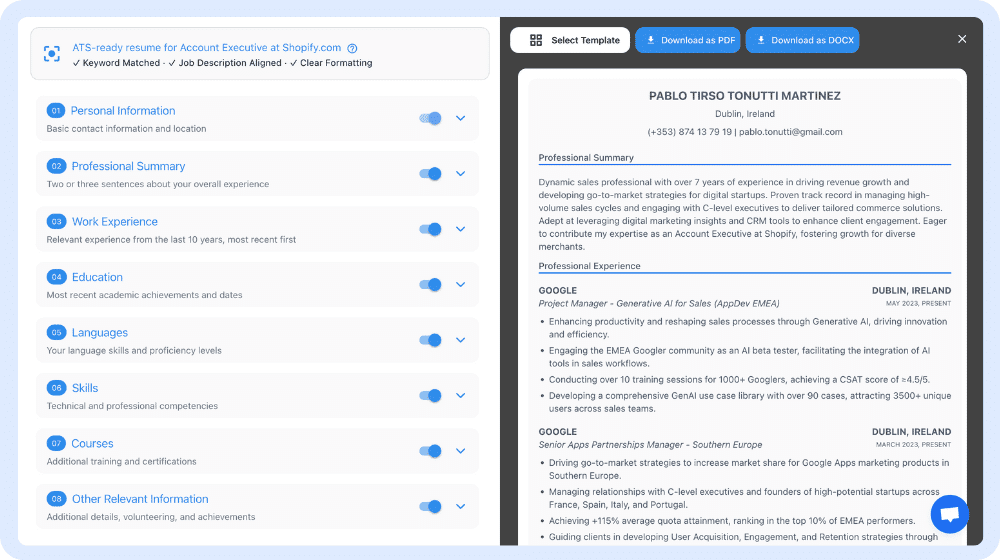
Get your resume draft
See your LinkedIn content rewritten into a clean resume structure with optimized bullet points and sections
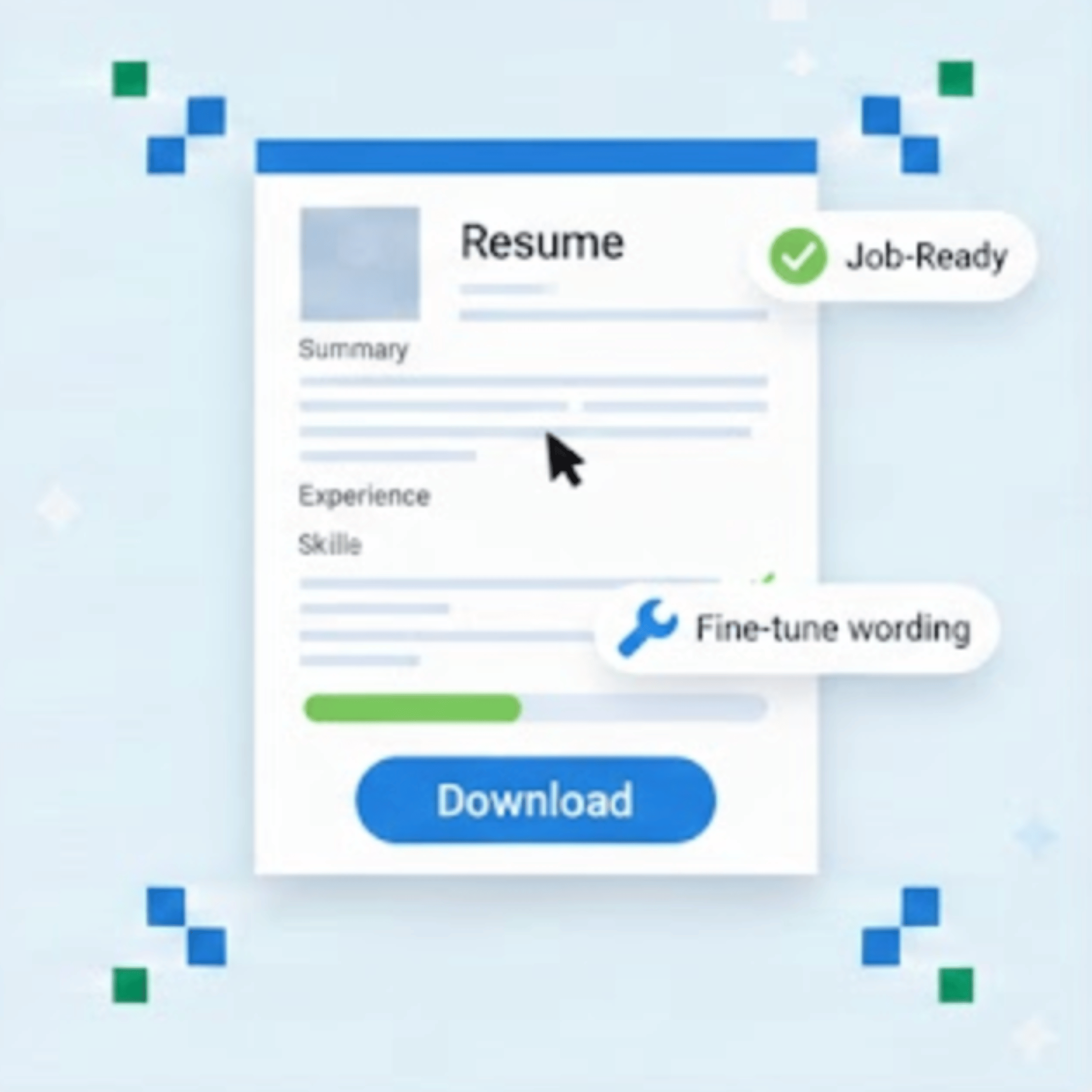
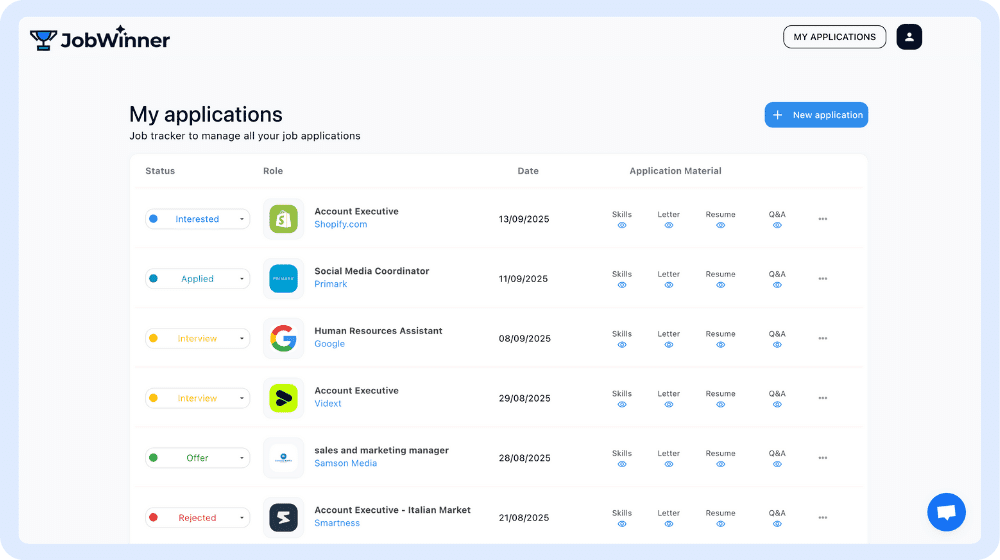
Apply edits or download
Fine-tune content, adjust wording, or download your resume ready to apply to jobs.
Instantly convert your LinkedIn profile into a resume
- Paste your LinkedIn URL or upload your LinkedIn PDF. No forms or manual rewriting required
- Our AI instantly extracts, structures, and formats your experience into a resume
- Review, adjust if needed, and download a job-ready resume in one place
From LinkedIn Profile to Job-Ready Resume
- Convert your LinkedIn profile into a structured resume using our resume builder, automatically organizing Summary, Experience, Skills, and Education
- Apply job-specific tailoring to rewrite bullet points and highlight the experience that matters most for each role
- Run built-in ATS checks to ensure your resume is readable, keyword-aligned, and ready for recruiter systems
A smarter way to turn experience into applications
- Designed for professionals who want a clean, clear resume without starting from scratch
- Built to reflect how recruiters read resumes, not how LinkedIn displays profiles
- Part of JobWinner’s connected tools to help you apply faster and with more confidence
Frequently Asked Questions
1. How fast can I turn my LinkedIn profile into a resume with JobWinner?
Your resume is generated in seconds after you paste your LinkedIn URL or upload your LinkedIn PDF. The initial draft is created automatically using your existing experience and structure, and from there you can review the content, make edits, tailor it to a specific role, or download it immediately.
2. Can I edit the resume after it’s generated?
Yes. Once your resume is created, you have full control over the content, and you can edit any section manually or use the AI tools across the JobWinner toolkit to rewrite specific parts like bullet points, summaries, or skills. This lets you improve individual sections over time without regenerating the entire resume from scratch.
3. How does JobWinner extract information from my LinkedIn profile?
JobWinner analyses the public information in your LinkedIn profile to identify roles, responsibilities, achievements, skills, and education. The tool then reorganises and rewrites this information into a resume format that follows resume best practices, adapting it to how recruiters expect information to be presented in a resume.
4. Will my resume be tailored to a specific job?
Yes. You can tailor your resume to a specific role by adding a job description during the process, and the AI adjusts language, emphasises the most relevant experience, and aligns keywords with the job requirements. Run Skills Insights on the same job description first to see your match score and the skills you should highlight.
5. Is the generated resume ATS-friendly?
Yes. The generated resume follows ATS-friendly formatting standards, and you can run the ATS Resume Checker to identify common issues related to structure, keyword usage, or formatting before sending it to recruiters.
6. Do I need to give JobWinner access to my LinkedIn account?
No. JobWinner does not ask for your LinkedIn password or edit permissions, since your resume is created using a LinkedIn URL or a PDF export that you choose to provide. Your LinkedIn account remains private and fully under your control throughout the process.
7. Can I add information that isn’t on my LinkedIn profile?
Yes. You can add new roles, projects, achievements, skills, certifications, or even entire sections directly inside the resume builder. JobWinner is designed to help you build a complete and accurate resume, so you can include important experience that is not yet listed on LinkedIn.
8. Can I export or download my resume once it’s ready?
Yes. Once you are happy with the final version of your resume, you can download it and use it for job applications immediately. You can also return to your resume later to update content, tailor it for different roles, or run additional checks as your career evolves.
9. How does the LinkedIn Profile to Resume converter work with other JobWinner tools?
Your LinkedIn profile becomes the starting point for the rest of the JobWinner tools. Once imported, it can be used to create a tailored resume, refine specific sections, run ATS checks, and generate related elements such as summaries or bullet points. All tools work with the same profile data, so improvements in one place carry across your application materials.
Convert your LinkedIn profile into a professional, application-ready resume with JobWinner
Join the ranks of successful job seekers hired thanks to JobWinner AI tools